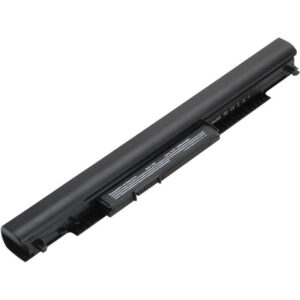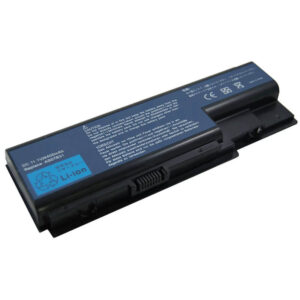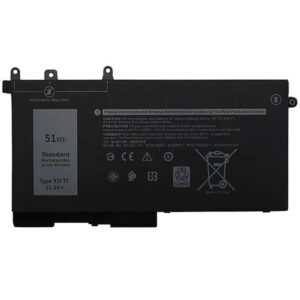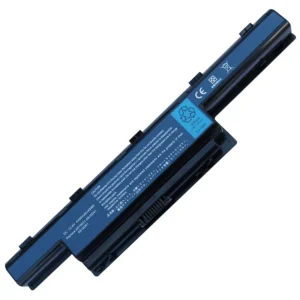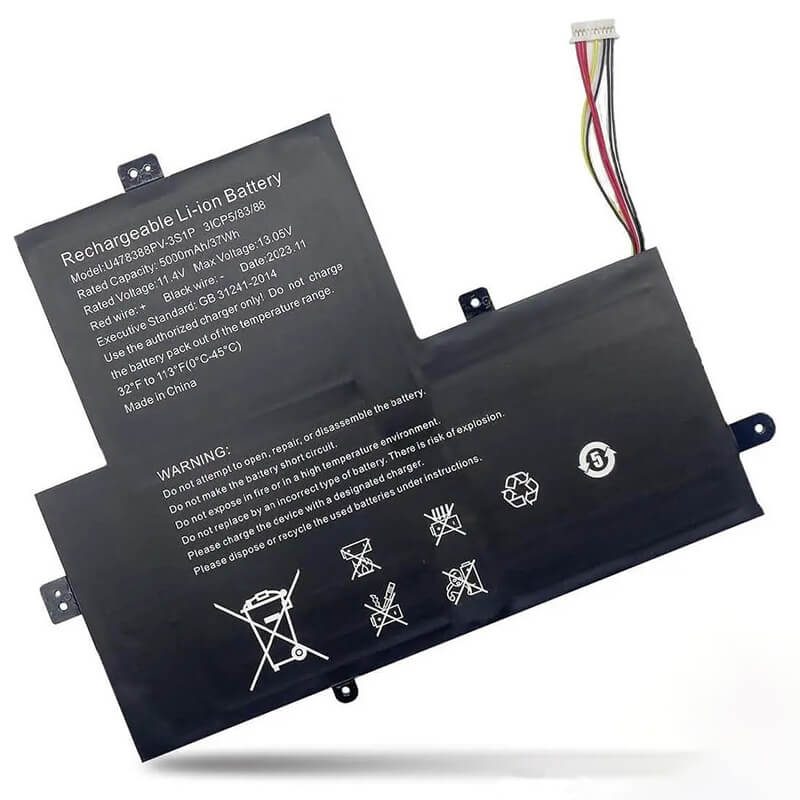
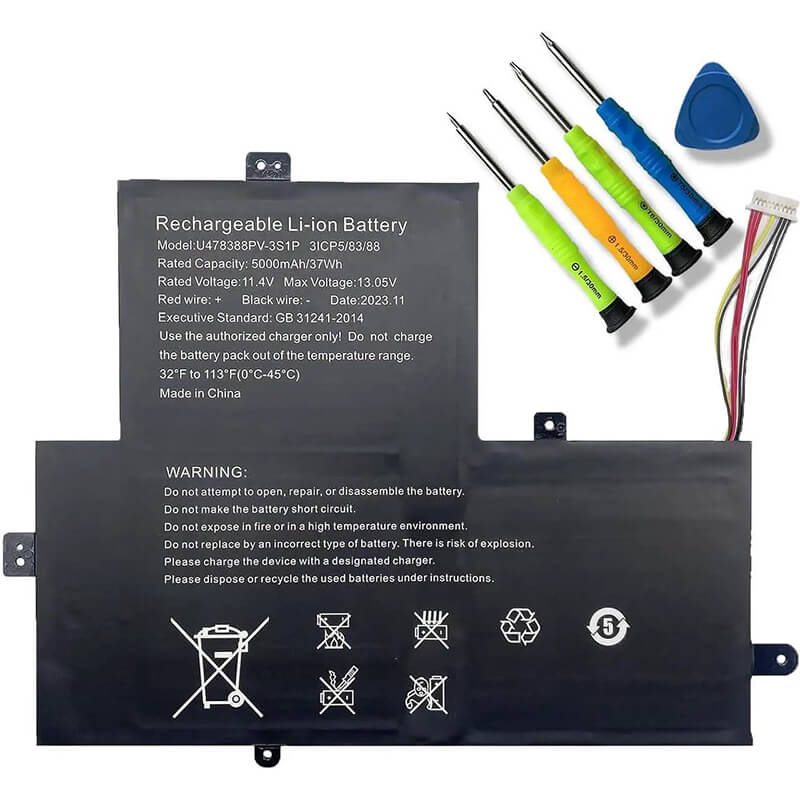
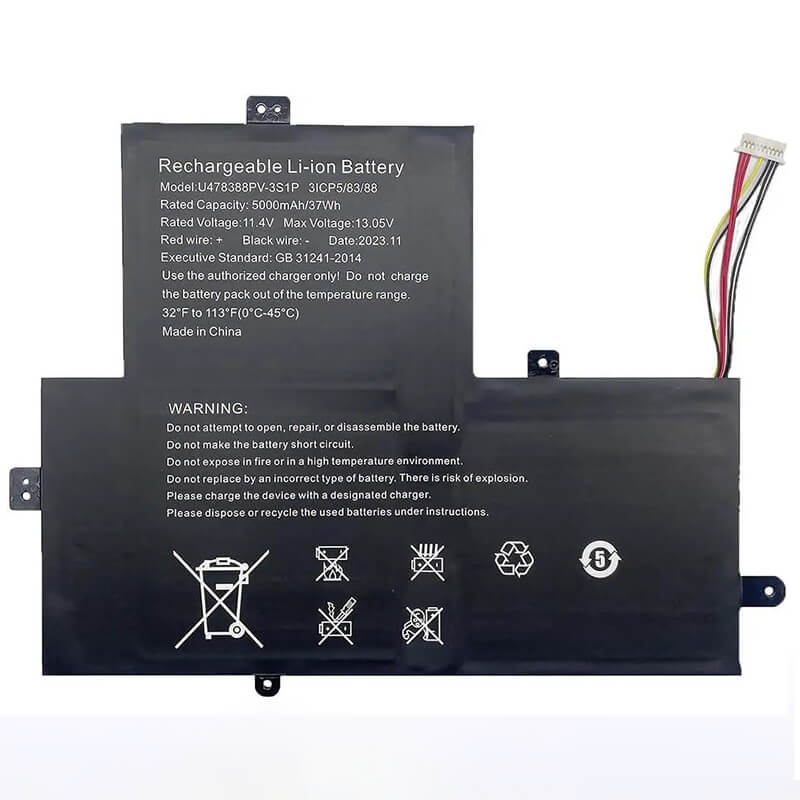
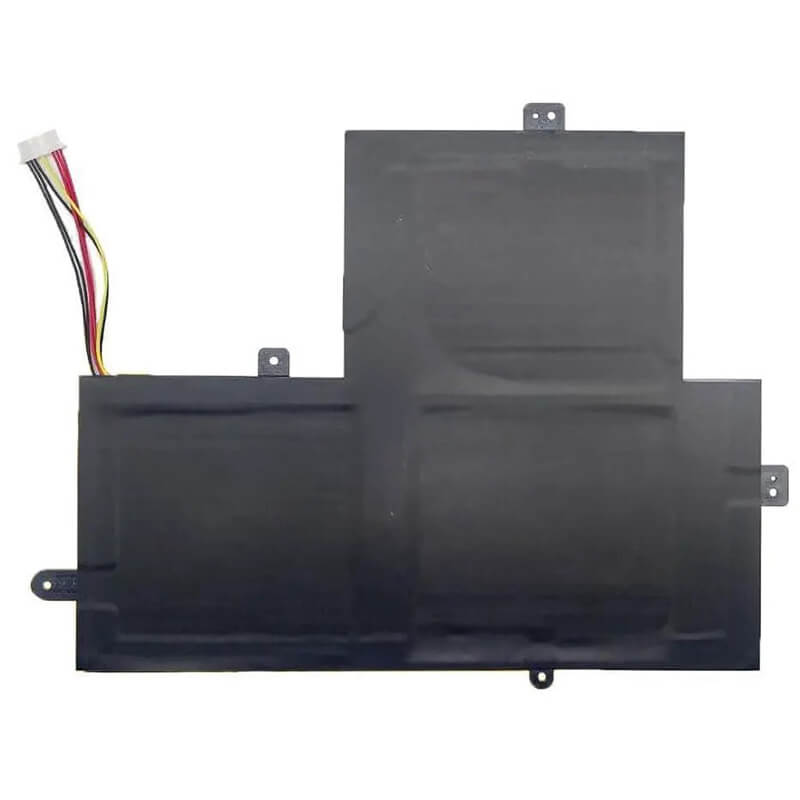
- Model Numbers: U478388PV-3S1P / U478388PV Battery
- Battery Type: Lithium-ion Polymer (High-Density cell)
- Voltage: 11.4V (Fully compatible with 11.1V/11.55V)
- Capacity: 5000mAh / 37Wh (High-Efficiency cells)
- Cells: 3-Cell
- Connector: 10-Wire Precision Ribbon Connector
- Condition: 100% Brand New from Factory
- Life Cycle: 600 – 1000 recharge cycles
- Multiple Protection: Over Current, Over Voltage, Over Charge & Discharge, Overheat, Short Circuit, ESD, EMI
- Color: Black
- Certifications: UL2054, CE, FCC, RoHS, UN38.3, MSDS, IEC62133
- OEM/ODM: Yes(Accepted)
- Warranty: 18 Months After Sales, 24/7 Email Support.
- Product Dimensions: 8.5 x 6.75 x 0.25 inches
- Item Weight: 8.11 ounces
U478388PV-3S1P Battery for Gateway GWTN141-4 GWTN156-7 Thomson Neo 14 | 11.4V 5000mAh 37Wh 3-Cell
Detailed Product Specifications and Features:
Core Technical Parameters:
| Property | Specification |
|---|---|
| Model Numbers | U478388PV-3S1P / U478388PV Battery |
| Battery Type | Lithium-ion Polymer (High-Density cell) |
| Voltage | 11.4V (Fully compatible with 11.1V/11.55V) |
| Capacity | 5000mAh / 37Wh (High-Efficiency cells) |
| Cells | 3-Cell |
| Connector | 10-Wire Precision Ribbon Connector |
| Condition | 100% Brand New from Factory |
| Life Cycle | 600 - 1000 recharge cycles |
| Multiple Protection | Over Current, Over Voltage, Over Charge & Discharge, Overheat, Short Circuit, ESD, EMI |
| Color | Black |
| Certifications | UL2054, CE, FCC, RoHS, UN38.3, MSDS, IEC62133 |
| OEM/ODM | Yes(Accepted) |
| Warranty | 18 Months After Sales, 24/7 Email Support. |
| Product Dimensions | 8.5 x 6.75 x 0.25 inches |
| Item Weight | 8.11 ounces |
Technical Note:
- Design Note: The U478388PV-3S1P is an internal thin-film battery.
- Visual Identification: It is a very thin, flexible rectangular pouch with a distinct 10-wire cable.
- Brand Versatility: Because many budget-friendly ultra-slim laptops share the same internal chassis (OEM designs), this battery fits dozens of brands, including Gateway, Thomson, Jumper, and Hyundai.
- Fitment Tip: Always check the connector wire count and the physical dimensions (Approx 225mm x 171.45mm) before ordering, as internal layouts in these models can vary by production year.
Product Features:
- Battery Newest Premium Grade Cells
- Best Circuit Board
- Multiple command chip control, keep the battery stable charge and discharge;
- Over-charger protection and discharger protection, short-circuit protection, ensure fast charges and low power consumption
- Easy & Quick Installation
- Our battery is 100% compatible with the original battery and meets
- CE/FCC/ROHS/UL-certified standards. It is 100% new from the manufacturer and can support up to 1000 recharge cycles over the life of the battery
- Power Interface: Gold-plated connector points to ensure current transport excellently and serve stably.
- Enclosure: The enclosure is made of ABS + PC high-quality material, which has a high-temperature-resistant function to protect your laptop from overheating
- Battery Buckle: The battery buckle is closely connected to the laptop, and the metal interface is stably powered
U478388PV-3S1P / U478388PV Battery Compatibility Laptop Model List:
1. Compatible Laptop Model List (Comprehensive)
| Brand | Specific Model Suffixes (High-Volume Searchable Variants) |
|---|---|
| Gateway | GWTN141 Series: GWTN141-4, GWTN141-4BK, GWTN141-4BL, GWTN141-4PR, GWTN141-4RG |
| Gateway Ultra Slim | GWTN156 Series: GWTN156-7, GWTN156-7BK, GWTN156-7BL, GWTN156-7PR, GWTN156-7RG |
| Thomson Neo | Neo 14, Neo 15: Neo 14C (N14C4BK128), Neo 15C (N15C4BK256), N14C4BK128, N14C4C64 |
| Hyundai | Thinline L14WB2: L14WB2BK, L14WB2S, Hyundai Onix III |
| Jumper | Ezbook S4, X3: Ezbook S4-64G, Ezbook X3 Air, X3 Premium, jumper X3 Air, Ezbook 3 Pro (Verify Connector) |
| ⚠️ VOLTAGE CHECK | ONLY for 11.4V Systems. Not for 7.4V/7.6V versions of these laptops. |
2. U478388PV-3S1P / U478388PV Battery Compatible Part Numbers (P/N List)
- Primary Engineering ID: U478388PV-3S1P
- Alternative P/N: 3S1P-U478388PV, U478388PV
- Chassis Equivalents: NV-3580115-3S, 3S1P-3580115 (Check dimensions)
- Regulatory Code: 3ICP5/83/88 (Standardized IEC Cell Code)
Why Choose HTJ U478388PV-3S1P Battery?
- 5000mAh True Capacity:
Budget ultra-slim laptops often suffer from “fake” capacity ratings. HTJ uses Grade-A cells that provide a guaranteed 5000mAh / 37Wh, giving your Gateway or Thomson Neo the full 6–8 hours of battery life it was designed for. - Ultra-Thin Profile for Modern Chassis:
With a thickness of less than 5mm, the HTJ U478388PV-3S1P fits perfectly in “fanless” laptop designs. Our precision-engineered pouch prevents “bulging,” which can otherwise crack slim plastic casings or damage trackpad sensitivity. - 10-Wire Intelligent BMS:
The 10-wire connector provides granular data to the laptop’s motherboard. This ensures the Windows battery icon accurately reflects the charge state and prevents the laptop from suddenly shutting down at 10% or 15%. - Certified Safety for Portable Use:
Since ultra-slim laptops are often carried in backpacks or used on laps, safety is paramount. HTJ batteries are multi-certified (CE/RoHS/UL) to include over-charge, over-discharge, and short-circuit protection.
How to Install Your New U478388PV-3S1P Battery?
The U478388PV-3S1P is an internal battery. A small Phillips #00 screwdriver and a thin plastic pry tool are required.
⚠️ Pre-Installation Safety Check:
- Power: Ensure the laptop is completely powered off and unplugged.
- Caution: Do not puncture or bend the battery pouch during installation.
Installation Guide:
- Remove Bottom Panel: Unscrew all screws on the bottom of the laptop. Some may be hidden under rubber feet.
- Disconnect: Carefully pull the 10-wire connector away from the motherboard. Note: Pull the plastic housing, not the colored wires.
- Remove Battery: If the screws hold the battery, remove them. If it is held by adhesive, use a plastic tool to pry it up gently.
- Install HTJ Battery: Align the new battery and plug the 10-wire connector firmly into the motherboard.
- Test: Before closing the case, connect the charger to see if the charging light turns on.
- Close: Reattach the bottom panel and charge to 100% to calibrate the new 5000mAh capacity.
💡 Pro Tip (Initialization):
Because these “Value” laptops use simplified charging circuits, you should perform three full cycles (Charge to 100%, discharge to 5%, repeat) to ensure the Windows software fully recognizes the new 37Wh power range.
FAQ (Frequently Asked Questions)
- Q: Will this fit my 14-inch Gateway laptop?
A: Most likely. The GWTN141-4 is the most common model for this battery. However, always open your laptop to verify that the part number U478388PV-3S1P is printed on your original battery. - Q: Can I use this if my original battery was 4500mAh?
A: Yes! 5000mAh is a capacity upgrade. As long as the 11.4V and the connector match, the higher mAh will simply give you longer runtime. - Q: My laptop won’t turn on without the charger. Is this the right part?
A: Yes. If your laptop only works while plugged in, the internal battery cells have likely reached the end of their life cycle or have “dropped” a cell. This HTJ replacement restores full mobility. - Q: My laptop is 14.1 inches, but my battery is 275mm long. Will this 225mm version fit?
A: No. While the voltage is the same, the screw holes will not align, and the cable may be too short. You must match the length of your original pouch. This U478388PV-3S1P is specifically the 225mm version. - Q: Why does my Jumper Ezbook have a different part number?
A: Manufacturers like Jumper and Thomson source batteries from multiple factories. If your battery looks identical, is 11.4V, and has a 10-wire connector, this HTJ U478388PV-3S1P is the correct functional replacement regardless of the label brand. - Q: Can I use this in an 11.6-inch Netbook?
A: Unlikely. Most 11.6-inch devices use a 2-cell (7.4V) battery. This is a 3-cell (11.4V) battery for 14-inch and 15-inch Ultra-Slim chassis. Using the wrong voltage can permanently damage your motherboard. - Q: Does the battery come with adhesive tape?
A: HTJ internal pouches are designed for a precision fit. If your laptop chassis requires adhesive rather than screws, we recommend using thin electronics-grade double-sided tape (like Tesa) to prevent the battery from shifting inside the ultra-slim case.
Laptop Maintenance Tips:
- New battery: For using a new battery, you’d better try a few cycles of discharging to 5%. then charging up to 95%. So that it can be activated completely
- Overuse: Do not always run a battery to 0%, as this would reduce its usage life.
- Charging sequence: When charging, first install the battery, then turn on the power. When fully charged, first cut off the power, then pull the power plug.
- Long-term storage: Please store the unused battery fully charged. (Charge it once a month.) Do not store at low power to prevent reducing the lifespan of a battery
- Charger: Do not replace the laptop adapter casually. If the original adapter cannot be applied due to malfunction or damage, please replace the models so as not to reduce the service life of the battery due to incompatibility.
【IMPORTANT】: Press [ Ctrl+F ] to find the laptop models.
Need a legacy/unlisted charger? Send your Gateway Laptop Battery specs or CONTACT US → We will source it for you!
We are a professional manufacturer in the field of laptop batteries, laptop adapters, and laptop keyboards. We are committed to providing high-quality, competitively priced, and superior performance batteries and the best service to customers.