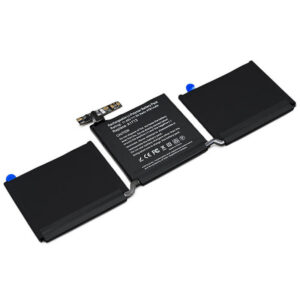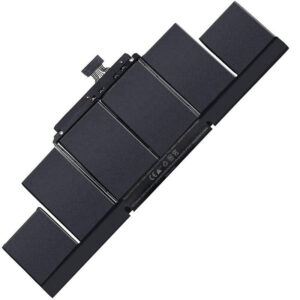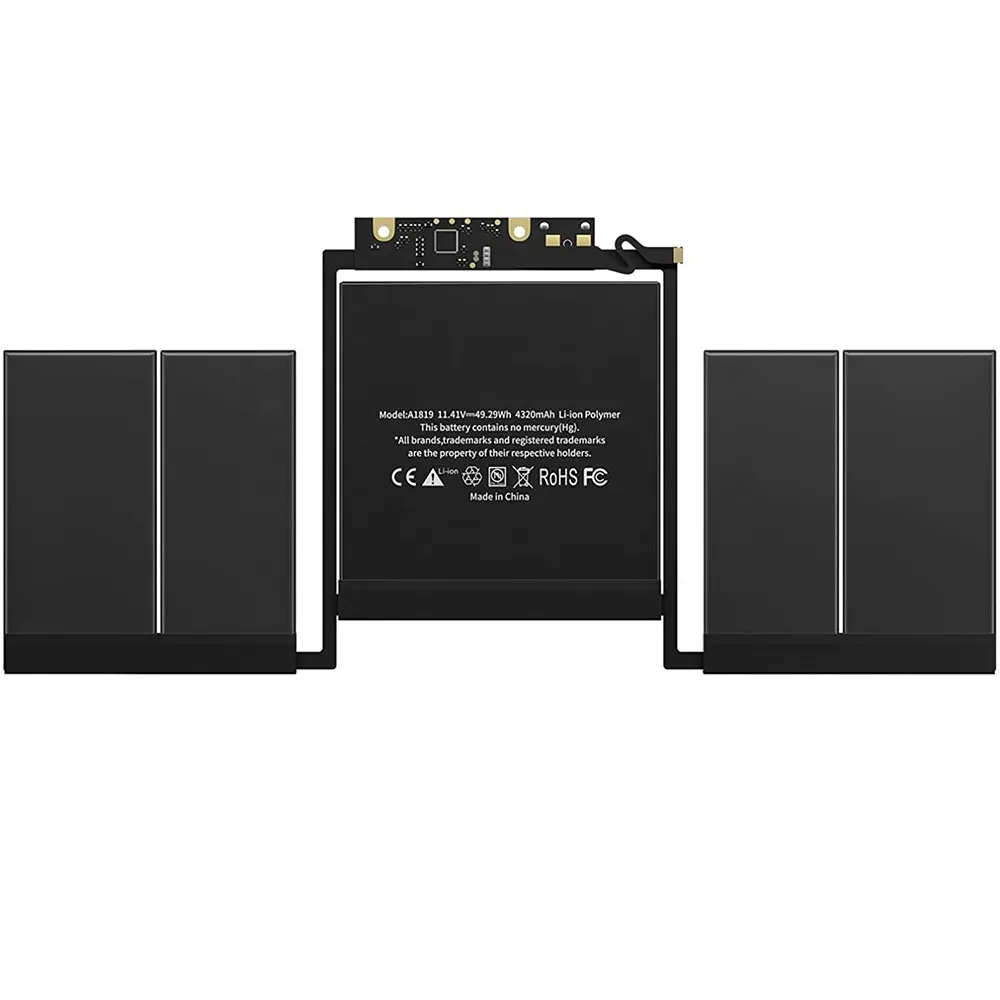
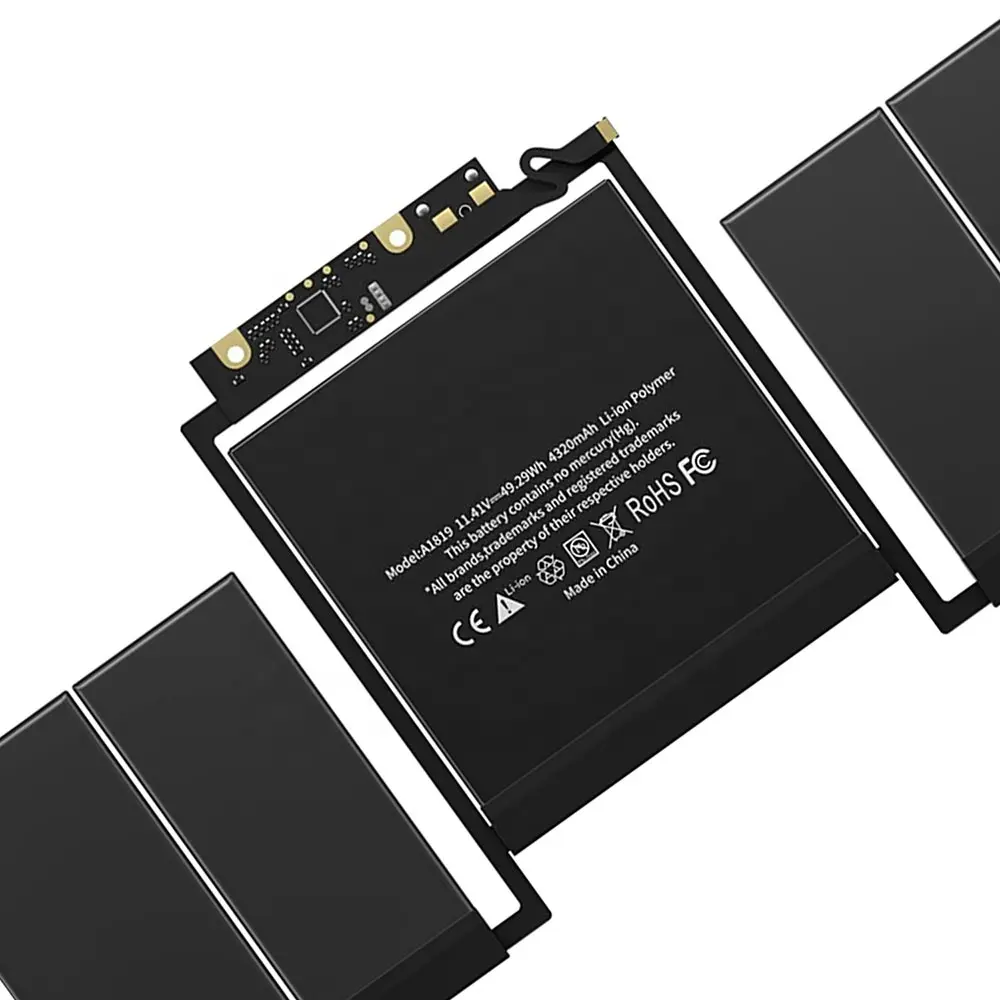
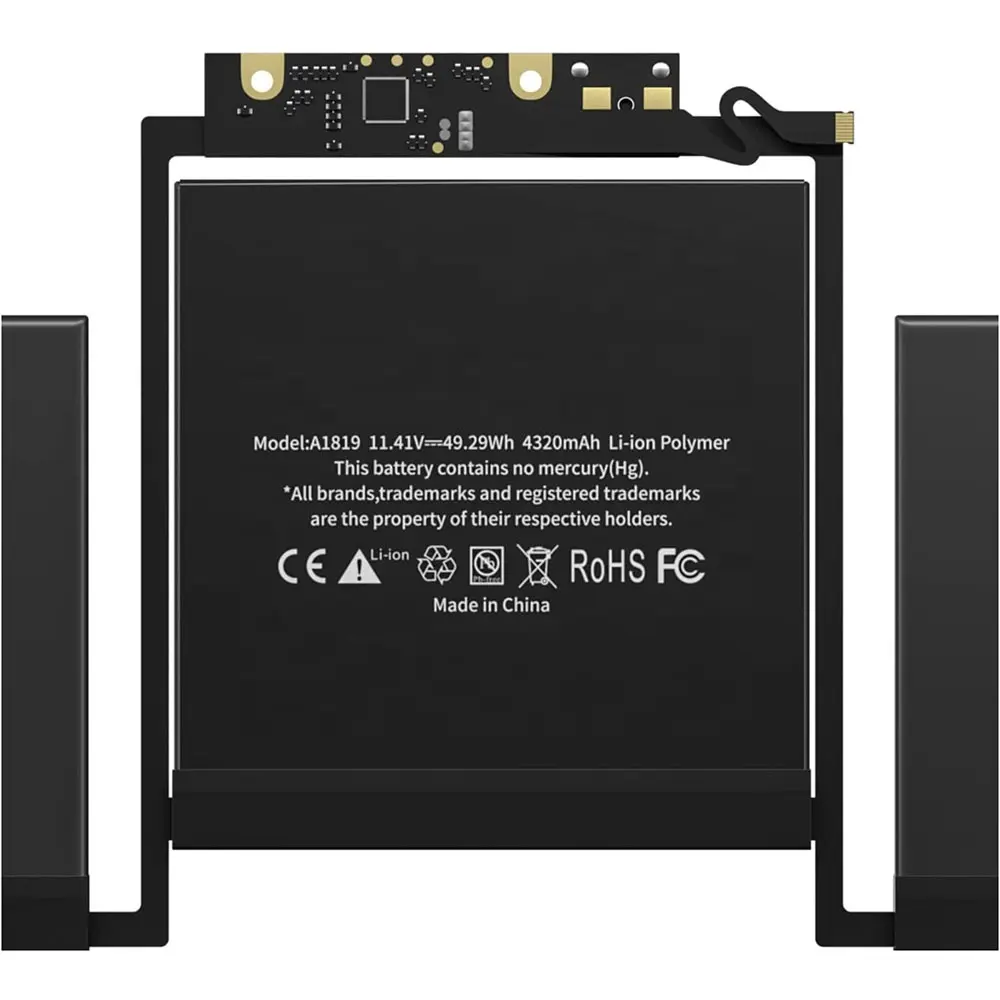
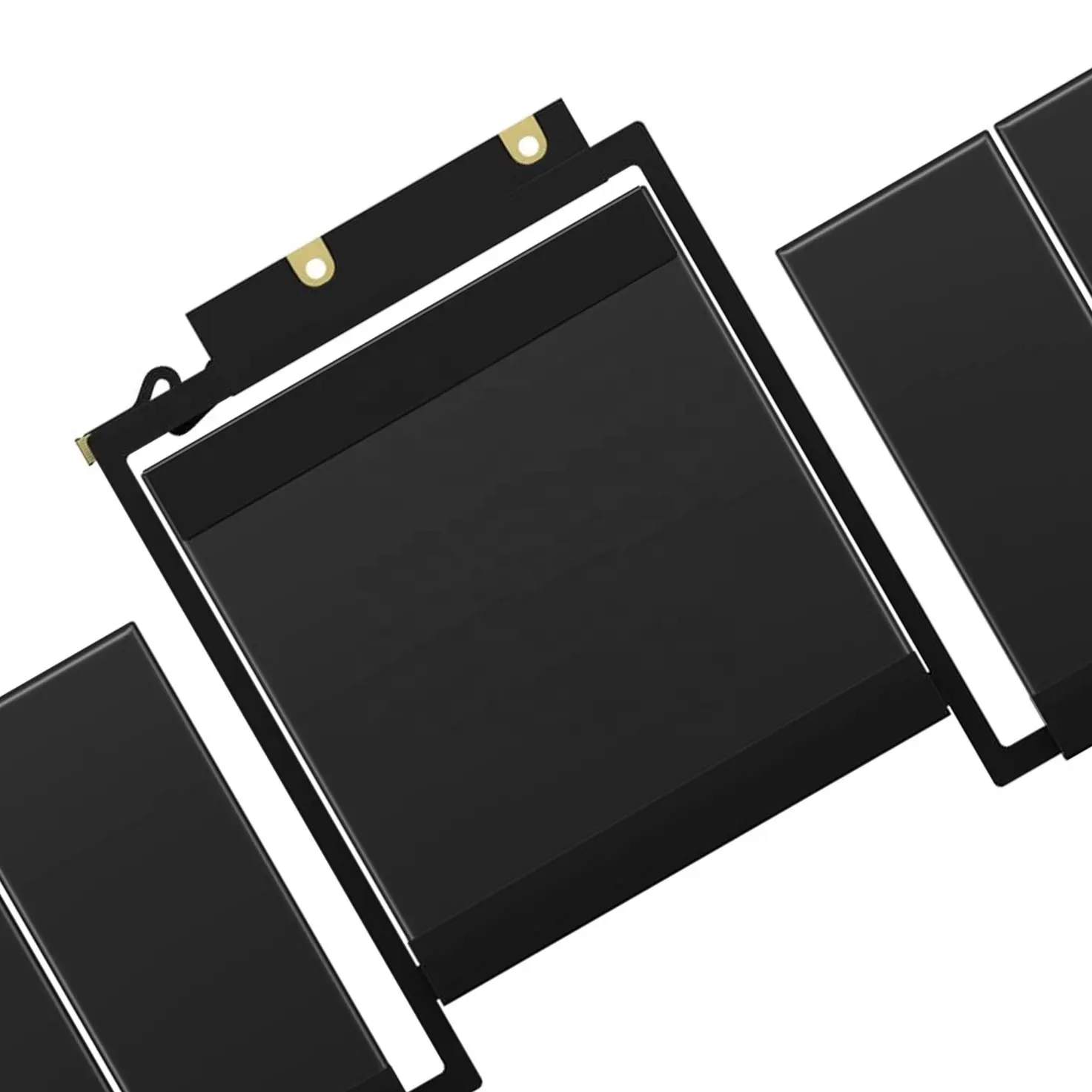
- Model Numbers: A1819 Battery
- Compatible Laptop Model: MacBook Pro 13″ Touch Bar A1706 (Late 2016 – Mid 2017)
- Battery Type: Li-polymer (Grade A+ Cells)
- Voltage: 11.41V
- Capacity: 49.29Wh/4320mAh
- Cells: 6 Cell
- Condition: 100% Brand New from Factory
- Multiple Protection: Over Current, Over Voltage, Over Charge & Discharge, Overheat, Short Circuit, ESD, EMI
- Color: Black
- Certifications: UL2054, CE, FCC, RoHS, UN38.3, MSDS, IEC62133
- Life Cycle: Up to 1000 recharge cycles
- Condition: 100% Compatible Brand
- OEM/ODM: Yes(Accepted)
- Warranty: 18 Months After Sales, 24/7 Email Support.
- Package Includes: 1* A1706 / A1819 Battery, 2* screwdrivers
- Product Dimensions: 9.33 x 4.25 x 0.28 inches
- Item Weight: 12.3 ounces
A1819 Battery Replacement for MacBook Pro 13″ Touch Bar A1706 (Late 2016 – Mid 2017) | 49.29Wh
Detailed Product Specifications and Features:
Core Technical Parameters:
| Property | Specification |
|---|---|
| Model Numbers | A1819 Battery |
| Battery Type | Li-polymer (Grade A+ Cells) |
| Compatible | MacBook Pro 13" Touch Bar A1706 (Late 2016 - Mid 2017) |
| Voltage | 11.4V |
| Capacity | 49.29Wh/4320mAh |
| Cells | 6 Cell |
| Connector | Proprietary internal flex cable connector |
| Condition | 100% Brand New from Factory |
| Life Cycle | Up to 1000 recharge cycles |
| Multiple Protection | Over Current, Over Voltage, Over Charge & Discharge, Overheat, Short Circuit, ESD, EMI |
| Color | Black |
| Certifications | UL2054, CE, FCC, RoHS, UN38.3, MSDS, IEC62133 |
| OEM/ODM | Yes(Accepted) |
| Warranty | 18 Months After Sales, 24/7 Email Support. |
| Product Dimensions | 9.33 x 4.25 x 0.28 inches |
| Item Weight | 12.3 ounces |
Technical Note:
- Model Warning: Model A1819 is not compatible with the A1708 model from the same period, which does not have a Touch Bar (the A1708 uses an A1713 battery). Please be sure to check the EMC number on the bottom of the device.
- Professional Advice: Since disassembling the A1706 involves very thin ribbon cables, if you are not experienced, please consult a professional technician to avoid damaging the trackpad flex cable.
Product Features:
- Battery Newest Premium Grade Cells
- Best Circuit Board
- Multiple command chip control, keep the battery stable charge and discharge;
- Over-charger protection and discharger protection, short-circuit protection, ensure fast charges and low power consumption
- Easy & Quick Installation
- Our battery is 100% compatible with the original battery and meets
- CE/FCC/ROHS/UL-certified standards. It is 100% new from the manufacturer and can support up to 1000 recharge cycles over the life of the battery
- Power Interface: Gold-plated connector points to ensure current transport excellently and serve stably.
- Enclosure: The enclosure is made of ABS + PC high-quality material, which has a high-temperature-resistant function to protect your laptop from overheating
- Battery Buckle: The battery buckle is closely connected to the laptop, and the metal interface is stably powered
A1706 / A1819 Battery Full Compatibility Model & Year List:
The A1819 battery is only compatible with 13-inch Pro models with a Touch Bar.
| Apple Device Name | Laptop Model | EMC | Year | Order Part No. (SKU) | Processor / Specs |
|---|---|---|---|---|---|
| MacBook Pro 13" Touch Bar | A1706 | 3071 | Late 2016 | MLH12LL/A | 3.3 GHz i5 / 8GB / 512GB (Space Gray) |
| MacBook Pro 13" Touch Bar | A1706 | 3071 | Late 2016 | MLHP2LL/A | 2.9 GHz i5 / 8GB / 256GB (Silver) |
| MacBook Pro 13" Touch Bar | A1706 | 3071 | Late 2016 | MLH42LL/A | 3.3 GHz i5 / 16GB / 512GB (Custom) |
| MacBook Pro 13" Touch Bar | A1706 | 3163 | Mid 2017 | MPXV2LL/A | 3.1 GHz i5 / 8GB / 256GB (Space Gray) |
| MacBook Pro 13" Touch Bar | A1706 | 3163 | Mid 2017 | MPXW2LL/A | 3.1 GHz i5 / 8GB / 512GB (Silver) |
| MacBook Pro 13" Touch Bar | A1706 | 3163 | Mid 2017 | MPXX2LL/A | 3.3 GHz i5 / 16GB / 512GB (Custom) |
Compatible P/N (Part Numbers) List:
A1819, 020-01705, A1706(EMC 3071), A1706(EMC 3163), 020-01705, 661-05354
Why Choose HTJ A1706 / A1819 Battery?
- High-Precision Decoding Chip:
The A1706 series is sensitive to battery firmware. Our A1819 features an upgraded TI (Texas Instruments) chipset to ensure 100% recognition by macOS, showing accurate cycles and “Normal” health status. - Stable Power for Touch Bar:
Designed to handle the unique power demands of the OLED Touch Bar and the dual-fan cooling system of the A1706 chassis without voltage drops. - Premium Grade A+ Cells:
We use high-grade Cobalt-lithium cells that offer a low self-discharge rate and higher energy density, providing up to 1000 recharge cycles for long-term reliability. - Advanced Multi-Protection:
Includes built-in safety mechanisms against over-charge, over-discharge, short-circuits, and overheating, fully certified to international standards (UL, CE, RoHS).
How to Install Your New A1819 Battery (A1706) ?
The battery installation for the A1706 is difficult because the battery is heavily glued to the underside of the trackpad, requiring extreme caution during removal. Replacing the battery in an A1706 MacBook Pro is a complex process. Professional tools and caution are required to avoid damaging the delicate Touch Bar or trackpad cables.
⚠️ Crucial Safety Preparation
- Discharge First: Ensure the battery is below 25% to prevent fire risks during the adhesive removal process.
- Required Tools: P5 Pentalobe, T5 Torx, T3 Torx, and a Battery Adhesive Remover (or 99% Isopropyl Alcohol).
Step-by-Step Installation Guide:
- Open the MacBook:
Use the P5 Pentalobe screwdriver to remove the 6 screws. Slide the bottom case forward to unclip it. - Isolate the Battery Power (Critical):
Locate the battery data connector. Use the T3 Torx to remove the cover screw, then lift the connector. This prevents electrical damage to the logic board. - Remove the Logic Board (Recommended):
Unlike older models, the A1706 battery is tightly integrated. Many technicians prefer removing the logic board to safely access the battery cells without damaging other components. - Solvent and Prying:
Apply Adhesive Remover underneath each battery cell. Let it sit for 5 minutes.
Use a flexible plastic prying tool to slowly lift the cells. Warning: The trackpad ribbon cable is located directly under the center battery cells. Be extremely careful not to slice it. - Clean and Install:
Wipe away all old adhesive residue. Place the new A1819 battery into position, ensuring perfect alignment with the screw holes before pressing down. - Reassemble and Calibrate:
Reinstall all components, reconnect the battery data cable last.
Calibration: Charge to 100%, keep on charger for 2 hours, then discharge until auto-shutdown (5%), and finally charge back to 100%.
💡 Pro Tip:
- Model Warning: Model A1819 is not compatible with the A1708 model from the same period that does not have a Touch Bar (the A1708 uses an A1713 battery). Please be sure to check the EMC number on the bottom of the device.
- Professional Advice: Since disassembling the A1706 involves very thin ribbon cables, if you are not experienced, please consult a professional technician to avoid damaging the trackpad flex cable.
FAQ:
- Q: Can I use this A1819 battery in my 2018 or 2019 MacBook Pro 13″?
A: While the 2018 (A1989) and 2019 (A2159) models also have Touch Bars, they use different battery models (A1964 and A2171, respectively) with different connector layouts. The A1819 is strictly for the 2016 and 2017 A1706 models. - Q: Does this battery require the removal of the logic board for installation?
A: No, you do not need to remove the logic board. However, you must remove the bottom case and the trackpad flex cable (which sits on top of the battery) to safely access the adhesive pull-tabs. - Q: Why does this battery consist of several separate “blocks”?
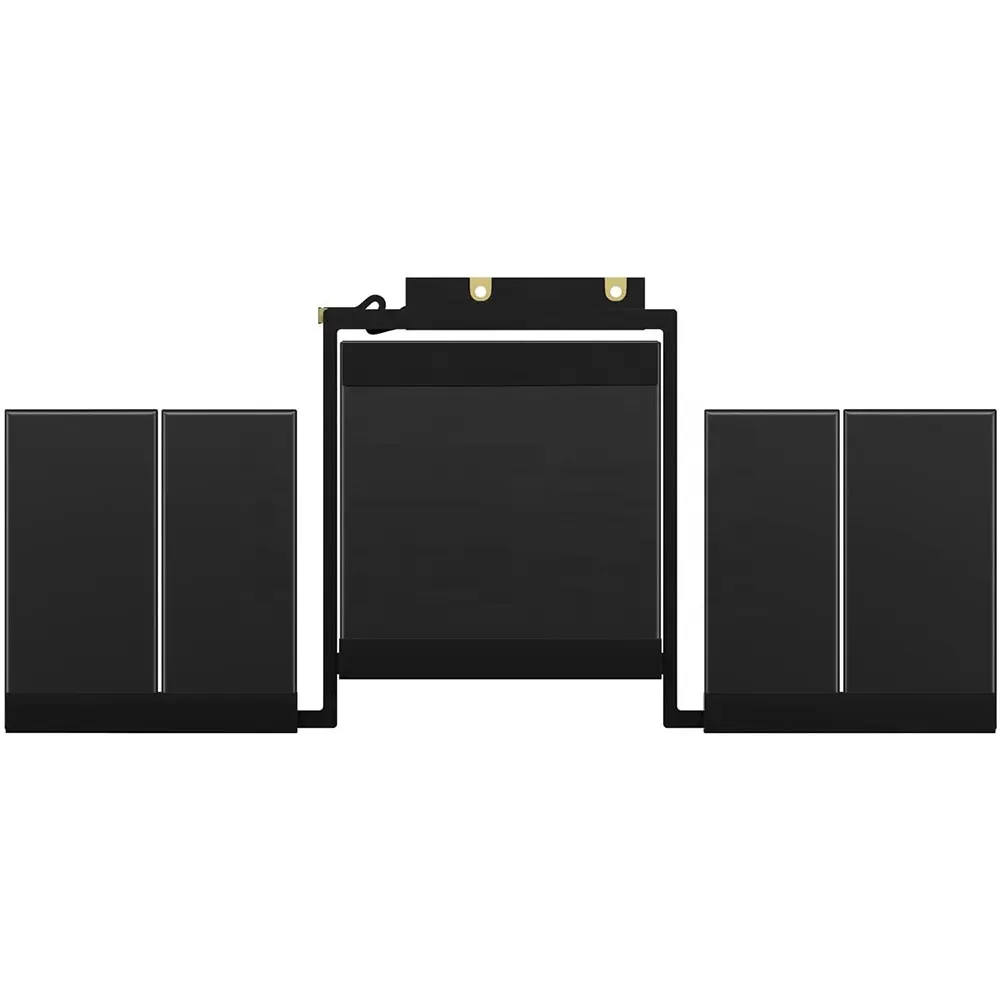
A: The A1819 is a 6-cell design. These cells are separated into specific blocks to fit around the internal components, such as the cooling fans and the trackpad mechanism, while maximizing the total energy capacity to 49.2Wh. - Q: What happens if I accidentally puncture one of the cells during removal?
A: If a lithium battery cell is punctured, it can leak toxic fumes or catch fire. We strongly recommend using 90% Isopropyl Alcohol to dissolve the adhesive and using plastic tools (never metal) to gently lift the old battery cells. - Q: Is it normal for the laptop to feel warmer after installing a new battery?
A: During the first few charge cycles, the battery management system calibrates the cells, which can generate a small amount of heat. This should stabilize once the battery has been fully cycled (charged to 100% and drained to below 10%) once or twice.
Laptop Maintenance Tips:
- New battery: For using a new battery, you’d better try a few cycles of discharging to 5%. then charging up to 95%. So that it can be activated completely
- Overuse: Do not always run out of a battery to 0%, this would make it or usage life.
- Charging sequence: When charging, first install the battery, then turn on the power. when fully charged, first cut off the power, then pull the power plug.
- Long-term storage: Please store the unused battery fully charged. (Charge it once a month.) Do not store at low power to prevent reducing the lifespan of a battery
- Charger: Do not replace the laptop adapter casually. If the original adapter cannot be applied due to malfunction or damage, please replace the models so as not to reduce the service life of the battery due to incompatibility.
【IMPORTANT】: Press [ Ctrl+F ] to find the laptop models.
Need a legacy/unlisted charger? Send your Apple Laptop Battery specs or CONTACT US → We will source it for you!
We are a professional manufacturer in the field of laptop batteries, laptop adapters, and laptop keyboards. We are committed to providing high-quality, competitively priced, and superior performance batteries and the best service to customers.