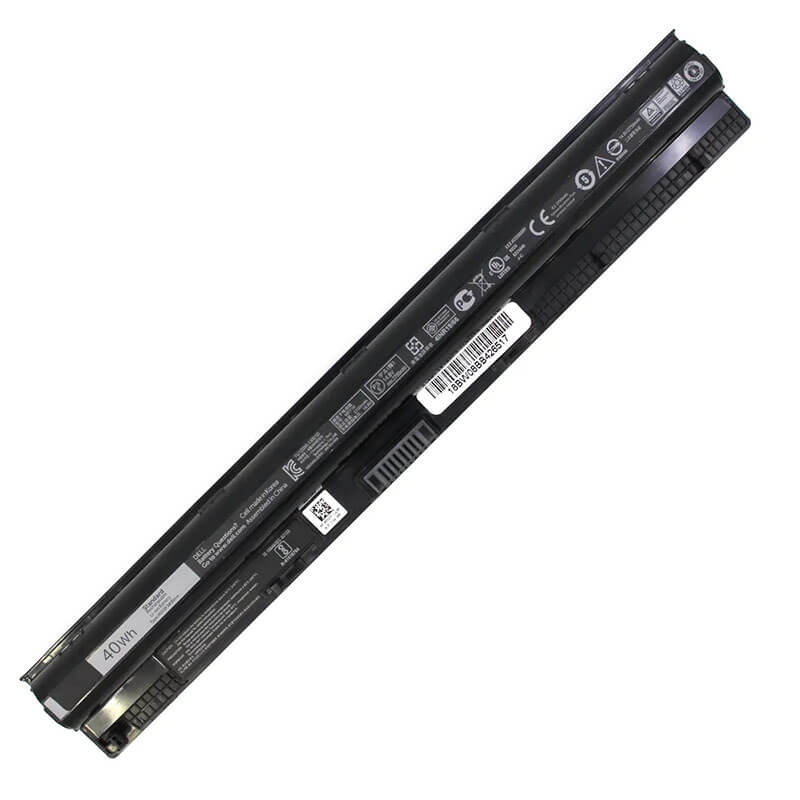
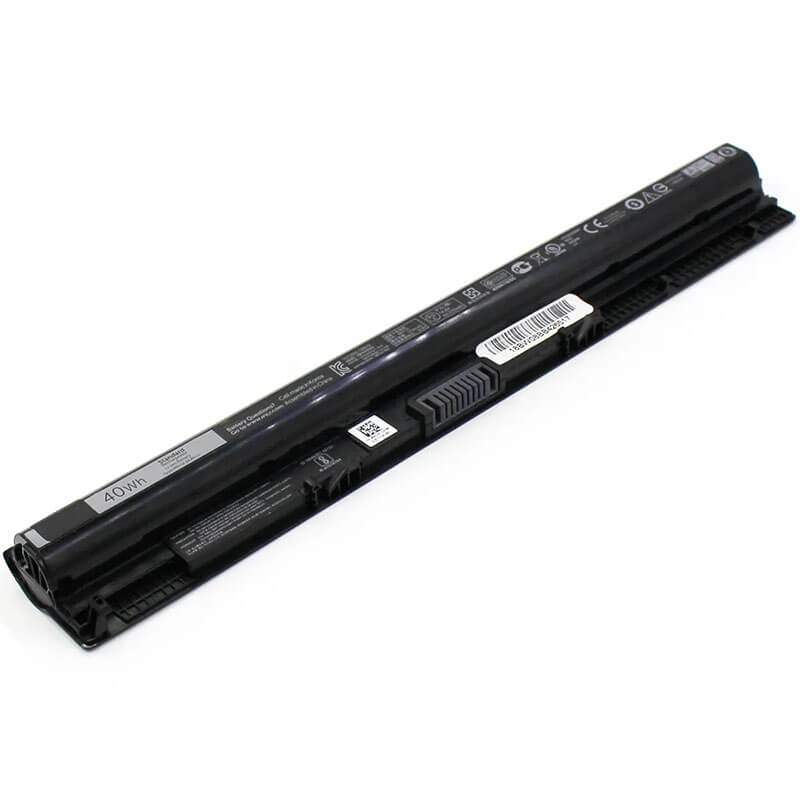
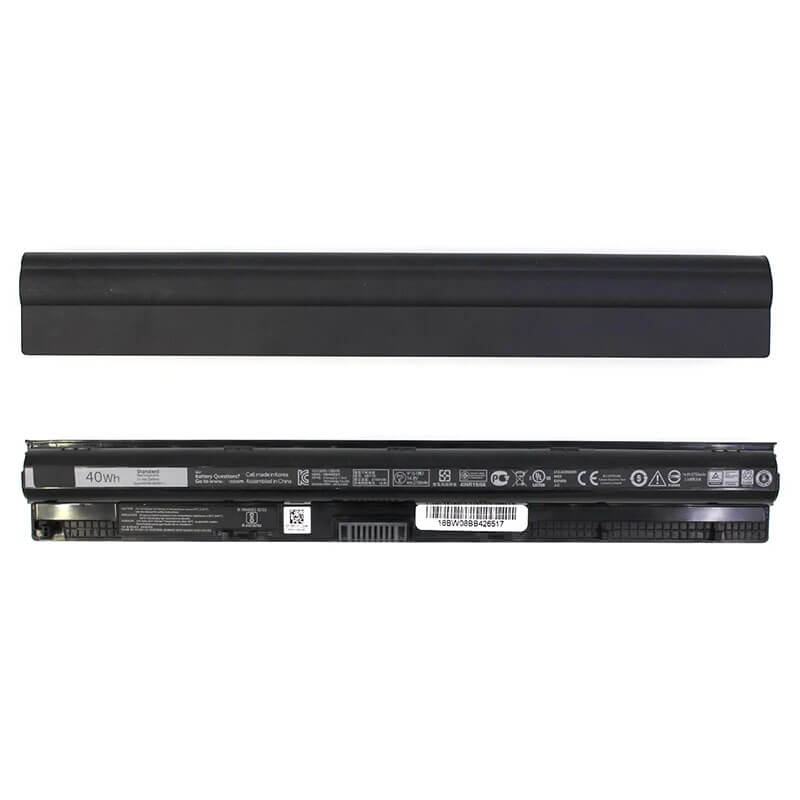
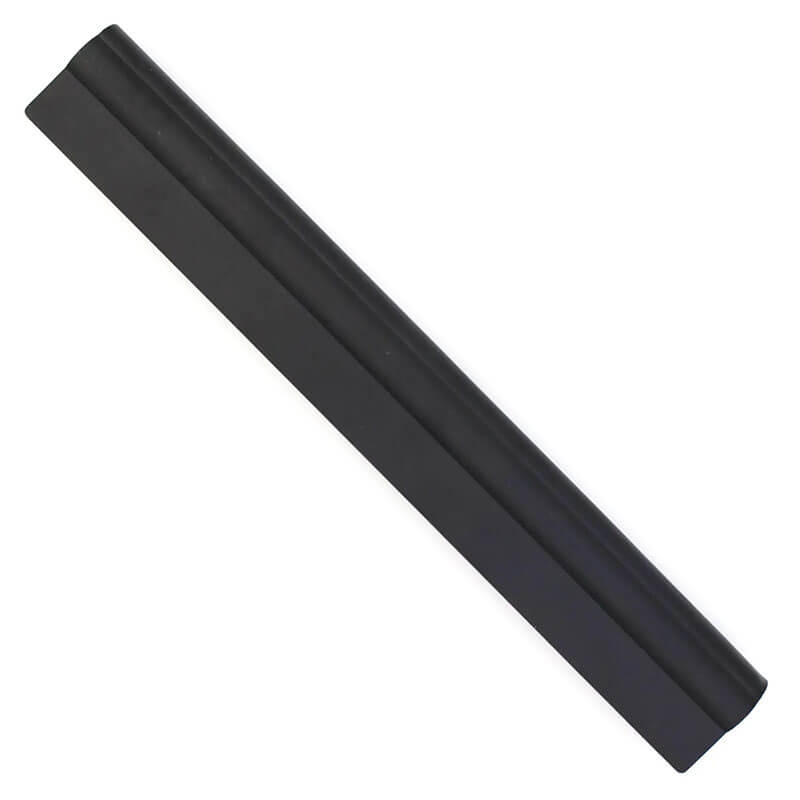
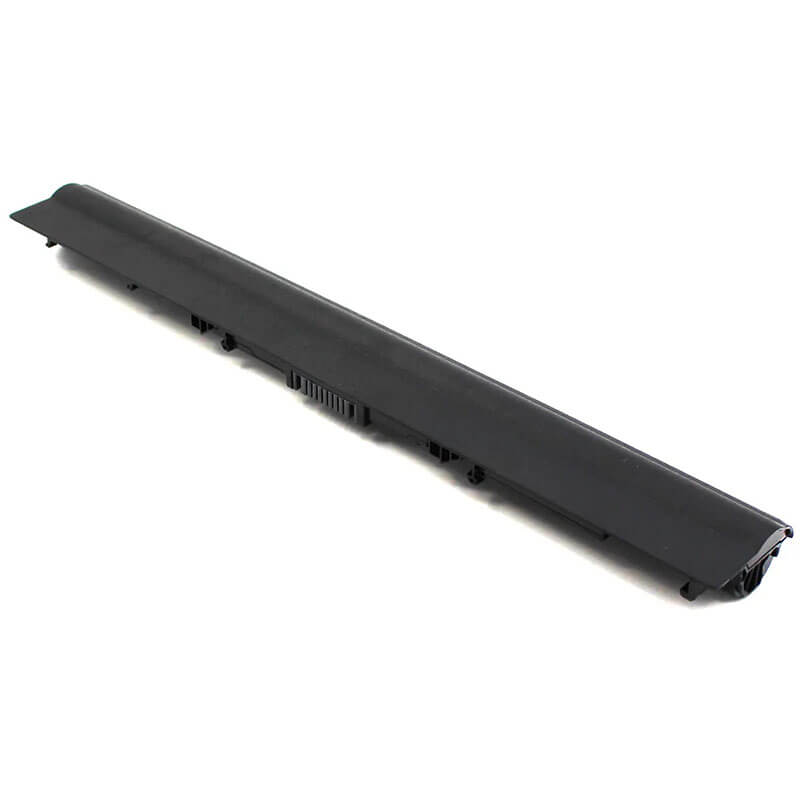
M5Y1K Battery for Dell Inspiron 15 3558 5558 5559 14 3451 3458 17 5755 5758 | 14.8V 40Wh 4-Cell – ...
- Model Numbers: M5Y1K / GXVJ3 / HD4J0 Battery
- Battery Type: Lithium-ion (Grade A 18650 Cylindrical Cells)
- Voltage: 14.8V (Fully compatible with 14.4V)
- Capacity: 2700mAh / 40Wh
- Cells: 4-Cell
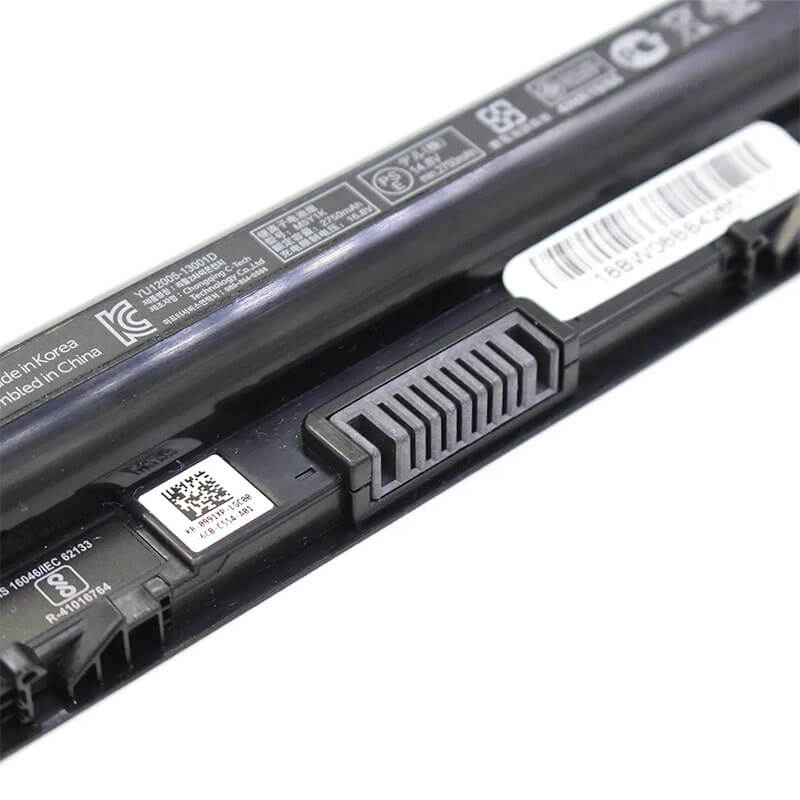
- Connector: External Integrated Board-to-Board
- Condition: 100% Brand New from Factory
- Life Cycle: 600 – 1000 recharge cycles
- Multiple Protection: Over Current, Over Voltage, Over Charge & Discharge, Overheat, Short Circuit, ESD, EMI
- Color: Black
- Certifications: UL2054, CE, FCC, RoHS, UN38.3, MSDS, IEC62133
- OEM/ODM: Yes(Accepted)
- Warranty: 18 Months After Sales, 24/7 Email Support.
- Product Dimensions: 10.7 x 2 x 0.8 inches
- Item Weight: 12 Ounces
M5Y1K Battery for Dell Inspiron 15 3558 5558 5559 14 3451 3458 17 5755 5758 | 14.8V 40Wh 4-Cell
Detailed Product Specifications and Features:
Core Technical Parameters:
| Property | Specification |
|---|---|
| Model Numbers | M5Y1K / GXVJ3 / HD4J0 Battery |
| Battery Type | Lithium-ion (Grade A 18650 Cylindrical Cells) |
| Voltage | 14.8V (Fully compatible with 14.4V) |
| Capacity | 2700mAh / 40Wh |
| Cells | 4-Cell |
| Connector | External Integrated Board-to-Board |
| Condition | 100% Brand New from Factory |
| Life Cycle | 600 - 1000 recharge cycles |
| Multiple Protection | Over Current, Over Voltage, Over Charge & Discharge, Overheat, Short Circuit, ESD, EMI |
| Color | Black |
| Certifications | UL2054, CE, FCC, RoHS, UN38.3, MSDS, IEC62133 |
| OEM/ODM | Yes(Accepted) |
| Warranty | 18 Months After Sales, 24/7 Email Support. |
| Product Dimensions | 10.7 x 2 x 0.8 inches |
| Item Weight | 12 Ounces |
Technical Note:
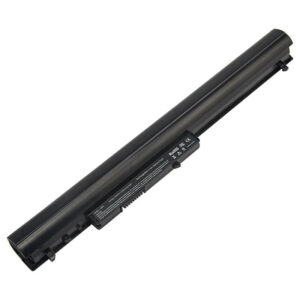
Design Note: The M5Y1K is an external removable battery with a slim, rounded-edge profile.
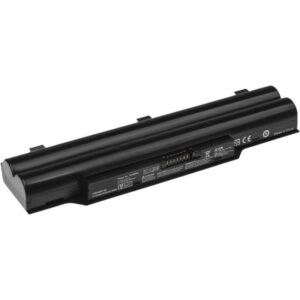
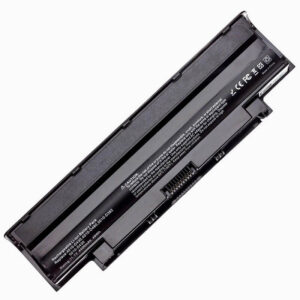
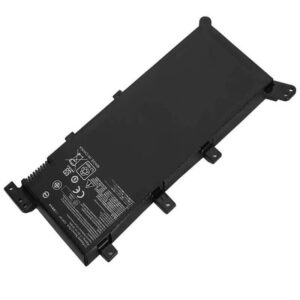
Visual Identification: It has a long, cylindrical appearance compared to the flatter XCMRD.
Series Fitment: This is the primary battery for the “mid-generation” Inspiron 3000 & 5000 Series (approx. 2015–2017).
Safety Note: HTJ units feature precision-molded side latches to ensure a gap-free fit, preventing the power interruptions common with generic replacements.
Important: Not compatible with the Inspiron 3521 or 3542 (which use the XCMRD battery).
Product Features:
- Battery Newest Premium Grade Cells
- Best Circuit Board
- Multiple command chip control, keep the battery stable charge and discharge;
- Over-charger protection and discharger protection, short-circuit protection, ensure fast charges and low power consumption
- Easy & Quick Installation
- Our battery is 100% compatible with the original battery and meets
- CE/FCC/ROHS/UL-certified standards. It is 100% new from the manufacturer and can support up to 1000 recharge cycles over the life of the battery
- Power Interface: Gold-plated connector points to ensure current transport excellently and serve stably.
- Enclosure: The enclosure is made of ABS + PC high-quality material, which has a high-temperature-resistant function to protect your laptop from overheating
- Battery Buckle: The battery buckle is closely connected to the laptop, and the metal interface is stably powered
M5Y1K / GXVJ3 / HD4J0 Battery Compatibility Laptop Model List:
1. Compatible Laptop Model List (Comprehensive)
| Dell Series | Specific Model Suffixes (High-Volume Searchable Variants) |
|---|---|
| Inspiron 15 (3000/5000) | 3551, 3552, 3555, 3558, 3559, 3565, 3567, 3573, 3576, 5551, 5552, 5555, 5558, 5559: i3558-5501BLK, i5558-5718SLV, i3567-5664BLK |
| Inspiron 14 (3000/5000) | 3451, 3452, 3458, 3459, 3462, 3465, 3467, 3468, 3473, 3476, 5451, 5452, 5455, 5458, 5459: i5458-1250BLK, 14-3000 Series |
| Inspiron 17 (5000) | 5755, 5756, 5758, 5759, 5763: 17-5758, i5759-7660SLV, 17-5000 Series |
| Latitude Series | 3460, 3470, 3560, 3570: Latitude 14 3000 (3460), Latitude 15 3000 (3560) |
| Vostro Series | 3458, 3459, 3468, 3478, 3558, 3559, 3561, 3562, 3565, 3568, 3578: Vostro 15 3558, Vostro 14 3458 |
| ⚠️ Absolute Incompatibility | NOT FOR: Inspiron 15 3521/3537/3542 (Uses XCMRD). NOT FOR: Inspiron 15 5567/5570 (Uses WDX0R). |
| Visual Check | This battery has Smooth, Rounded Ends. It slides into the Rear Back of the laptop. |
2. M5Y1K / GXVJ3 / HD4J0 Battery Compatible Part Numbers (P/N List)
- Dell Spare Numbers: M5Y1K, GXVJ3, HD4J0, K185W, WKRJ2, VN3N0, 451-BBMG, 453-BBBP
- Alternative Codes: W6D4J, 6YFVW, 78V9D, 1KFH3, 991XP, P51F, P47F, P63F, P60G, P64G
- Regulatory Codes: P51F, P51F001, P51F004, P51F005, P47F, P47F001, P47F004, P63F, P64G, P28E
- Engineering Code: YU12005-13001D, 0M5Y1K, 0GXVJ3, 0HD4J0, 312-1163 (Cross-ref)
Why Choose HTJ M5Y1K Battery?
- Precision 14.8V Voltage Stability:
Many Inspiron 5558/5559 models feature touchscreens and high-brightness FHD panels. HTJ’s M5Y1K provides a rock-solid 14.8V rail, ensuring your screen remains flicker-free and your system performance stays consistent even during heavy workloads. - Reinforced Latch Geometry:
One of the most common complaints about the original M5Y1K is the “loose fit” over time. HTJ has reinforced the spring-tensioned locking tabs to ensure a “Factory-Tight” connection, preventing the laptop from shutting down if bumped or moved. - High-Density Grade A Cells:
We use premium 2700mAh cells that meet or exceed original OEM specifications. This ensures a true 40Wh energy reservoir, avoiding the “Sudden 5% Drop” often seen with budget batteries using B-grade cells. - Intelligent BMS Handshake:
Our Battery Management System is programmed with the latest Dell communication protocols. This ensures your laptop accurately reports the time remaining and supports Dell’s “Standard” and “ExpressCharge” profiles without BIOS warning messages.
How to Install Your New M5Y1K Battery?
The Dell M5Y1K is an external snap-in battery. No tools are required.
⚠️ Pre-Installation Safety Check:
- Power Down: Ensure the laptop is fully shut down and the AC adapter is removed.
- Orientation: Place the laptop upside down on a soft, scratch-resistant surface.
M5Y1K Battery Step-by-Step Installation Guide:
- Release the Old Battery: Locate the two sliding latches on the bottom. Slide the Release Latch to the open position and gently lift the old battery out.
- Inspect the Bay: Briefly check the 8-pin connector for any debris or dust.
- Align and Insert: Match the guide tabs on the HTJ M5Y1K with the slots in the battery bay. Press firmly until both latches click into place.
- Locking (If Applicable): Ensure the lock latch is moved back to the “Locked” position.
- Initialization: Charge the battery to 100% while the laptop is off. Unplug and use until it reaches 5%, then recharge to 100% to calibrate the internal controller.
💡 Pro Tip (Solving “Not Charging” Error):
If your laptop shows a “Plugged in, Not Charging” status:
- Shut down and remove the battery.
- Hold the Power Button for 60 seconds to drain residual flea power.
- Reinstall the battery and connect the original Dell AC adapter. This “Cold Reset” usually clears the BIOS error and allows the new HTJ cells to begin charging immediately.
FAQ (Frequently Asked Questions)
Q: My laptop is an Inspiron 15 3000 series. How do I know if I need M5Y1K or XCMRD?
A: Check the shape. M5Y1K has smooth, rounded ends and a thin profile. XCMRD has distinct “ledges” or notches on the corners. If your laptop is a 3558, you need M5Y1K. If it is a 3521, you need XCMRD.
Q: Can I use this battery in my Vostro 3558?
A: Yes! The Vostro 3558 and Inspiron 3558 share the same chassis and battery architecture. The HTJ M5Y1K is a 100% precision fit.
Q: Is 14.8V compatible with my 11.1V charger?
A: The voltage rating on the battery refers to its internal cell configuration, not the charger. Your Dell 19.5V AC adapter is designed to charge this 14.8V M5Y1K battery perfectly.
Q: My laptop says “Inspiron 15-3000” but doesn’t list a sub-model. Will this work?
A: Look at the bottom of your laptop. If you see the code P51F, this M5Y1K battery is 100% the correct part. If you see P28F, you need the older XCMRD battery.
Q: Why does this battery have 4 cells? My original is 6 cells?
A: You likely had the older XCMRD model. The M5Y1K is a 4-cell High-Density design. It is thinner and lighter than the 6-cell legacy versions, but it operates at a higher 14.8V to maintain the same power efficiency. They are not interchangeable.
Q: Is it okay to leave this battery plugged in all the time?
A: Yes, the HTJ BMS (Battery Management System) includes an “End-of-Charge” cutoff. However, for maximum lifespan, we recommend discharging the battery to 20% at least once a month to keep the Lithium chemistry active.
Q: The battery fits, but my laptop says “Unknown AC Adapter.” What do I do?
A: This is a Dell-specific error usually caused by a frayed charger cable or a dirty charging port. It is rarely the battery. Try cleaning your charger’s center pin with a small drop of rubbing alcohol and performing a Flea Power Drain (hold the power button for 60 seconds with the battery out).
Laptop Maintenance Tips:
- New battery: For using a new battery, you’d better try a few cycles of discharging to 5%. then charging up to 95%. So that it can be activated completely
- Overuse: Do not always run a battery to 0%, as this would shorten its usage life.
- Charging sequence: When charging, first install the battery, then turn on the power. When fully charged, first cut off the power, then pull the power plug.
- Long-term storage: Please store the unused battery fully charged. (Charge it once a month.) Do not store at low power to prevent reducing the lifespan of a battery
- Charger: Do not replace the laptop adapter casually. If the original adapter cannot be applied due to malfunction or damage, please replace the models so as not to reduce the service life of the battery due to incompatibility.
【IMPORTANT】: Press [ Ctrl+F ] to find the laptop models.
Need a legacy/unlisted charger? Send your DELL Laptop Battery specs or CONTACT US → We will source it for you!
We are a professional manufacturer of laptop batteries, laptop adapters, and laptop keyboards. We are committed to providing high-quality, competitively priced, and superior performance batteries and the best service to customers.