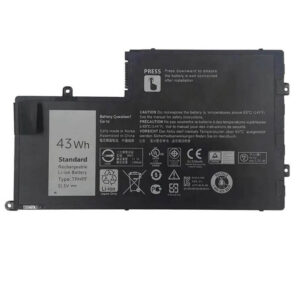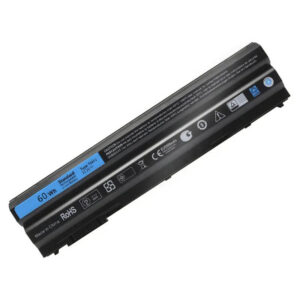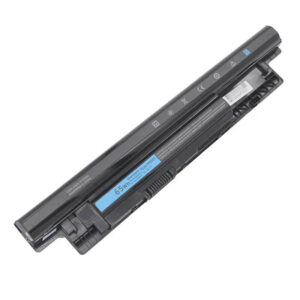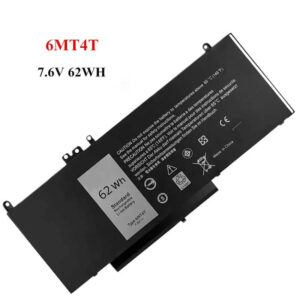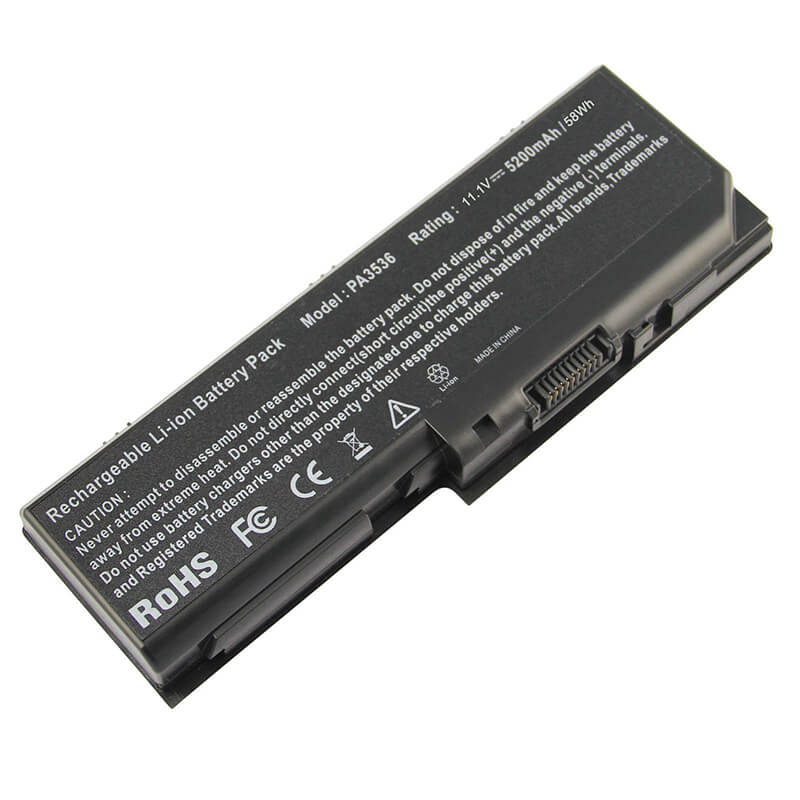
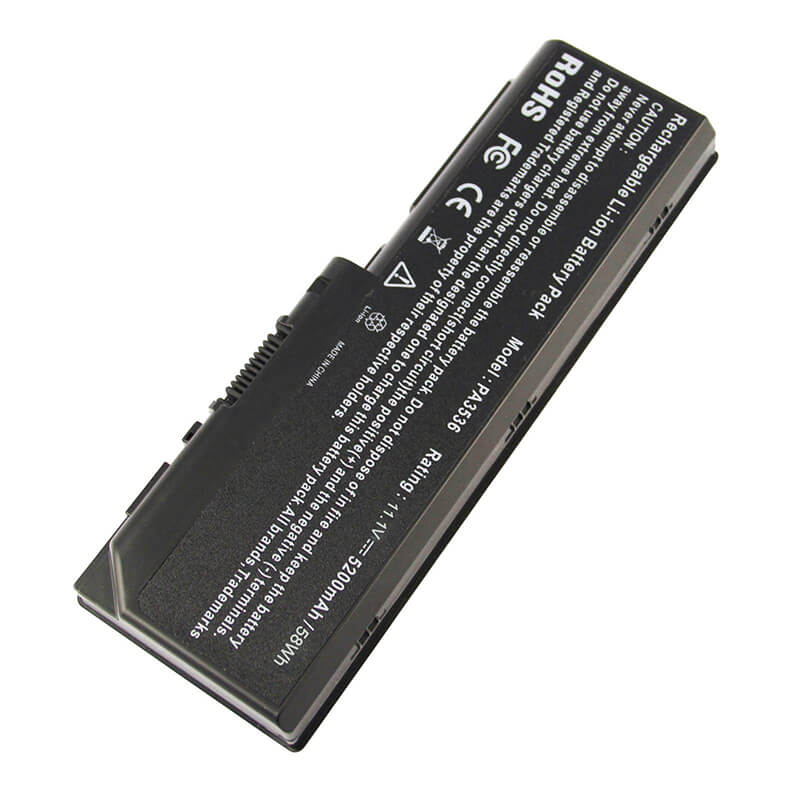
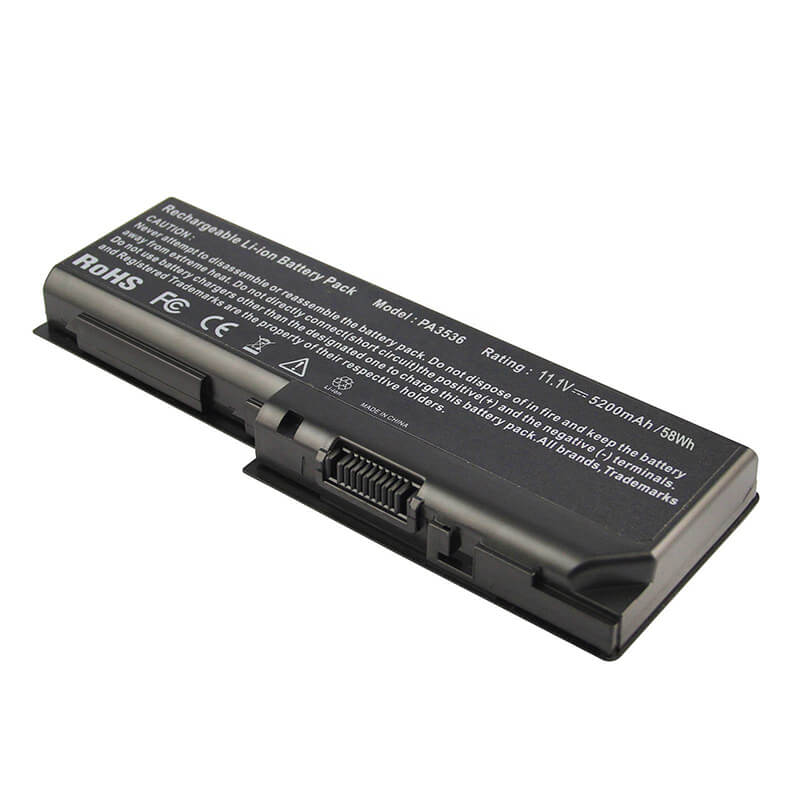
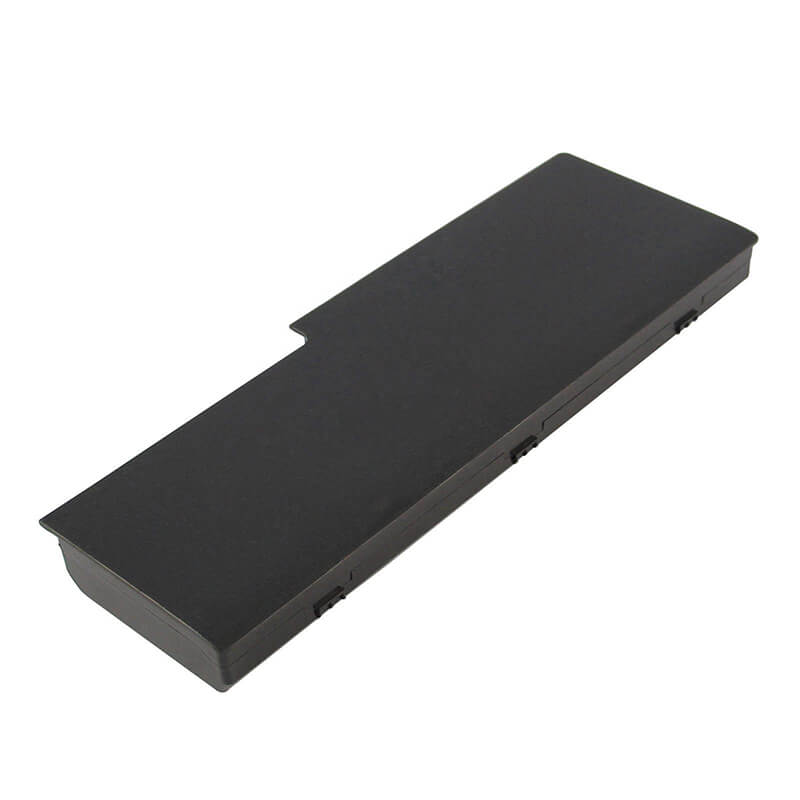
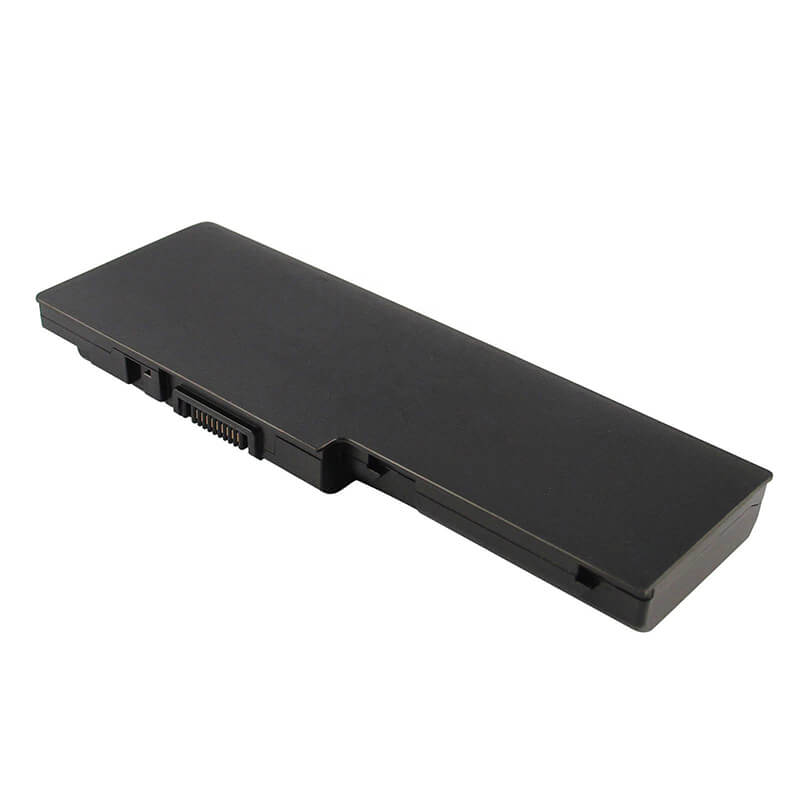
PA3536U-1BRS Battery for Toshiba Satellite P200 P300 X200 X205 Series | 11.1V 5200mAh 58Wh 6-Cell
- Model Numbers: PA3536U-1BRS Battery
- Battery Type: Lithium-ion (Grade A+ High-Density Cells)
- Voltage: 11.1V (Fully compatible with 10.8V)
- Capacity: 5200mAh / 58Wh
- Cells: 6-Cell
- Connector:External Snap-in Interface
- Condition: 100% Brand New from Factory
- Life Cycle: 600 – 1000 recharge cycles
- Multiple Protection: Over Current, Over Voltage, Over Charge & Discharge, Overheat, Short Circuit, ESD, EMI
- Color: Black
- Certifications: UL2054, CE, FCC, RoHS, UN38.3, MSDS, IEC62133
- OEM/ODM: Yes(Accepted)
- Warranty: 18 Months After Sales, 24/7 Email Support.
- Product Dimensions: 8.98 x 3.39 x 1.61 inches
- Item Weight: 13.4 ounces
PA3536U-1BRS Battery for Toshiba Satellite P200 P300 X200 X205 Series | 11.1V 5200mAh 58Wh 6-Cell
Detailed Product Specifications and Features:
Core Technical Parameters:
| Property | Specification |
|---|---|
| Model Numbers | PA3536U-1BRS Battery |
| Battery Type | Lithium-ion (Grade A+ High-Density Cells) |
| Voltage | 11.1V (Fully compatible with 10.8V) |
| Capacity | 5200mAh / 58Wh |
| Cells | 6-Cell |
| Connector | External Snap-in Interface |
| Condition | 100% Brand New from Factory |
| Life Cycle | 600 - 1000 recharge cycles |
| Multiple Protection | Over Current, Over Voltage, Over Charge & Discharge, Overheat, Short Circuit, ESD, EMI |
| Color | Black |
| Certifications | UL2054, CE, FCC, RoHS, UN38.3, MSDS, IEC62133 |
| OEM/ODM | Yes(Accepted) |
| Warranty | 18 Months After Sales, 24/7 Email Support. |
| Product Dimensions | 8.98 x 3.39 x 1.61 inches |
| Item Weight | 13.4 ounces |
Technical Note:
Design Note: The PA3536U-1BRS is a specialized external battery for large-chassis Toshiba laptops.
Upgrade Note: This 5200mAh/58Wh version provides approximately 18% more runtime than standard 4400mAh packs without increasing the physical footprint.
Compatibility Note: It is functionally interchangeable with PA3536U, PA3537U, and PABAS100.
Chassis Fit: Only fits 17-inch wide-body Toshiba models.
Important: No tools required; utilizes a primary latch and secondary safety lock.
Product Features:
- Battery Newest Premium Grade Cells
- Best Circuit Board
- Multiple command chip control, keep the battery stable charge and discharge;
- Over-charger protection and discharger protection, short-circuit protection, ensure fast charges and low power consumption
- Easy & Quick Installation
- Our battery is 100% compatible with the original battery and meets
- CE/FCC/ROHS/UL-certified standards. It is 100% new from the manufacturer and can support up to 1000 recharge cycles over the life of the battery
- Power Interface: Gold-plated connector points to ensure current transport excellently and serve stably.
- Enclosure: The enclosure is made of ABS + PC high-quality material, which has a high-temperature-resistant function to protect your laptop from overheating
- Battery Buckle: The battery buckle is closely connected to the laptop, and the metal interface is stably powered
PA3536U-1BRS Battery Battery Compatibility Laptop Model List:
1. Compatible Laptop Model List (Comprehensive)
| Toshiba Series | Specific Model Variants & Chassis Prefixes |
|---|---|
| Satellite P200 / P205 | P200, P205 Series: P205-S6237, P205-S6347, P205-S7476, P200-ST2061 Chassis Prefixes: PSPA3U, PSPA6U |
| Satellite P300 / P305 | P300, P305 Series: P305-S8814, P305-S8820, P305-S8910, P305-S8915, P300-134 Chassis Prefixes: PSPCCU, PSPCEU, PSPCFU |
| Satellite X200 / X205 | X200, X205 Series: X205-S9349, X205-S9359, X205-S9810, X205-SLI1, X205-SLI3 Chassis Prefixes: PSPB9U, PSPBAU |
| Regional / Pro | Satellite Pro P200, Satellite Pro P300 |
| ⚠️ Absolute Incompatibility | NOT FOR: Satellite A200, A205, A300 (Uses the shorter PA3534U). NOT FOR: Satellite L300, L350 (Uses PA3534U). |
| Visual Check | Corner L-Shape: This battery forms the rear-left corner of the laptop. If your battery is a straight bar in the middle of the laptop, this is NOT the correct part. |
2. PA3536U-1BRS Battery Compatible Part Numbers (P/N List)
-
- Primary Codes: PA3536U-1BRS, PA3536U-1BAS
- High-Capacity Code: PA3537U-1BRS (Original 9-cell P/N; our 5200mAh 6-cell is a direct functional replacement)
- OEM Identifiers: PABAS100, PABAS101
- PA3536U-1BAS / PA3537U-1BAS
Why Choose HTJ PA3536U-1BRS 5200mAh Battery?
- High-Density 58Wh Reservoir:
17-inch Toshiba desktop replacements are power-intensive. By utilizing Grade A+ 2600mAh cells, our 5200mAh pack ensures you have the surplus energy required for movie playback, 3D rendering, or office work without being tethered to a wall outlet. - GPU-Stable Voltage Controller:
Toshiba X200/X205 rigs pull massive current through the battery pins when the dedicated graphics card kicks in. Our HTJ BMS is tuned to prevent voltage “sag,” ensuring your system doesn’t experience sudden shutdowns or screen flickering during high-load tasks. - Reinforced Corner Housing:
Because this battery sits on the corner of a large 17-inch chassis, it is subject to more stress. Our housing is molded from high-impact ABS+PC plastic to ensure the locking tabs remain crisp and the battery stays perfectly seated even when the laptop is moved frequently. - 18-Month Factory-Direct Warranty:
These legacy 17-inch batteries are often sold as old, degraded stock by other resellers. At HTJ, we manufacture in small, fresh batches to guarantee cell health. Every 5200mAh unit is backed by our full 18-month warranty.
How to Install Your New PA3536U-1BRS Battery?
The Toshiba PA3536U-1BRS is an external corner-mount battery. No tools are required.
⚠️ Crucial Safety Preparation
- Shutdown: Perform a full Windows shutdown and disconnect the AC adapter.
- Surface: Place the laptop upside down on a soft surface to prevent scratching the 17-inch top lid.
- Latch Check: Identify the “LOCK” switch and the spring-loaded “RELEASE” lever on the corner.
PA3536U-1BRS Battery Step-by-Step Installation Guide:
- Unlock: Slide the manual “LOCK” switch to the “Unlocked” (Red) position.
- Release: Slide and hold the spring-loaded “RELEASE” lever.
- Remove: While holding the release lever, slide the old battery horizontally out of the rear corner.
- Align: Line up the HTJ PA3536U with the long slot and the corner notch.
- Insert: Push firmly until you hear a distinct “click.”
- Secure: Move the manual lock switch back to the “Locked” position. (Important: Due to the battery’s weight, the lock is vital for system stability).
- Final Calibration: Charge to 100%. Use the laptop until it reaches 5%, then recharge to 100% to synchronize the Windows power meter.
💡 Pro Tip:
If the battery is not detected, perform a Static Reset: Remove the battery and charger, hold the power button for 60 seconds, then reinstall the battery and restart.
FAQ (Frequently Asked Questions)
Q: My laptop label says “PSPA3U.” Is this the right battery?
A: Yes! PSPA3U is the chassis code for the Satellite P200 series. This PA3536U battery is 100% compatible.
Q: Can I use this 5200mAh battery if my original was 4400mAh?
A: Yes! It is the same physical size but holds more energy. It will provide roughly 15-20% more runtime than the standard 4400mAh version.
Q: Does this fit the Satellite A200 series?
A: No. The A200 series is smaller and uses the PA3534U battery. This PA3536U is physically longer and only fits 17-inch wide-body models.
Q: Why does my 17-inch Toshiba only last 1.5–2 hours even with a new battery?
A: Machines like the X205/P200 use very high-wattage CCFL screen lamps and old GPUs. While our 5200mAh pack provides the best possible runtime, these legacy “desktop replacements” naturally consume significantly more power than modern laptops.
Q: My laptop is a Satellite P305D-S8828. Is this the right battery? A: Yes. Most P305D models with the PSPCEU chassis code use this corner-mount PA3536U. Please verify that your current battery snaps into the rear corner of the machine.
Q: Can I use this 5200mAh battery if my original was the heavy 9-cell (7200mAh)?
A: Yes. This 5200mAh 6-cell battery is a lighter, more modern replacement. While it has slightly less total runtime than the bulky 9-cell, it fits perfectly in the same slot and sits flush with the laptop case.
Q: Why does my Toshiba turn off instantly when I unplug the charger?
A: This is usually a sign of a “dead cell” in your old battery. Our HTJ replacement features a fresh Grade A+ cell array that restores the high-current delivery required to keep 17-inch Toshiba systems running without the charger.
Q: My part number is PABAS101. Is this the same?
A: Yes. PABAS101 is the internal OEM manufacturing code for the PA3536U. They are 100% interchangeable.
Laptop Maintenance Tips:
- New battery: For using a new battery, you’d better try a few cycles of discharging to 5%. then charging up to 95%. So that it can be activated completely
- Overuse: Do not always run a battery to 0%, as this would shorten its usage life.
- Charging sequence: When charging, first install the battery, then turn on the power. When fully charged, first cut off the power, then pull the power plug.
- Long-term storage: Please store the unused battery fully charged. (Charge it once a month.) Do not store at low power to prevent reducing the lifespan of a battery
- Charger: Do not replace the laptop adapter casually. If the original adapter cannot be applied due to malfunction or damage, please replace the models so as not to reduce the service life of the battery due to incompatibility.
【IMPORTANT】: Press [ Ctrl+F ] to find the laptop models.
Need a legacy/unlisted charger? Send your Toshiba Laptop Battery specs or CONTACT US → We will source it for you!
We are a professional manufacturer of laptop batteries, laptop adapters, and laptop keyboards. We are committed to providing high-quality, competitively priced, and superior performance batteries and the best service to customers.
Need Expert Help or Legacy Charger Sourcing? Contact Our Professional Technical Team Now!