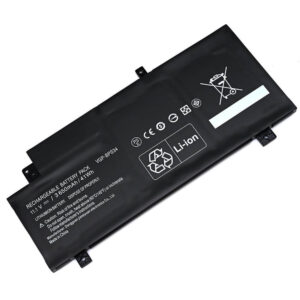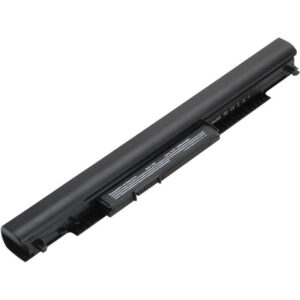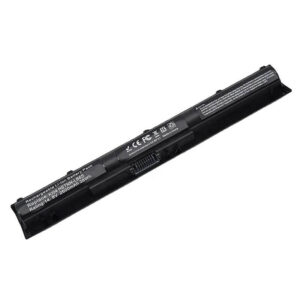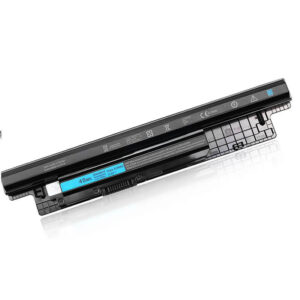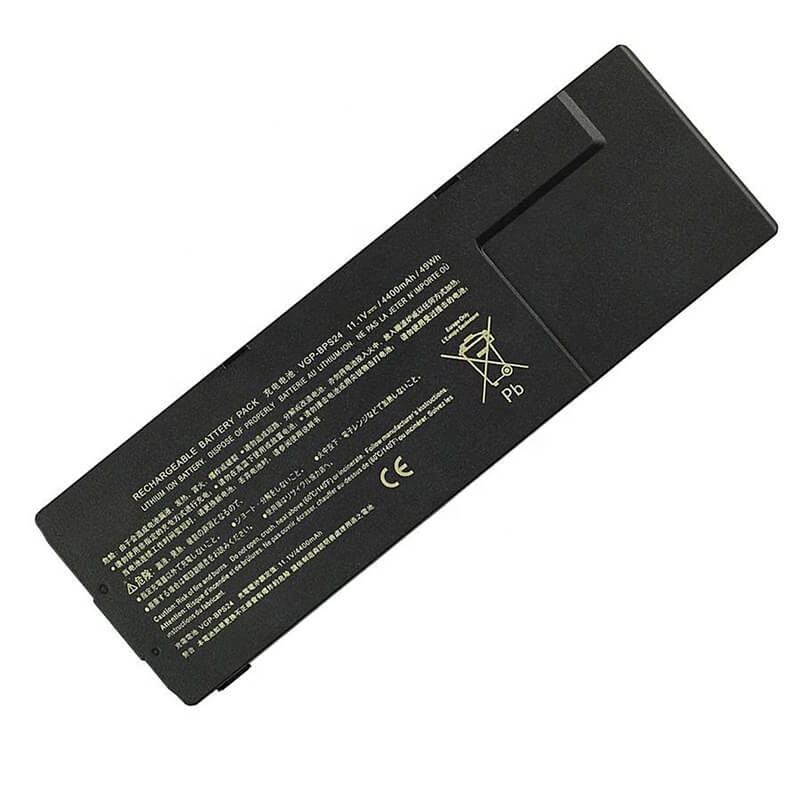
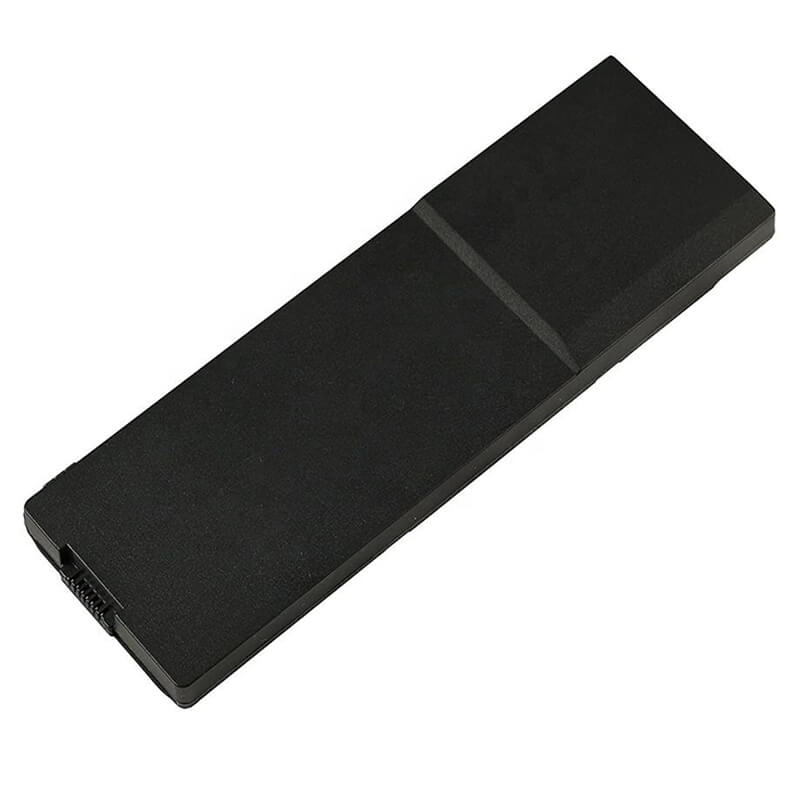
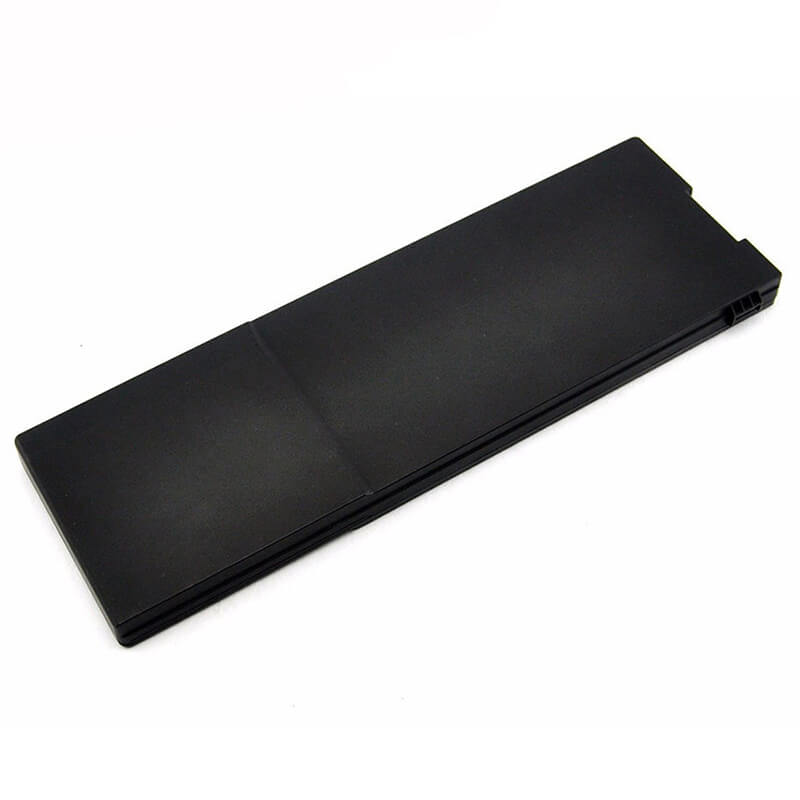
VGP-BPS24 Battery for Sony Vaio VPC-SA SB SC SD SE & SVS13 SVS15 | 11.1V 4400mAh 49Wh 6-Cell
- Model Numbers: VGP-BPS24 Battery
- Battery Type: Li-Polymer (Grade A+ Cells)
- Voltage: 11.1V (Fully compatible with 10.8V)
- Capacity: 4400mAh / 49Wh
- Cells: 6-Cell
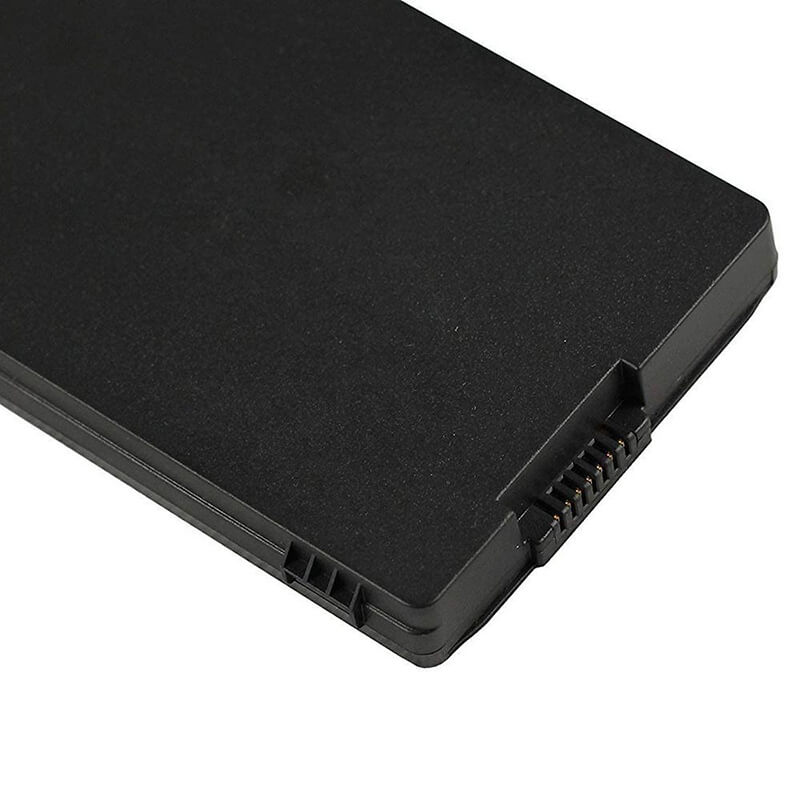
- Connector: Internal Flex Ribbon/Blade Connector
- Condition: 100% Brand New from Factory
- Life Cycle: 600 – 1000 recharge cycles
- Multiple Protection: Over Current, Over Voltage, Over Charge & Discharge, Overheat, Short Circuit, ESD, EMI
- Color: Black
- Certifications: UL2054, CE, FCC, RoHS, UN38.3, MSDS, IEC62133
- OEM/ODM: Yes(Accepted)
- Warranty: 18 Months After Sales, 24/7 Email Support.
- Product Dimensions: 8 x 2 x 0.75 inches
- Item Weight: 10.6 ounces
VGP-BPS24 Battery for Sony Vaio VPC-SA SB SC SD SE & SVS13 SVS15 | 11.1V 4400mAh 49Wh 6-Cell
Detailed Product Specifications and Features:
Core Technical Parameters:
| Property | Specification |
|---|---|
| Model Numbers | VGP-BPS24 Battery |
| Battery Type | Li-Polymer (Grade A+ Cells) |
| Voltage | 11.1V (Fully compatible with 10.8V) |
| Capacity | 4400mAh / 49Wh |
| Cells | 6-Cell |
| Connector | Internal Flex Ribbon/Blade Connector |
| Condition | 100% Brand New from Factory |
| Life Cycle | 600 - 1000 recharge cycles |
| Multiple Protection | Over Current, Over Voltage, Over Charge & Discharge, Overheat, Short Circuit, ESD, EMI |
| Color | Black |
| Certifications | UL2054, CE, FCC, RoHS, UN38.3, MSDS, IEC62133 |
| OEM/ODM | Yes(Accepted) |
| Warranty | 18 Months After Sales, 24/7 Email Support. |
| Product Dimensions | 8 x 2 x 0.75 inches |
| Item Weight | 10.6 ounces |
Technical Note:
Design Note: The VGP-BPS24 is an internal 6-cell Li-Polymer battery designed for Sony’s slim-profile laptops.
Compatibility Note: This battery is the standard internal power unit for the Vaio S Series and is fully interchangeable with the long-life VGP-BPL24.
Installation Note: Unlike older “external” snap-in batteries, this model requires removing the bottom access panel of your Sony Vaio.
Important: Ensure you have a small Phillips screwdriver (PH0 or PH00) before beginning installation.
Product Features:
- Battery Newest Premium Grade Cells
- Best Circuit Board
- Multiple command chip control, keep the battery stable charge and discharge;
- Over-charger protection and discharger protection, short-circuit protection, ensure fast charges and low power consumption
- Easy & Quick Installation
- Our battery is 100% compatible with the original battery and meets
- CE/FCC/ROHS/UL-certified standards. It is 100% new from the manufacturer and can support up to 1000 recharge cycles over the life of the battery
- Power Interface: Gold-plated connector points to ensure excellent current transport and stable operation.
- Enclosure: The enclosure is made of ABS + PC high-quality material, which has a high-temperature-resistant function to protect your laptop from overheating
- Battery Buckle: The battery buckle is closely connected to the laptop, and the metal interface is stably powered
VGP-BPS24 Battery Battery Compatibility Laptop Model List:
1. Compatible Laptop Model List (Comprehensive)
| Sony Series | Specific Model Prefixes & PCG Chassis Codes |
|---|---|
| Vaio VPC Series | VPC-SA Series: VPCSA21, VPCSA35, VPCSA45 VPC-SB Series: VPCSB11, VPCSB16, VPCSB190 VPC-SC Series: VPCSC1AF, VPCSC11 VPC-SD Series: VPCSD11, VPCSD27, VPCSD37 VPC-SE Series: VPCSE1AF, VPCSE23 |
| Vaio SVS Series | SVS13 Series: SVS13112, SVS13115, SVS13123, SVS13125, SVS13126 SVS15 Series: SVS1511, SVS1512, SVS151190X |
| PCG Chassis Codes | PCG-4121GL, PCG-41414L, PCG-41215L, PCG-41216L, PCG-41217L |
| ⚠️ Absolute Incompatibility | NOT FOR: Vaio VPC-E, VPC-F, or VPC-W series. NOT FOR: Models ending in "A" (e.g., VGP-BPS24A) without verifying pinout. |
| Visual Check | Fits models with an internal, non-exposed battery and a dedicated battery shut-off switch on the motherboard. |
2. VGP-BPS24 Battery Compatible Part Numbers (P/N List)
- VGP-BPS24 (Standard Internal)
- VGP-BPL24 (Long-Life High Capacity Internal)
- VGP-BPSC24 (Compatible with sheet battery systems)
- PCG-41215L, PCG-41216W (Alternative Assembly Identifiers)
Why Choose HTJ VGP-BPS24 4400mAh Battery?
- High-Density 49Wh Performance:
Sony Vaio S series laptops are built for mobility. Our VGP-BPS24 utilizes premium high-density Li-Polymer cells that match the original 49Wh capacity, ensuring your thin-and-light laptop doesn’t lose its portability or runtime. - Perfect Fit Internal Integration:
Internal batteries must be manufactured to precise tolerances to avoid putting pressure on the trackpad or keyboard from inside the chassis. HTJ casings are precision-molded to 1:1 OEM dimensions for a “drop-in” fit. - Vaio Smart-Charge Firmware:
Sony’s power management is highly specific. Our battery controller includes the necessary logic to communicate with Sony’s “Battery Care Function,” allowing you to set charging limits (50% or 80%) to maximize cell lifespan. - 18-Month Factory-Direct Warranty:
We take full responsibility for our production. By offering an 18-month warranty, we guarantee that our internal Li-Polymer cells will remain stable and safe for the long term.
How to Install Your New VGP-BPS24 Battery?
The Sony VGP-BPS24 is an internal battery. While it is simple to replace, it requires opening the laptop.
⚠️ Crucial Safety Preparation
- Shutdown: Power off your Vaio completely and disconnect the charger.
- Motherboard Protection: Locate the small “Battery Shut-off Switch” (usually found near the battery compartment once the cover is off) and flip it to avoid short circuits.
- Screw Management: Keep track of the small screws removed from the access panel; they are easy to lose!
VGP-BPS24 Battery Step-by-Step Installation Guide:
- Remove the Access Panel: Flip your laptop over. Use a PH0 screwdriver to remove the 2 screws securing the battery/hard drive cover. Slide the cover off.
- Disconnect the Battery: The battery is held in place by two small screws and a connector. Remove the screws first.
- Lift Carefully: Gently lift the old battery out. The connector is a “blade-style” that slides directly into a slot on the motherboard.
- Insert the New Battery: Align the HTJ VGP-BPS24 with the connector slot. Slide it in firmly until it is fully seated.
- Secure: Replace the two internal screws to hold the battery in place.
- Reassemble: Slide the bottom cover back on and tighten the external screws.
- Calibrate: Charge to 100% overnight. Allow it to discharge to 5% before recharging to full to sync the Windows battery meter.
💡 Pro Tip:
If your laptop doesn’t power on after installation, double-check the “Battery Shut-off Switch.” If it is in the “Off” position, the laptop will not draw power from the battery even if it’s connected.
FAQ (Frequently Asked Questions)
Q: Is this 11.1V battery compatible if my original was 10.8V?
A: Yes. 10.8V and 11.1V are functionally identical for this Vaio series. They both use the same 3-series cell architecture and are 100% safe to interchange.
Q: Can I use this in my Vaio VPC-SB series?
A: Absolutely. The VPC-SB series (e.g., SB11, SB16) is the primary intended model for the VGP-BPS24 battery.
Q: Will this fix my “Plugged in, not charging” error?
A: In most cases, yes. This error is often caused by a worn-out internal battery that can no longer hold a charge. Replacing it with a fresh HTJ unit usually resolves the issue immediately.
Q: My laptop has two model numbers (e.g., VPCSA and PCG-4121GL). Which should I use?
A: Sony uses both. VPCSA is the marketing name, and PCG-4121GL is the chassis model. Both are compatible with this VGP-BPS24 battery.
Q: Can I use the VGP-BPL24 instead of the VGP-BPS24?
A: Yes. The BPL24 is the extended-life version of this battery. It has the same dimensions and connector but offers more watt-hours for longer runtime.
Q: My original battery was 10.8V, but yours is 11.1V. Is it safe?
A: Yes. These voltages are functionally identical for Sony’s 3-cell serial architecture. Your laptop’s charging circuit is designed to handle both.
Q: Why doesn’t my laptop turn on after installation?
A: This is a common internal battery issue. Check the Battery Shut-off Switch on the motherboard (near the battery bay). If it was bumped to the “Off” position during installation, the battery will not provide power.
Laptop Maintenance Tips:
- New battery: For using a new battery, you’d better try a few cycles of discharging to 5%. then charging up to 95%. So that it can be activated completely
- Overuse: Do not always run a battery to 0%, as this would shorten its usage life.
- Charging sequence: When charging, first install the battery, then turn on the power. When fully charged, first cut off the power, then pull the power plug.
- Long-term storage: Please store the unused battery fully charged. (Charge it once a month.) Do not store at low power to prevent reducing the lifespan of a battery
- Charger: Do not replace the laptop adapter casually. If the original adapter cannot be applied due to malfunction or damage, please replace the models so as not to reduce the service life of the battery due to incompatibility.
【IMPORTANT】: Press [ Ctrl+F ] to find the laptop models.
Need a legacy/unlisted charger? Send your Sony Laptop Battery specs or CONTACT US → We will source it for you!
We are a professional manufacturer of laptop batteries, laptop adapters, and laptop keyboards. We are committed to providing high quality, competitive cost, and superior performance batteries and the best service to customers.
Need Expert Help or Legacy Charger Sourcing? Contact Our Professional Technical Team Now!