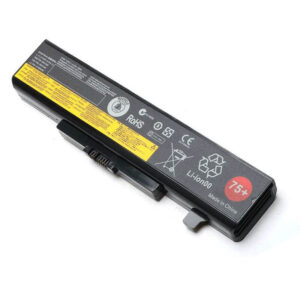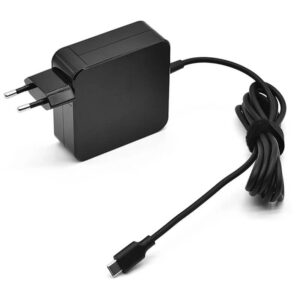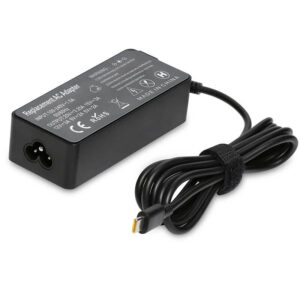
- Model Numbers: 01AV491 (ThinkPad 61+) / 01AV425 / 01AV426
- Battery Type: Li-ion (Grade A+ Extended-Capacity Cells)
- Voltage: 10.8V (Compatible with 11.1V / 11.4V)
- Capacity: 4400mAh / 48Wh (Extended-Capacity Mid-Size)
- Cells: 6-Cell
- Condition: 100% Brand New from Factory
- Life Cycle: Up to 1000 recharge cycles
- Multiple Protection: Over Current, Over Voltage, Over Charge & Discharge, Overheat, Short Circuit, ESD, EMI
- Color: Black
- Certifications: UL2054, CE, FCC, RoHS, UN38.3, MSDS, IEC62133
- OEM/ODM: Yes(Accepted)
- Warranty: 18 Months After Sales, 24/7 Email Support.
- Product Dimensions: 10.71 x 1.30 x 0.83 inches
- Item Weight: 7.58 ounces
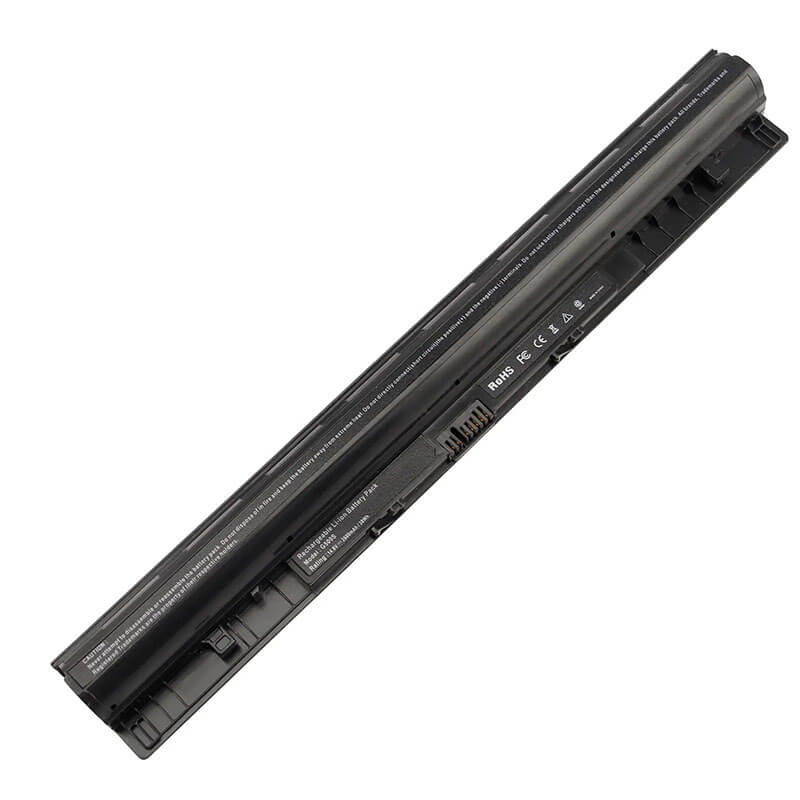
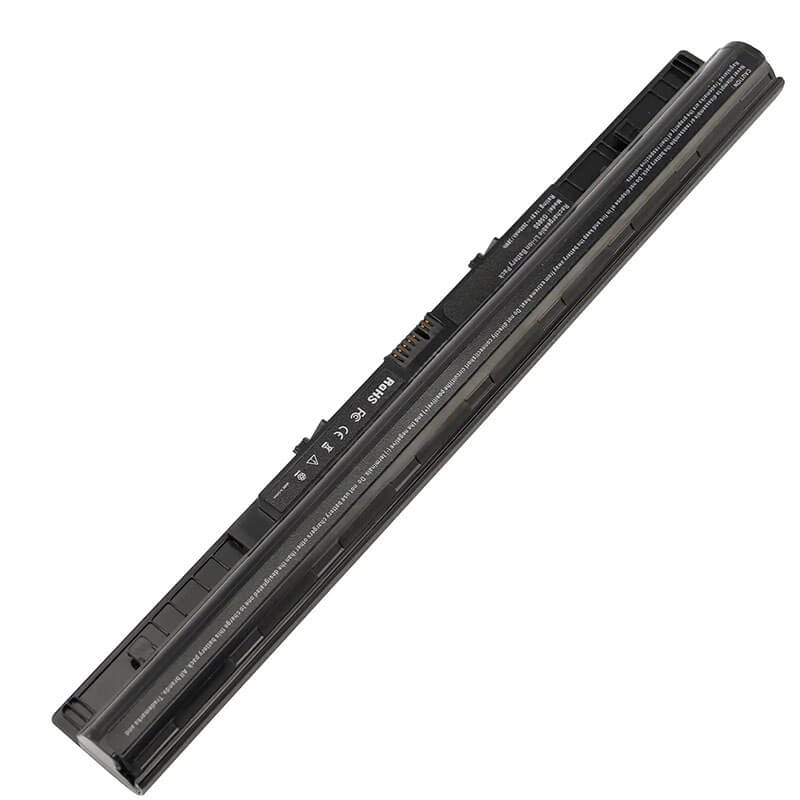
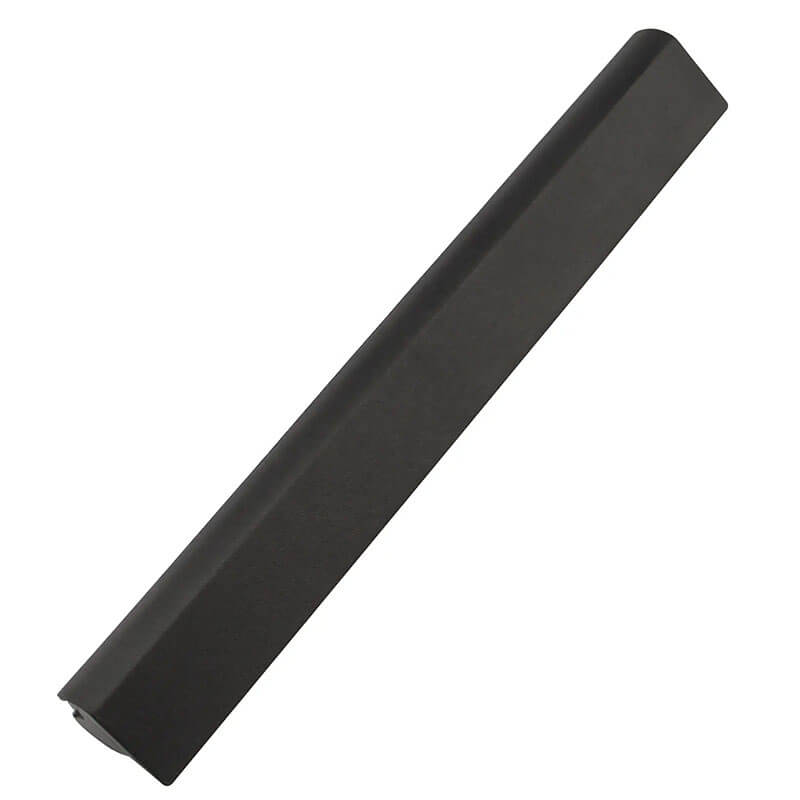
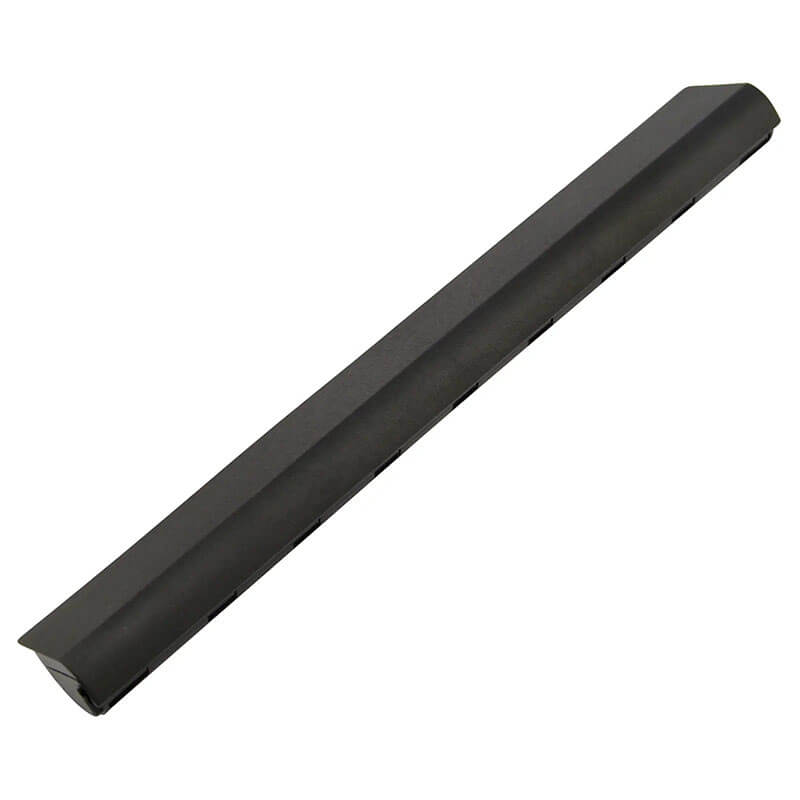
L12S4E01 Battery for Lenovo G400s G500s G50-70 G50-80 Z710 | 14.8V 2600mAh 38Wh
Detailed Product Specifications and Features:
Core Technical Parameters:
| Property | Specification |
|---|---|
| Model Numbers | L12S4E01 / L12M4E01 / L12L4E01 |
| Battery Type | Li-ion (Grade A+ High-Quality Cells) |
| Voltage | 14.8V (Fully compatible with 14.4V) |
| Capacity | 2600mAh / 38Wh |
| Cells | 4-Cell |
| Connector | External 7-pin blade-style connector |
| Condition | 100% Brand New from Factory |
| Life Cycle | 600 - 1000 recharge cycles |
| Multiple Protection | Over Current, Over Voltage, Over Charge & Discharge, Overheat, Short Circuit, ESD, EMI |
| Color | Black |
| Certifications | UL2054, CE, FCC, RoHS, UN38.3, MSDS, IEC62133 |
| OEM/ODM | Yes(Accepted) |
| Warranty | 18 Months After Sales, 24/7 Email Support. |
| Product Dimensions | 10.71 x 1.30 x 0.83 inches |
| Item Weight | 7.58 ounces |
Technical Note:
Design Note: The L12S4E01 is a high-stability External Removable battery pack. The HTJ 14.8V version is engineered with a precision-tuned Battery Management System (BMS) to handle voltage regulation across the Lenovo G and Z series architectures, ensuring no “Battery Not Detected” errors even after Windows or BIOS updates.
Product Features:
- Battery Newest Premium Grade Cells
- Best Circuit Board
- Multiple command chip control, keep the battery stable charge and discharge;
- Over-charger protection and discharger protection, short-circuit protection, ensure fast charges and low power consumption
- Easy & Quick Installation
- Our battery is 100% compatible with the original battery and meets
- CE/FCC/ROHS/UL-certified standards. It is 100% new from the manufacturer and can support up to 1000 recharge cycles over the life of the battery
- Power Interface: Gold-plated connector points to ensure current transport excellently and serve stably.
- Enclosure: The enclosure is made of ABS + PC high-quality material, it has high temperature-resistant function to protect your laptop from overheating
- Battery Buckle: The battery buckle is closely connected to the laptop, and the metal interface is stably powered
L12S4E01 / L12M4E01 / L12L4E01 Battery Compatibility Laptop Model List:
| Series | Specific Laptop Models & Machine Type-Models (MTM) |
|---|---|
| Lenovo G Series | G400s / G400s Touch: (Type 20244, 80AC) G405s / G405s Touch: (Type 20245, 80AD) G410s / G410s Touch: (Type 20246, 80AE) G500s / G500s Touch: (Type 20247, 80AF) G505s / G505s Touch: (Type 20248, 80AG) G510s / G510s Touch: (Type 20249, 80AH) |
| Lenovo G40 / G50 | G40-30 / G40-45 / G40-70 / G40-80: (Type 80FY, 80E1, 80H1) G50-30 / G50-45 / G50-70 / G50-75 / G50-80: (Type 80G0, 80E3, 80E5, 80L0, 80EC) |
| Lenovo Z Series | Z40-70 / Z40-75: (Type 80E6, 80DW) Z50-70 / Z50-75: (Type 80E7, 80EC) Z710: (Type 20250, 80AK) |
| IdeaPad S Series | S410p / S410p Touch: (Type 20257, 80BK) S510p / S510p Touch: (Type 20258, 80BL) |
| Lenovo Eraser | Eraser G400s / G500s / G40 / G50 / Z40 / Z50 / Z710 Series |
| Specific Suffixes | -ITH (i3), -IFI (i5), -ISE (i7), -ATE, -ARE, -AST, -ASW |
L12S4E01 / L12M4E01 / L12L4E01 Battery Compatible P/N (Part Numbers) List:
FRU (Field Replaceable Unit) Numbers:
-
- L12S4E01, L12M4E01, L12L4E01
- L12S4A02, L12M4A02, L12L4A02
- 121500171, 121500172, 121500173
- 121500174, 121500175, 121500176
ASM (Assembly) Numbers:
-
- 90202869, 90202870
- 121500185, 121500186
- 121500231, 121500232
Alternative System Codes:
-
- 4ICR17/65, 4INR19/66
- 4INR19/65-2, 4ICR19/66
Why Choose HTJ L12S4E01 14.8V Battery?
- Optimized 14.8V Power Plateau:
Our 14.8V configuration provides a stable discharge curve, preventing the sudden “Voltage Drop” shutdowns that occur in low-quality 14.4V alternatives when the laptop is under heavy CPU/GPU load. - Grade A+ Cells for Industrial Longevity:
HTJ utilizes only high-consistency Grade A+ cells. This ensures that the battery maintains over 80% of its initial capacity even after 500+ full charge cycles, providing years of reliable service. - Precision 1:1 Safety Fit:
Using original factory dimensions, our L12S4E01 fits into the Lenovo chassis with zero movement. This prevents accidental disconnections and wear on the motherboard pins. - Comprehensive 18-Month Warranty:
As a direct manufacturer, HTJ offers an 18-month warranty. Every battery is subjected to 48-hour aging and high-current validation before shipment.
How to Install Your New L12S4E01 Battery?
Replacing the external L12S4E01 battery is a simple, tool-free process using Lenovo’s dual-latch system.
⚠️Crucial Safety Preparation
- Shutdown: Power off your laptop and disconnect the AC adapter before replacement.
- Surface: Place the laptop upside down on a soft, clean surface to avoid scratching the chassis lid.
L12S4E01 Battery Step-by-Step Installation Guide:
- Locate the Dual Latches: Find the two sliding latches on the bottom of the laptop near the battery bay.
- Unlock the Manual Latch: Slide the right-side manual lock latch to the “Unlocked” position.
- Release the Spring Latch: Slide and hold the left-side spring-loaded release latch.
- Remove the Old Battery: While holding the release latch, pull the old battery out of the chassis.
- Insert the HTJ Battery: Align the guide rails of the new HTJ L12S4E01 battery and slide it into the bay until it clicks firmly.
- Secure the Lock: Important: Slide the manual lock latch back to the “Locked” position to ensure the battery is secured.
- Verification: Power on the laptop and verify “Battery Health” in Lenovo Vantage or Windows Battery settings.
💡 Pro Tip:
To maximize the lifespan of your new 14.8V cells, perform a full “Battery Gauge Reset” once every 3 months. Charge to 100%, then discharge to 5% to keep the system fuel gauge accurate.
FAQ (Frequently Asked Questions)
- Q: Can I use this battery if my original was 14.4V but this is 14.8V?
A: Yes. For this 4-cell series, 14.4V and 14.8V are functionally interchangeable. The difference is simply due to how the manufacturer labels the nominal voltage of the individual cells (3.6V vs. 3.7V per cell). - Q: Is this battery compatible with the standard G500 or G580?
A: No. The “s” version (e.g., G500s) uses this slim L12S4E01 battery, whereas the standard G500 or G580 uses a much thicker, cylindrical-cell battery (L11S6Y01). These are not interchangeable as the physical shape and connectors are different. - Q: Why does my laptop not recognize the battery even though it fits perfectly?
A: Try a “Static Reset”: Remove the battery and AC adapter, hold the power button for 30 seconds, then reinsert only the battery and try to turn it on. If that fails, ensure your “Lenovo Power Management” driver is updated, as these laptops use an authentication chip to verify the battery. - Q: Does this battery support Lenovo’s “Conservation Mode”?
A: Yes. You can use the Lenovo Vantage or Energy Manager software to limit the charge to 60%. This is highly recommended if you primarily use the laptop while it is plugged into a charger, as it prevents the lithium cells from wearing out due to high voltage stress. - Q: What is the best way to extend the lifespan of this specific battery?
A: Avoid letting the battery drop to 0% frequently. Lithium-ion batteries prefer “shallow” discharges. Try to plug in the charger when the battery reaches 20%. Additionally, ensure the laptop’s bottom vents are clear, as heat is the primary enemy of battery longevity in G50 and Z50 models.
- Q: Does this battery fit the Lenovo G50-70?
A: Yes, the L12S4E01 is the standard battery for the entire G50-30/45/70/80 series. - Q: Why does my laptop show “Plugged in, not charging” after installation?
A: This is often a software sync issue. Turn off the laptop, hold the power button for 30 seconds (static discharge), then restart with the charger connected.
Laptop Maintenance Tips:
- New battery: For using a new battery, you’d better try a few cycles of discharging to 5%. then charging up to 95%. So that it can be activated completely
- Overuse: Do not always run a battery to 0%, as this would shorten its usage life.
- Charging sequence: When charging, first install the battery, then turn on the power. When fully charged, first cut off the power, then pull the power plug.
- Long-term storage: Please store the unused battery fully charged. (Charge it once a month.) Do not store at low power to prevent reducing the lifespan of a battery
- Charger: Do not replace the laptop adapter casually. If the original adapter cannot be applied due to malfunction or damage, please replace the models so as not to reduce the service life of the battery due to incompatibility.
【IMPORTANT】: Press [ Ctrl+F ] to find the laptop models.
Need a legacy/unlisted charger? Send your Lenovo Laptop Battery specs or CONTACT US → We will source it for you!
We are a professional manufacturer of laptop batteries, laptop adapters, and laptop keyboards. We are committed to providing high-quality, competitively priced, and superior performance batteries and the best service to customers.