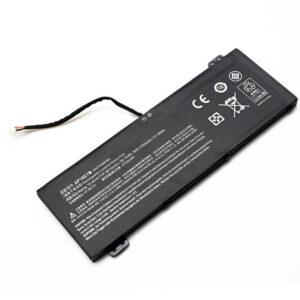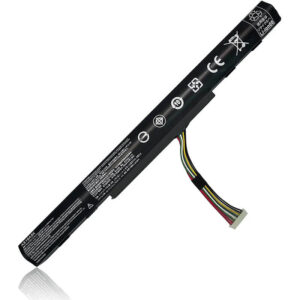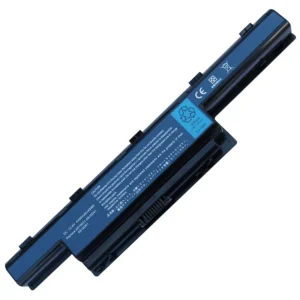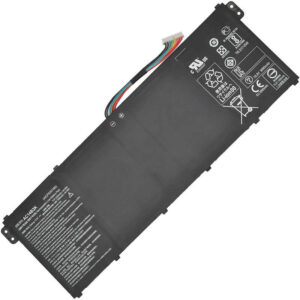
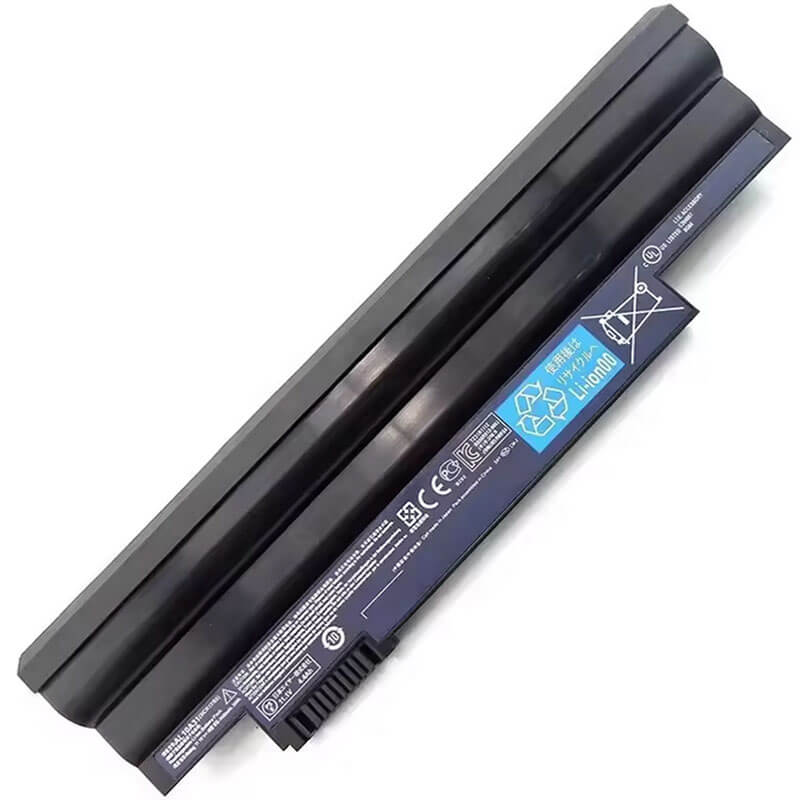
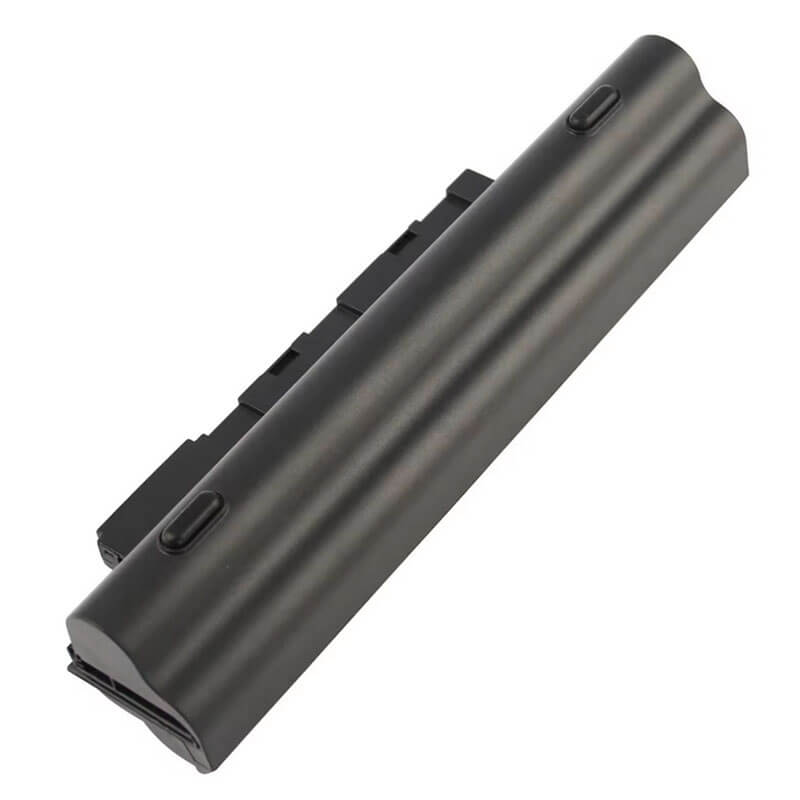
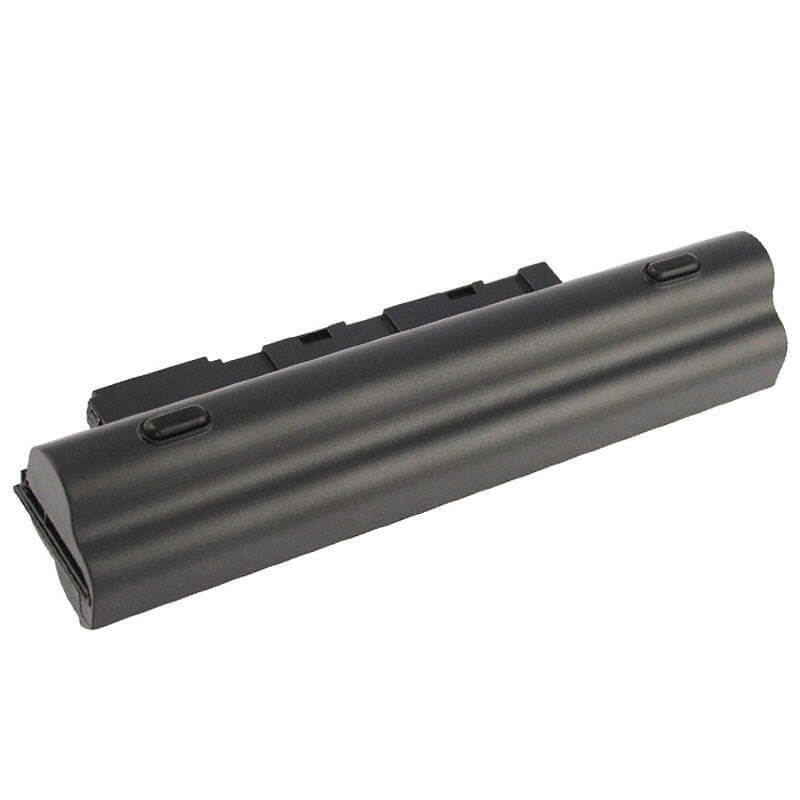
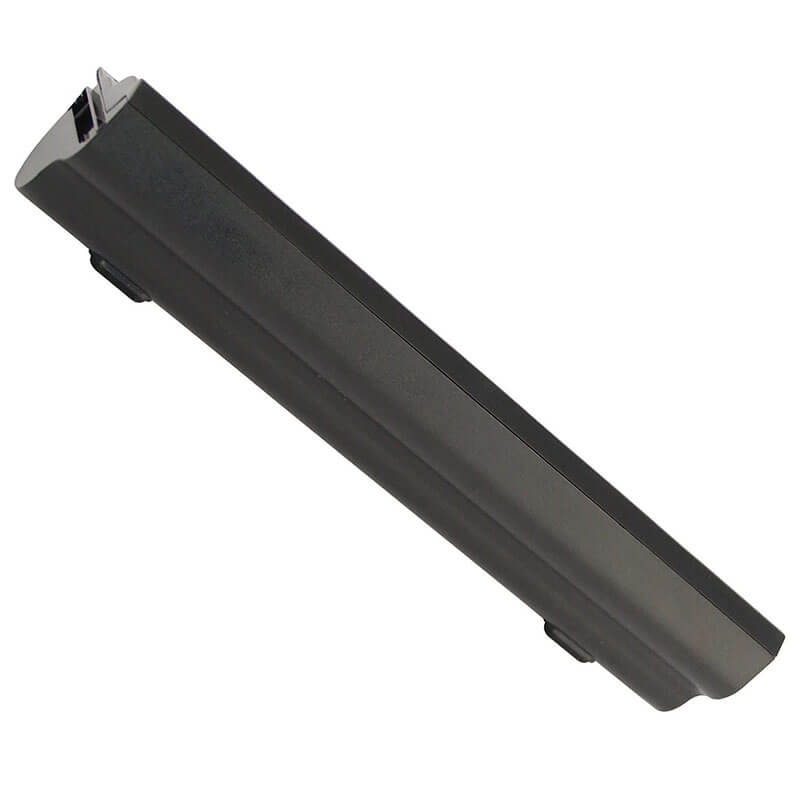
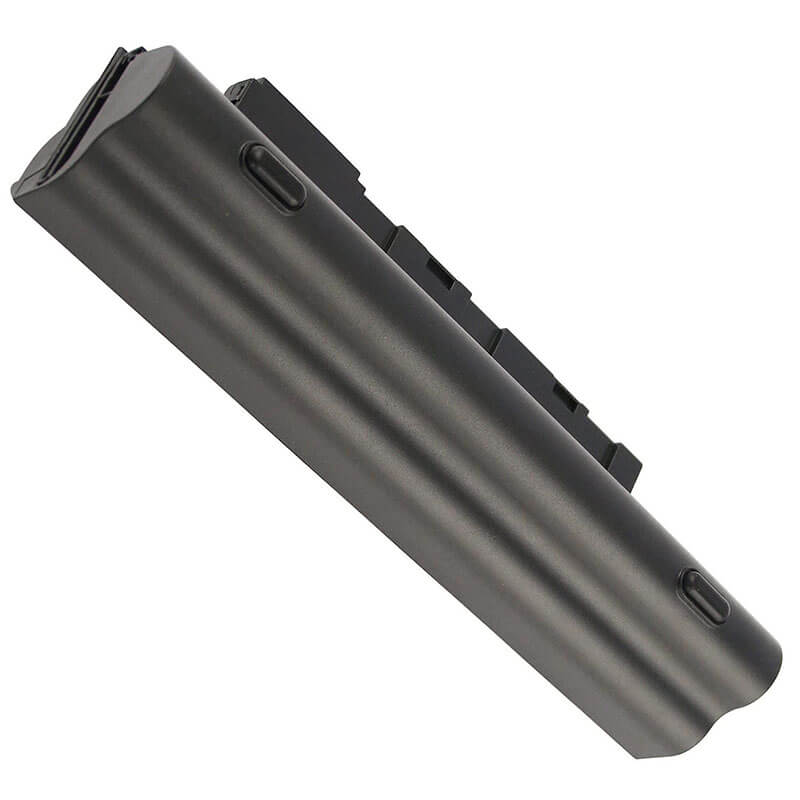
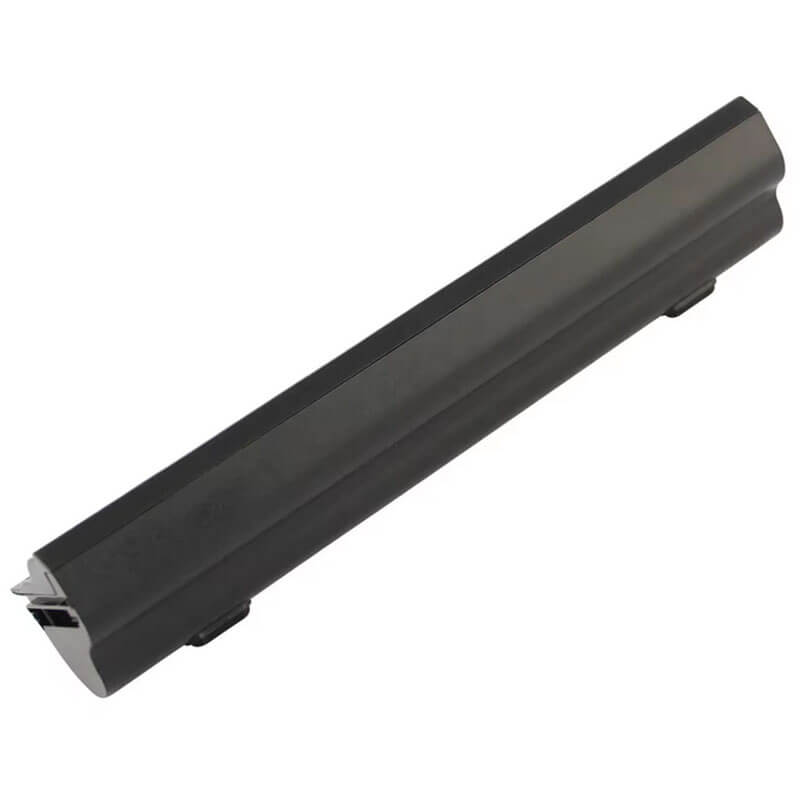
6-Cell AL10A31 AL10B31 High Capacity Battery for Acer Aspire One D255 D270 | 56Wh / 5200mAh – ...
- Model Numbers: AL10A31 AL10B31 High Capacity Battery (6-Cell Version)
- Battery Type: Li-ion (Grade A+ Cells)
- Voltage: 11.1V
- Capacity: 56Wh / 5200mAh
- Cells: 6 Cell
- Shape: Extended/Protruding (Adds height to the laptop)
- Condition: 100% Brand New from Factory
- Multiple Protection: Over Current, Over Voltage, Over Charge & Discharge, Overheat, Short Circuit, ESD, EMI
- Color: Black
- Certifications: CE / FCC / ROHS / UN38.3 -certified
- Life Cycle: Up to 1000 recharge cycles
- Condition: 100% Compatible Brand
- OEM/ODM: Yes(Accepted)
- Warranty: 18 Months After Sales, 24/7 Email Support.
- Package Includes: 1* AL10A31 AL10B31 High Capacity Battery
- Product Dimensions: 10.04 x 4.57 x 1.93 inches
- Item Weight: 12 ounces
6-Cell AL10A31 AL10B31 High Capacity Battery for Acer Aspire One D255 D270 | 56Wh / 5200mA
Detailed Product Specifications and Features:
Core Technical Parameters:
- Model Numbers: AL10A31 AL10B31 High Capacity Battery (6-Cell Version)
- Battery Type: Li-ion (Grade A+ Cells)
- Voltage: 11.1V
- Capacity: 56Wh / 5200mAh
- Cells: 6 Cell
- Shape: Extended/Protruding (Adds height to the laptop)
- Condition: 100% Brand New from Factory
- Multiple Protection: Over Current, Over Voltage, Over Charge & Discharge, Overheat, Short Circuit, ESD, EMI
- Color: Black
- Certifications: CE / FCC / ROHS / UN38.3 -certified
- Life Cycle: Up to 1000 recharge cycles
- Condition: 100% Compatible Brand
- OEM/ODM: Yes(Accepted)
- Warranty: 18 Months After Sales, 24/7 Email Support.
- Package Includes: 1* AL10A31 AL10B31 High Capacity Battery
- Product Dimensions: 10.04 x 4.57 x 1.93 inches
- Item Weight: 12 ounces
Technical Note:
IMPORTANT: This is a 6-Cell High Capacity battery (56Wh/5200mAh). It is significantly thicker than the standard 3-cell version and will protrude from the bottom of your laptop, creating a slight upward tilt. This protrusion is normal and intentional for increased capacity.
Product Features:
- Battery Newest Premium Grade Cells
- Best Circuit Board
- Multiple command chip control, keep the battery stable charge and discharge;
- Over-charger protection and discharger protection, short-circuit protection, ensure fast charges and low power consumption
- Easy & Quick Installation
- Our battery is 100% compatible with the original battery and meets
- CE/FCC/ROHS/UL-certified standards. It is 100% new from the manufacturer and can support up to 1000 recharge cycles over the life of the battery
- Power Interface: Gold-plated connector points to ensure current transport excellently and serve stably.
- Enclosure: The enclosure is made of ABS + PC high-quality material, it has high temperature-resistant function to protect your laptop from overheating
- Battery Buckle: The battery buckle is closely connected to the laptop, and the metal interface is stably powered
AL10A31 AL10B31 High Capacity Battery Compatibility Laptop Model List:
| Series | Complete Compatible Model Detail (Sub-models) |
|---|---|
| Acer Aspire One D255 | D255 / D255E Series: D255-2BQrr, D255-2107, D255-2136, D255-2184, D255-2256, D255-2301, D255-2331, D255-2333, D255-2509, D255-2520, D255-2536, D255-2583, D255-2640, D255-2670, D255-2691, D255-2795, D255-2934, D255-2981, D255E-13202 |
| Acer Aspire One D257 | D257 / D257E Series: D257-13404, D257-13450, D257-13473, D257-13499, D257-13608, D257-13685, D257-13867, D257-1414, D257-1471, D257-1611, D257-1678, D257-1881 |
| Acer Aspire One D260 | D260 Series: D260-2028, D260-2037, D260-2044, D260-2097, D260-2203, D260-2207, D260-2329, D260-2344, D260-2365, D260-2379, D260-2380, D260-2444, D260-2455, D260-2571, D260-2576, D260-2618, D260-2680, D260-2691 |
| Acer Aspire One D270 | D270 Series: D270-1375, D270-1410, D270-1679, D270-1824, D270-1834, D270-1835, D270-26Dkk, D270-26Dbb, D270-26Ckk |
| Acer Aspire One 522/722 | 522 Series: AO522-BZ848, AO522-BZ897, AO522-BZ483722 Series: AO722-BZ454, AO722-BZ480, AO722-BZ608, AO722-BZ848 |
| Acer Aspire One Happy | Happy, Happy 2 Series: Happy 2-N578Q, Happy 2-N78Q, Happy 2-N57D |
| Gateway & Others | Gateway: LT23, LT25, LT27, LT28 Series (e.g., LT2802u)Packard Bell: Dot SE, Dot SE2, Dot SE3 |
Compatible P/N (Part Numbers) List
- AL10A31
- AL10B31
- AL10G31
- AL10D31
- AL10BW
- AL10W31
- 006BT.074
- 006BT.080
- 00603.121
- 00603.114
- 00607.125
- 00607.127
- BTP00.128
- BTP00.129
- 3ICR17/65-2 (6-cell Physical structure code)
Why Choose HTJ 6-Cell AL10A31 AL10B31 High Capacity Battery?
- Maximum Endurance Upgrade (56Wh/5200mAh):
This battery provides a massive 56Wh of power—more than double the standard capacity. Enjoy significantly extended working sessions (up to 6-8 hours, depending on usage). - Ergonomic Typing Angle:
The extended design naturally tilts your laptop forward by approximately 15 degrees, which creates a more comfortable typing experience and improves chassis cooling and airflow. - Premium Life Expectancy:
Utilizing high-density Grade A+ Lithium-ion cells ensures the battery maintains over 80% of its initial capacity even after 1000 recharge cycles, offering long-term reliability. - Smart Chip Integration:
Features an advanced control board that communicates perfectly with your Acer netbook, ensuring accurate battery percentage readings and safe, efficient charging.
How to Install Your New 6-Cell AL10A31 AL10B31 High Capacity Battery
This 6-cell battery is an external, tool-free replacement.
⚠️ Crucial Safety Preparation
- Check the Fit: Please note that because this is a 6-cell battery, it is physically larger than the 3-cell original. It will protrude from the bottom/back of the laptop.
- Power Off: Ensure the laptop is off and the AC adapter is unplugged.
Step-by-Step Installation Guide
- Unlock the Latches:
Flip your laptop over. Slide the lock latch to the “unlocked” position. - Remove Old Battery:
Slide the spring-loaded release latch and pull the old battery out of the bay. - Insert 6-Cell Battery:
Align the rails of the new 6-Cell AL10A31 AL10B31 High Capacity Battery with the laptop’s compartment. Slide it in firmly until you hear a “click.” - Confirm Lock:
Ensure the spring-loaded latch has snapped back. Manually slide the lock latch to the “locked” position. - Notice the Change:
When you set the laptop down, you will notice the back is now elevated—this is normal for the high-capacity version.
💡 Pro Tip:
IMPORTANT: This is a 6-Cell High Capacity battery (56Wh/5200mAh). It is significantly thicker than the standard 3-cell version and will protrude from the bottom of your laptop, creating a slight upward tilt. This protrusion is normal and intentional for increased capacity.
Laptop Maintenance Tips:
- New battery: For using a new battery, you’d better try a few cycles of discharging to 5%. then charging up to 95%. So that it can be activated completely
- Overuse: Do not always run out of a battery to 0%, this would make it or usage life.
- Charging sequence: When charging, first install the battery, then turn on the power. when fully charged, first cut off the power, then pull the power plug.
- Long-term storage: Please store the unused battery fully charged. (Charge it once a month.) Do not store at low power to prevent reducing the lifespan of a battery
- Charger: Do not replace the laptop adapter casually. If the original adapter cannot be applied due to malfunction or damage, please replace the models so as not to reduce the service life of the battery due to incompatibility.
【IMPORTANT】: Press [ Ctrl+F ] to find the laptop models.
Need a legacy/unlisted charger? Send your Acer Laptop Battery specs or CONTACT US → We will source it for you!
We are a professional manufacturer in the field of laptop batteries, laptop adapters, and laptop keyboards. We are committed to providing high-quality, competitive cost, and superior performance batteries and the best service to customers.
Need Expert Help or Legacy Charger Sourcing? Contact Our Professional Technical Team Now!