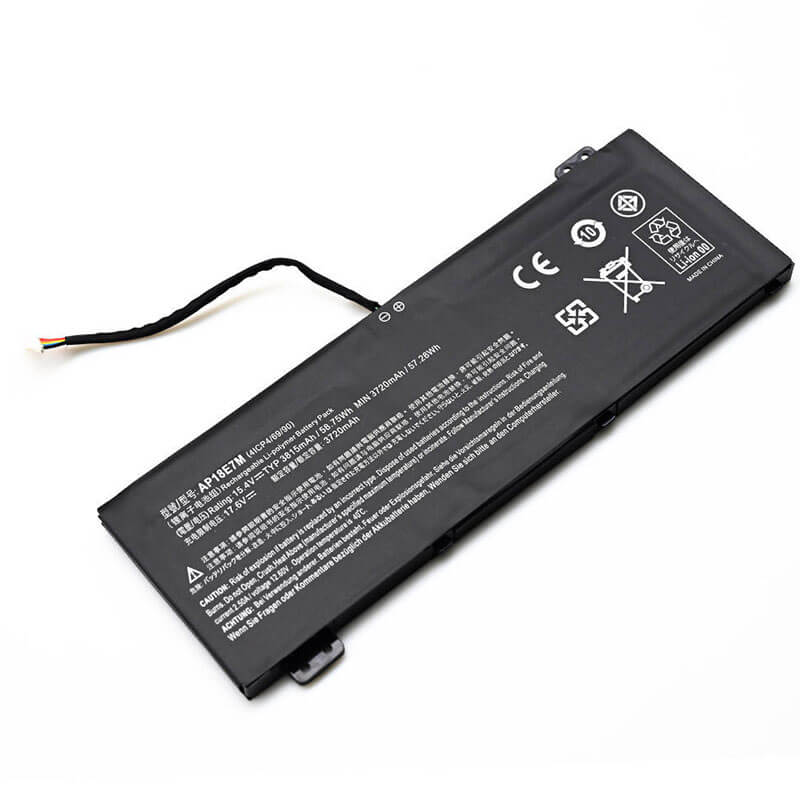
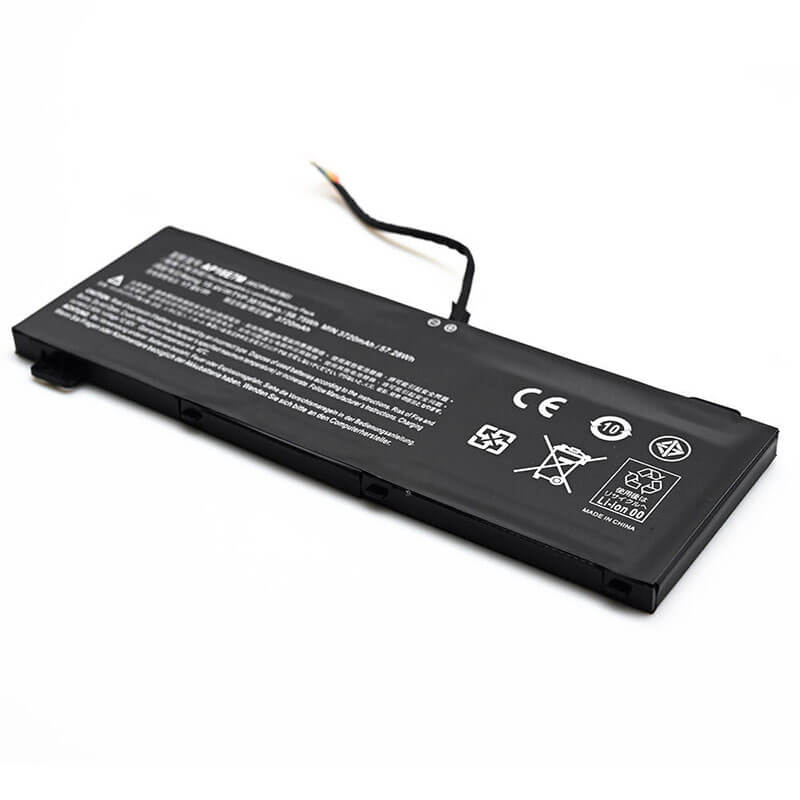
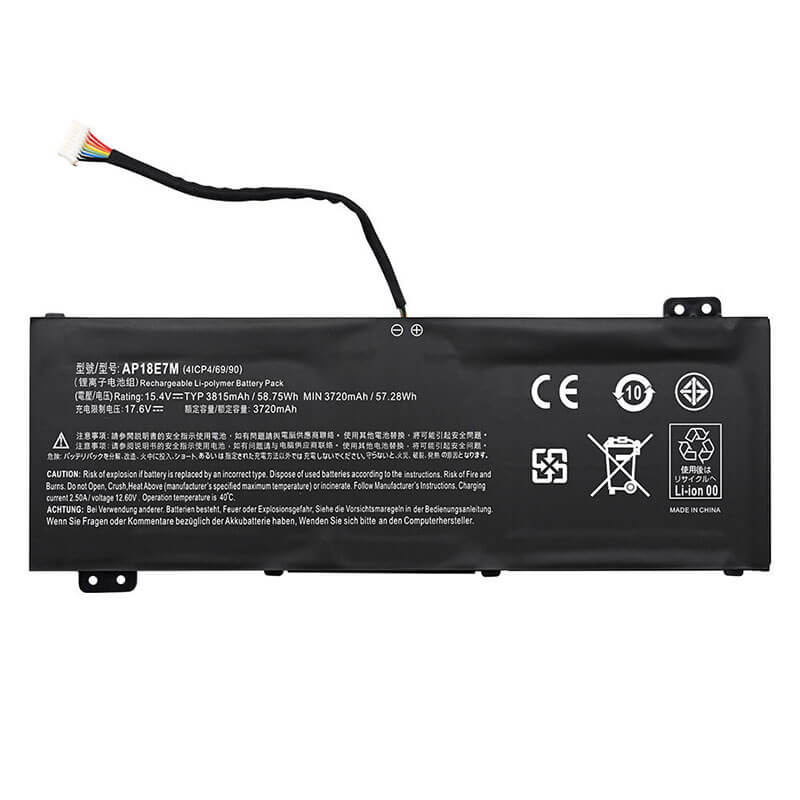
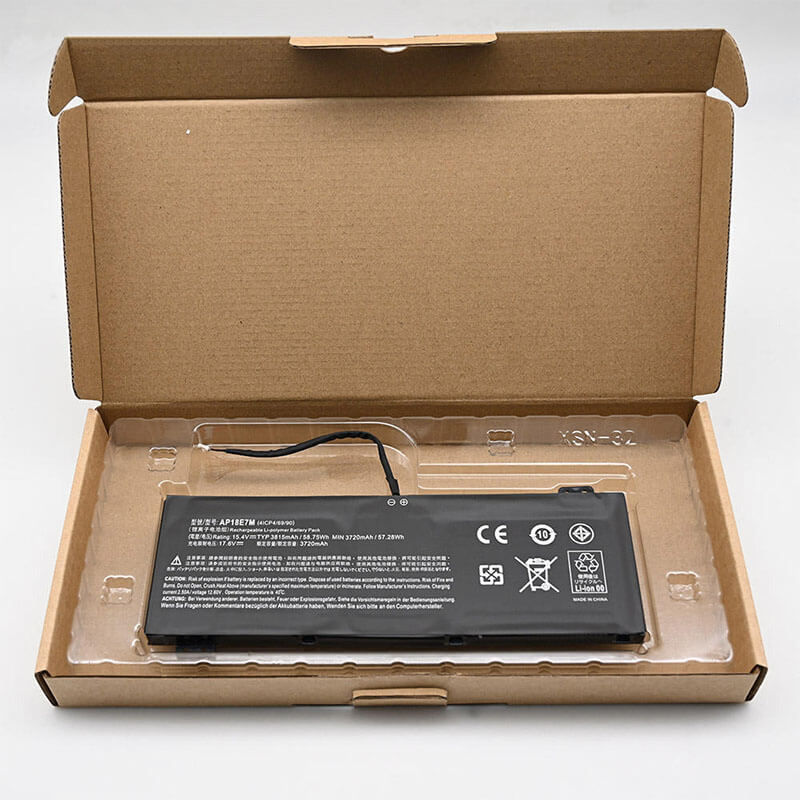
AP18E7M Battery Replacement for Acer Nitro 5 AN515-43 AN515-55 Predator Helios 300 | 58.75Wh / 3815m...
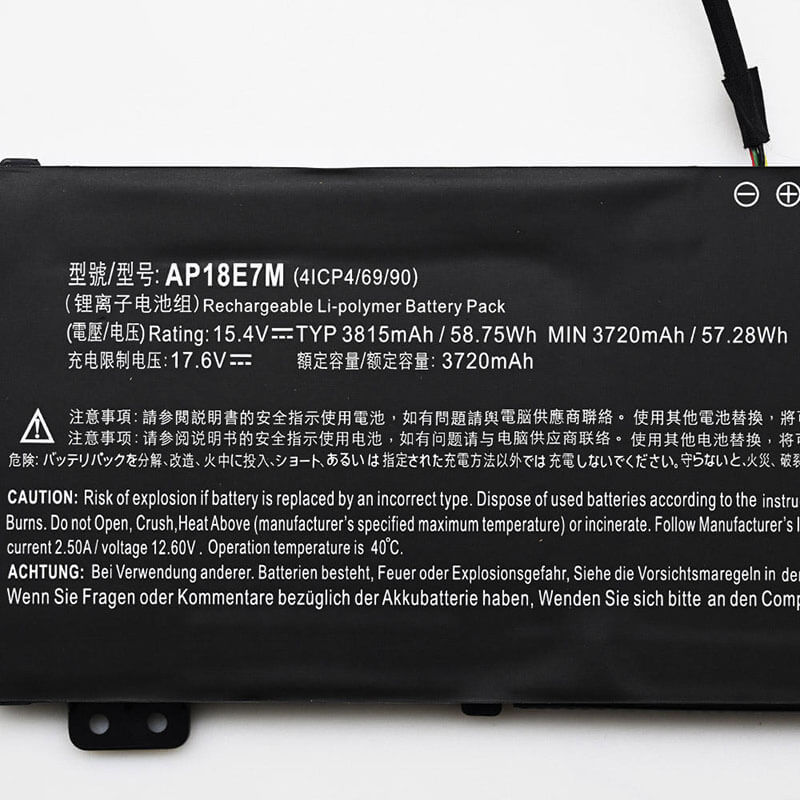
- Model Numbers: AP18E8M / AP18E7M Battery
- Battery Type: Li-polymer (Grade A+ Cells)
- Voltage: 15.4V (Compatible with 15.2V)
- Capacity: 58.75Wh / 3815mAh
- Cells: 4-Cell
- Condition: 100% Brand New from Factory
- Life Cycle: Up to 1000 recharge cycles
- Multiple Protection:
Over Current, Over Voltage, Over Charge & Discharge, Overheat, Short Circuit, ESD, EMI - Color: Black
- Certifications: UL2054, CE, FCC, RoHS, UN38.3, MSDS, IEC62133
- OEM/ODM: Yes(Accepted)
- Warranty: 18 Months After Sales, 24/7 Email Support.
- Product Dimensions: 10.51 x 4.84 x 0.94 inches
- Item Weight: 10.2 ounces
AP18E7M Battery Replacement for Acer Nitro 5 AN515-43 AN515-55 Predator Helios 300 | 58.75Wh / 3815mAh
Detailed Product Specifications and Features:
Core Technical Parameters:
| Property | Specification |
|---|---|
| Model Numbers | AP18E8M / AP18E7M Battery |
| Battery Type | Li-polymer (Grade A+ Cells) |
| Voltage | 15.4V (Compatible with 15.2V) |
| Capacity | 58.75Wh / 3815mAh |
| Cells | 4-Cell |
| Condition | 100% Brand New from Factory |
| Life Cycle | Up to 1000 recharge cycles |
| Multiple Protection | Over Current, Over Voltage, Over Charge & Discharge, Overheat, Short Circuit, ESD, EMI |
| Color | Black |
| Certifications | UL2054, CE, FCC, RoHS, UN38.3, MSDS, IEC62133 |
| OEM/ODM | Yes(Accepted) |
| Warranty | 18 Months After Sales, 24/7 Email Support. |
| Product Dimensions | 10.51 x 4.84 x 0.94 inches |
| Item Weight | 10.2 ounces |
Technical Note:
- Please verify your original battery’s voltage before purchasing. This 4V battery is fully compatible with 15.2V systems. However, it is not a replacement for 11.4V or 7.6V versions. Using the wrong voltage may damage your laptop.
- This HTJ premium battery features High-Density Grade A+ cells, providing a real-world capacity of 75Wh. It is designed to replace both lower-capacity (48Wh) and standard-capacity (57Wh) original batteries without requiring any hardware changes.
Product Features:
- Battery Newest Premium Grade Cells
- Best Circuit Board
- Multiple command chip control, keep the battery stable charge and discharge;
- Over-charger protection and discharger protection, short-circuit protection, ensure fast charges and low power consumption
- Easy & Quick Installation
- Our battery is 100% compatible with the original battery and meets
- CE/FCC/ROHS/UL-certified standards. It is 100% new from the manufacturer and can support up to 1000 recharge cycles over the life of the battery
- Power Interface: Gold-plated connector points to ensure current transport excellently and serve stably.
- Enclosure: The enclosure is made of ABS + PC high-quality material, it has high temperature-resistant function to protect your laptop from overheating
- Battery Buckle: The battery buckle is closely connected to the laptop, and the metal interface is stably powered
AP18E8M / AP18E7M Battery Compatibility Laptop Model List:
| Series | Detailed Compatible Laptop Models |
|---|---|
| Acer Nitro 5 | AN515-43, AN515-43-R34S, AN515-44, AN515-44-R9SS, AN515-54, AN515-54-5812, AN515-55, AN515-55-53AG, AN515-55-52KW, AN515-57, AN515-58 |
| Acer Nitro 7 | AN715-51, AN715-51-70TG, AN715-51-796C, AN715-52, AN715-52-715S |
| Predator Helios 300 | PH315-52, PH315-52-78VL, PH315-53, PH315-53-72XD, PH315-54 |
| Predator Triton 300 | PT315-51, PT315-52, PT315-52-73WT |
| ConceptD 3 / 5 | ConceptD 3 CN315-71, CN315-71-70C5, ConceptD 5 CN515-71, CN515-71-71FS |
| Acer Aspire 7 | A715-74G, A715-74G-55AF, A715-75G, A715-75G-544V |
AP18E8M / AP18E7M Battery Compatible P/N (Part Numbers) List
- AP18E7M
- AP18E8M
- 4ICP4/69/90
- 00407.009
- 0040G.011
- 00408.001
Why Choose HTJ AP18E7M / AP18E8M Battery?
-
Universal Compatibility & Precision Fit:
Our AP18E7M is engineered to the exact 1:1 original internal dimensions, ensuring seamless compatibility with Acer Nitro 5 and Predator Helios series. The ultra-slim Li-polymer design fits perfectly into the laptop’s chassis without swelling or pressure on the trackpad.
-
Enhanced Performance for Gaming:
Designed for high-drain devices, this battery utilizes premium Grade A+ cells that provide a stable 15.4V output. It is rated for over 1000 recharge cycles, ensuring your gaming sessions remain uninterrupted by sudden power drops.
-
Superior Thermal Management:
Equipped with an intelligent BMS (Battery Management System), the HTJ AP18E7M features advanced heat-resistant materials. This prevents overheating during intense CPU/GPU usage, common in Acer’s high-performance gaming laptops.
-
Factory-Direct Value:
Skip the retail markup. HTJ provides enterprise-grade battery solutions at competitive prices, backed by an industry-leading 18-month warranty and 24/7 expert support.
How to Install Your New AP18E7M Battery?
Replacing the internal AP18E7M battery is a moderate DIY task that takes approximately 15–20 minutes.
⚠️ Crucial Safety Preparation
- Discharge First: Discharge the current battery below 25% to reduce fire risk during removal.
- Required Tools: A Phillips #0 screwdriver and a plastic pry tool (spudger).
AP18E7M Battery Step-by-Step Installation Guide
-
Open the Chassis:
Power off the laptop. Remove the 11 or 12 Phillips screws from the bottom cover. Note: Nitro 5 screws are all the same length, but keep them organized.
-
Remove the Bottom Cover:
Use a plastic prying tool to gently pop the clips around the edges, starting from the rear exhaust vents. Lift the cover off.
-
Disconnect the Battery:
The AP18E7M uses a multi-pin cable connector. Use your fingernails or a spudger to gently pull the battery connector horizontally out of its socket on the motherboard. Do not pull the wires.
-
Unscrew the Old Battery:
Remove the 2 Phillips screws holding the battery frame to the chassis. Carefully lift the old battery out.
-
Install the New HTJ AP18E7M Battery:
Place the new AP18E7M battery into the bay, aligning the screw holes. Secure it with the original screws.
-
Reconnect and Close:
Plug the battery cable firmly back into the motherboard. Replace the bottom cover, snap it into place, and tighten the screws.
-
Calibration:
Charge to 100%, leave on charger for 2 hours, discharge to 5%, then recharge to 100% to sync the battery meter.
💡 Pro Tip:
Before closing the case, ensure the battery cable is tucked away from the laptop’s cooling fans to prevent noise or damage.
Q: How to identify if your battery is an AP18E7M?
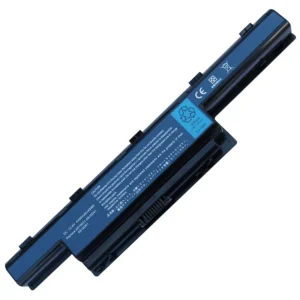
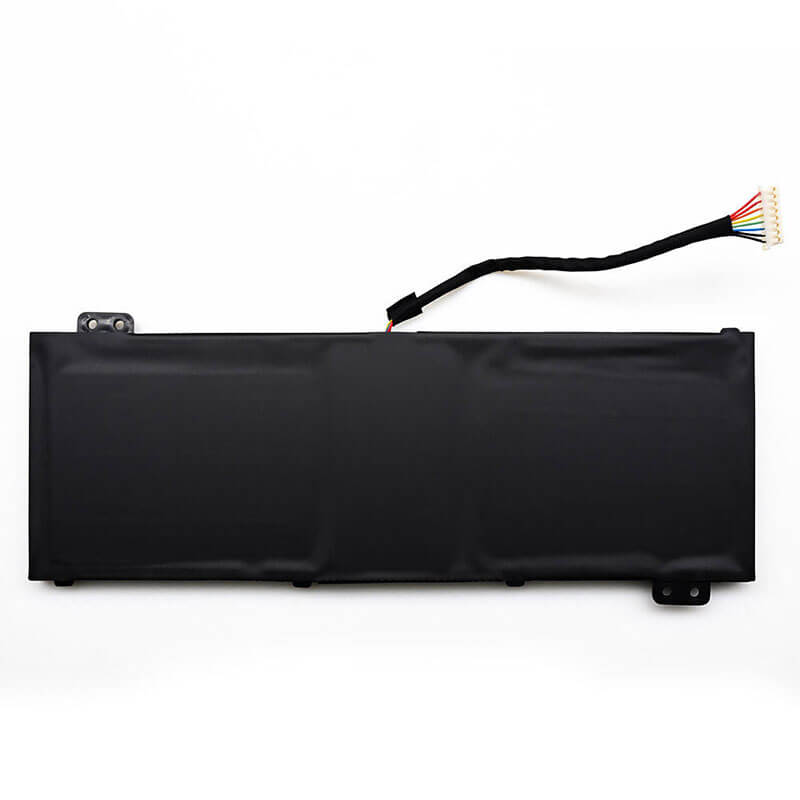
A: Check your original battery’s label for “AP18E7M” or “AP18E8M”. This battery is a long, flat rectangle with a specific “cut-out” section to accommodate the internal components of the Nitro 5.
Laptop Maintenance Tips:
- New battery: For using a new battery, you’d better try a few cycles of discharging to 5%. then charging up to 95%. So that it can be activated completely
- Overuse: Do not always run a battery down to 0%, as this would shorten its usage life.
- Charging sequence: When charging, first install the battery, then turn on the power. When fully charged, first cut off the power, then pull the power plug.
- Long-term storage: Please store the unused battery fully charged. (Charge it once a month.) Do not store at low power to prevent reducing the lifespan of a battery
- Charger: Do not replace the laptop adapter casually. If the original adapter cannot be applied due to malfunction or damage, please replace the models so as not to reduce the service life of the battery due to incompatibility.
【IMPORTANT】: Press [ Ctrl+F ] to find the laptop models.
Need a legacy/unlisted charger? Send your Acer Laptop Battery specs or CONTACT US → We will source it for you!
We are a professional manufacturer in the field of laptop batteries, laptop adapters, and laptop keyboards. We are committed to providing high-quality, competitively priced, and superior performance batteries and the best service to customers.