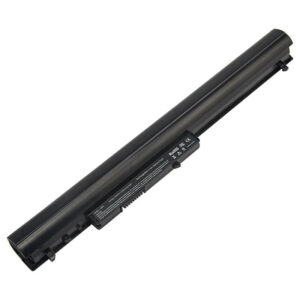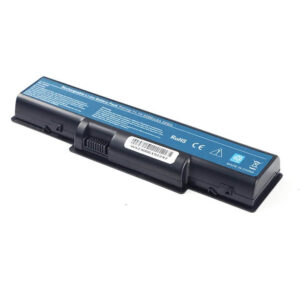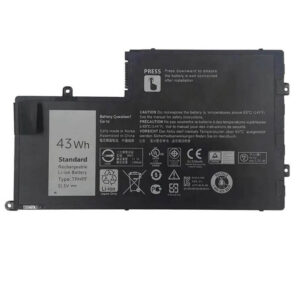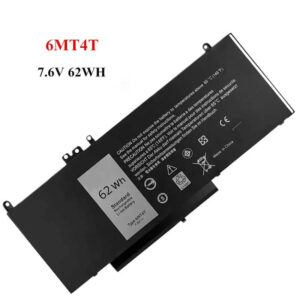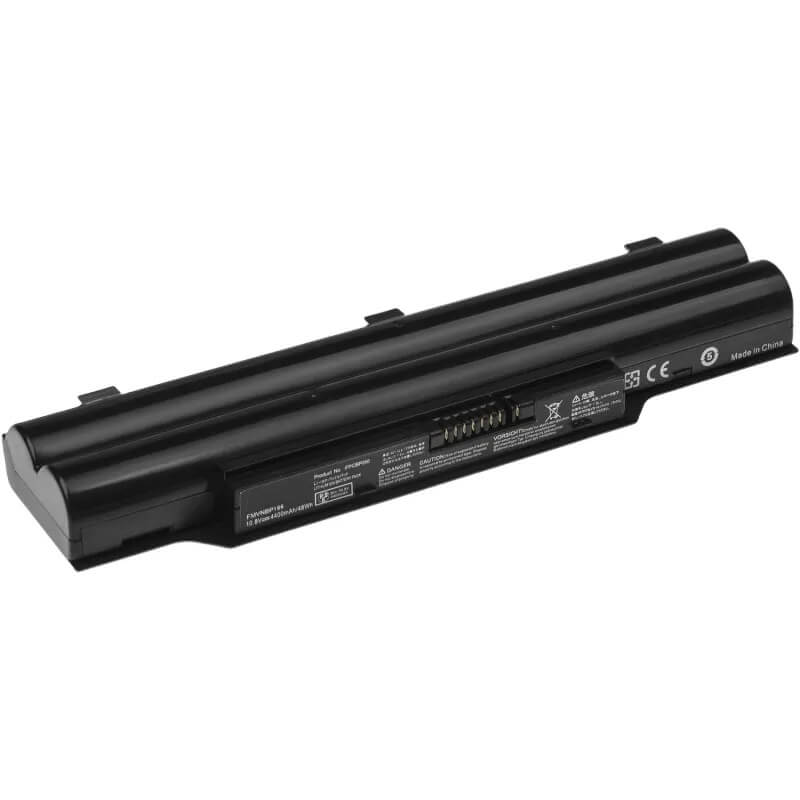
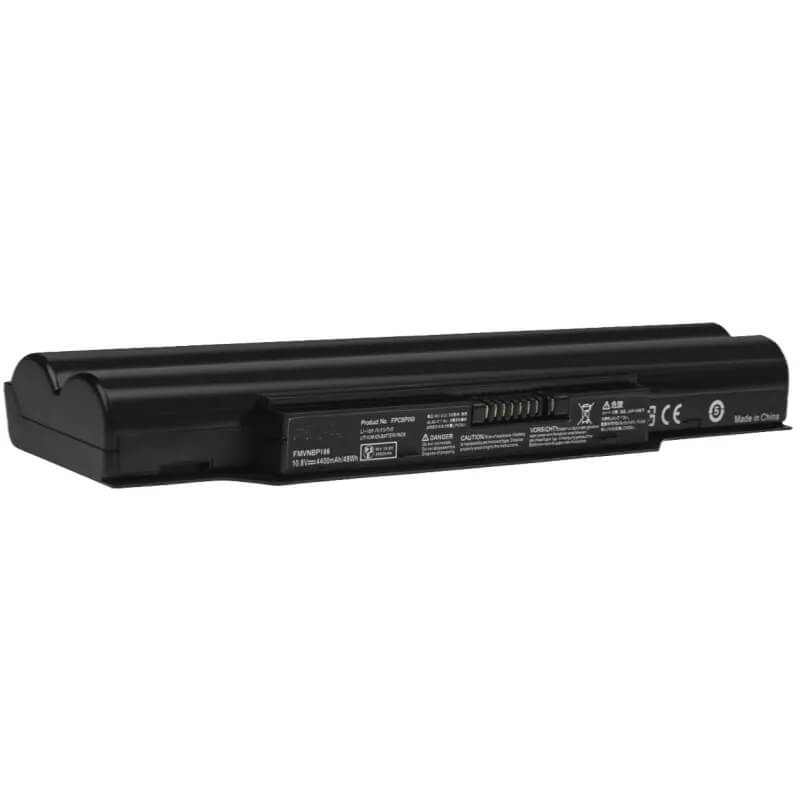
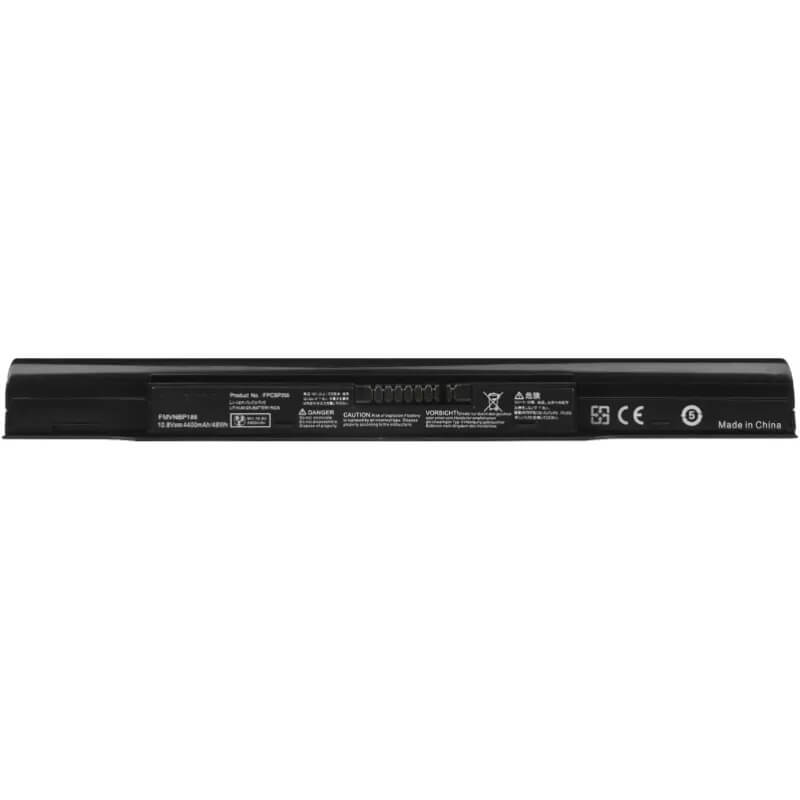
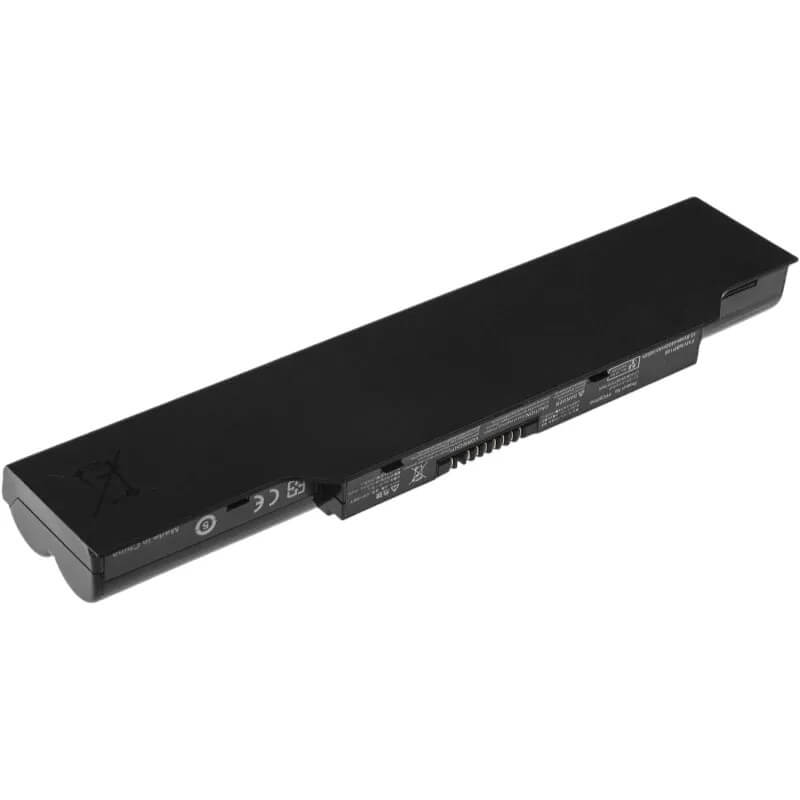
FPCBP331 Battery for Fujitsu Lifebook AH532 AH512 A532 | 10.8V 4400mAh 48Wh 6-Cell – HTJ
- Model Numbers: FPCBP331 Battery
- Battery Type: Lithium-ion (Grade A Cells)
- Voltage: 10.8V (Fully compatible with 11.1V)
- Capacity: 4400mAh / 48Wh
- Cells: 6-Cell
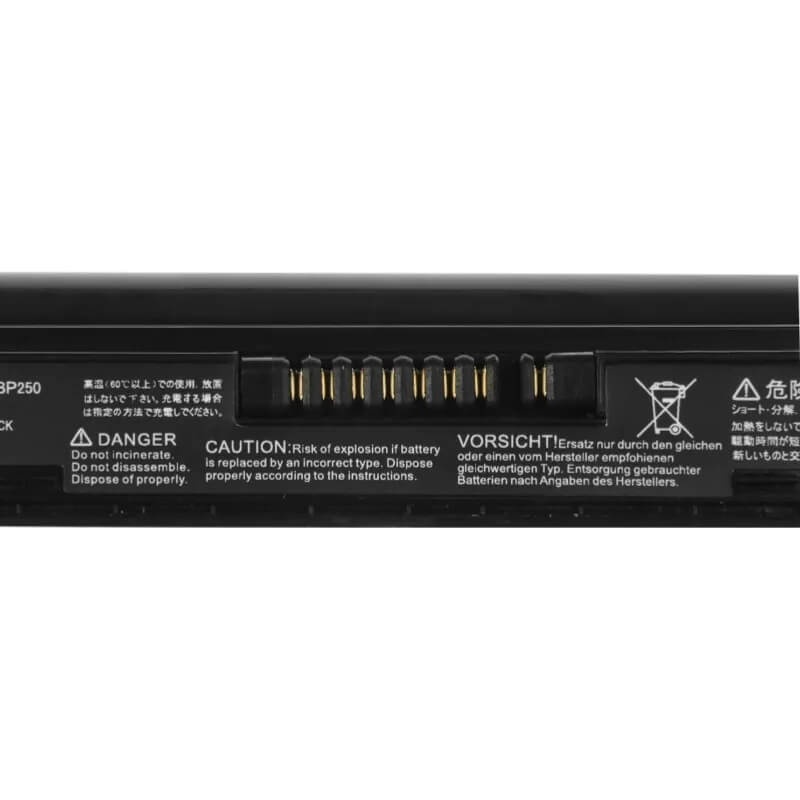
- Connector: External Snap-in Interface
- Condition: 100% Brand New from Factory
- Life Cycle: 600 – 1000 recharge cycles
- Multiple Protection: Over Current, Over Voltage, Over Charge & Discharge, Overheat, Short Circuit, ESD, EMI
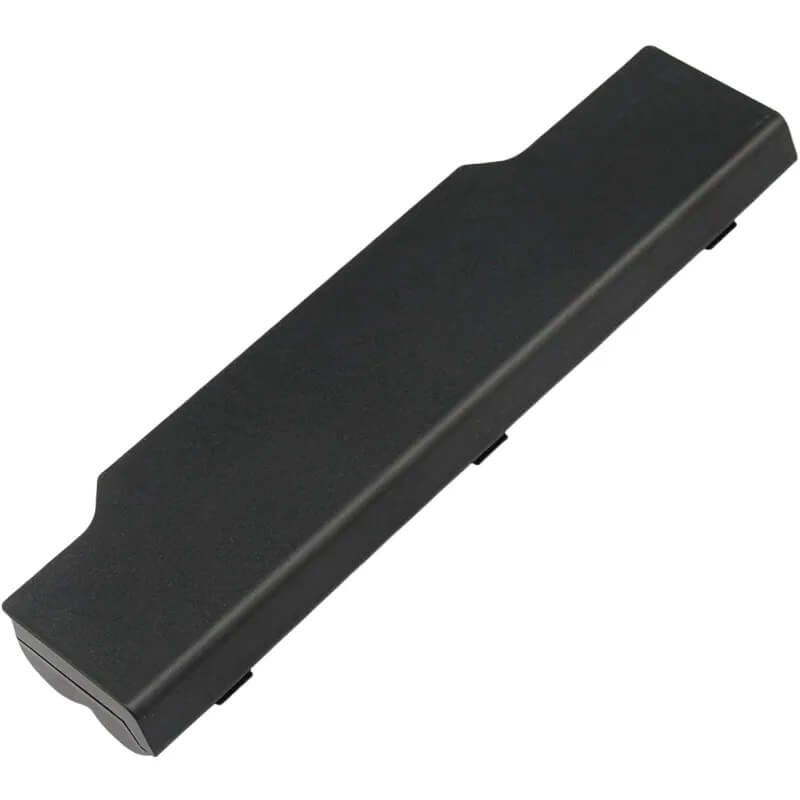
- Color: Black
- Certifications: UL2054, CE, FCC, RoHS, UN38.3, MSDS, IEC62133
- OEM/ODM: Yes(Accepted)
- Warranty: 18 Months After Sales, 24/7 Email Support.
- Product Dimensions: 8.94 x 3.27 x 1.54 inches
- Item Weight: 12.3 ounces
FPCBP331 Battery for Fujitsu Lifebook AH532 AH512 A532 | 10.8V 4400mAh 48Wh 6-Cell
Detailed Product Specifications and Features:
Core Technical Parameters:
| Property | Specification |
|---|---|
| Model Numbers | FPCBP331 Battery |
| Battery Type | Lithium-ion (Grade A Cells) |
| Voltage | 10.8V (Fully compatible with 11.1V) |
| Capacity | 4400mAh / 48Wh |
| Cells | 6-Cell |
| Connector | External Snap-in Interface |
| Condition | 100% Brand New from Factory |
| Life Cycle | 600 - 1000 recharge cycles |
| Multiple Protection | Over Current, Over Voltage, Over Charge & Discharge, Overheat, Short Circuit, ESD, EMI |
| Color | Black |
| Certifications | UL2054, CE, FCC, RoHS, UN38.3, MSDS, IEC62133 |
| OEM/ODM | Yes(Accepted) |
| Warranty | 18 Months After Sales, 24/7 Email Support. |
| Product Dimensions | 8.94 x 3.27 x 1.54 inches |
| Item Weight | 12.3 ounces |
Technical Note:
Design Note: The FPCBP331 is a high-reliability external 6-cell battery.
Compatibility Note: This battery is the primary replacement for the Fujitsu Lifebook “A” and “AH” series released circa 2012-2014. It is fully interchangeable with part numbers FMVNBP213 and FPCBP347AP.
Safety Note: Features an integrated Smart-BMS to ensure the Fujitsu “Battery Utility” correctly monitors health and provides accurate runtime percentages.
Important: External snap-in installation; no tools required.
Product Features:
- Battery Newest Premium Grade Cells
- Best Circuit Board
- Multiple command chip control, keep the battery stable charge and discharge;
- Over-charger protection and discharger protection, short-circuit protection, ensure fast charges and low power consumption
- Easy & Quick Installation
- Our battery is 100% compatible with the original battery and meets
- CE/FCC/ROHS/UL-certified standards. It is 100% new from the manufacturer and can support up to 1000 recharge cycles over the life of the battery
- Power Interface: Gold-plated connector points to ensure current transport excellently and serve stably.
- Enclosure: The enclosure is made of ABS + PC high-quality material, which has a high-temperature-resistant function to protect your laptop from overheating
- Battery Buckle: The battery buckle is closely connected to the laptop, and the metal interface is stably powered
FPCBP331 Battery Battery Compatibility Laptop Model List:
1. Compatible Laptop Model List (Comprehensive)
| Brand / Series | Specific Laptop Models & Regional Variants |
|---|---|
| Fujitsu Lifebook AH Series | AH532, AH532/GFX, AH512(Covers all CPU variants: i3, i5, i7, and Celeron), AH532/G52 |
| Fujitsu Lifebook A Series | A532 (Professional Workstation Model) |
| Fujitsu FMV (Japan/Asia) | FMV-AH532, FMV-A532(Interchangeable with FPCBP331 compatible units) |
| ⚠️ Absolute Incompatibility | NOT FOR: Lifebook AH530, AH531, A530, A531 (Uses FPCBP250). NOT FOR: Lifebook AH544 (Uses FPCBP416). NOT FOR: Lifebook AH502 (Verify Pin Count). |
| Visual Check | Fits models where the battery has a 7-Pin female connector recessed into the center. |
2. FPCBP331 Battery Compatible Part Numbers (P/N List)
- FPCBP331 (Primary Marketing P/N)
- FMVNBP213 (Common Engineering P/N)
- FPCBP347AP (High-Capacity Marketing Variant)
- CP567717-01 / CP511111-01 (Factory Assembly Codes)
- FPB0273 (Alternative Label Code)
Why Choose HTJ FPCBP331 4400mAh Battery?
- Precision Fujitsu Firmware Sync:
Fujitsu systems are sensitive to battery communication. Our FPCBP331 utilizes a customized controller chip that provides 1:1 signal parity with the original Fujitsu firmware, ensuring the “Battery Charge Limit” utility works perfectly. - High-Stability Grade A Cells:
Designed for the professional AH532 workstation, HTJ uses Grade A cells that offer stable 10.8V discharge curves. This prevents the system from experiencing “sudden shutdowns” during high CPU-load tasks like video rendering or large data processing. - Industrial ABS+PC Casing:
To match the robust build quality of the Lifebook series, our battery housing is made from heat-resistant ABS and polycarbonate. This prevents the casing from warping under the thermal load of the laptop’s exhaust vents. - 18-Month Factory-Direct Warranty:
As a direct manufacturer, we provide a longer-than-standard 18-month warranty. Every FPCBP331 is tested for latch security and voltage stability before it leaves our factory.
How to Install Your New FPCBP331 Battery?
Replacing an external Fujitsu FPCBP331 battery is a tool-less process that takes less than 60 seconds.
⚠️ Crucial Safety Preparation
- Shutdown: Power off your Lifebook and disconnect the AC adapter.
- Workspace: Place the laptop upside down on a soft surface to avoid scratching the lid.
- Static Safety: Touch a grounded metal object before handling the gold battery pins.
FPCBP331 Battery Step-by-Step Installation Guide:
- Release the Latches: Locate the two battery latches on the bottom of the laptop. One is a manual lock; the other is a spring-loaded release.
- Unlock: Slide the manual locking latch to the “Unlock” icon.
- Remove: Slide and hold the spring-loaded release latch while pulling the old battery out of the slot.
- Align: Slide the HTJ FPCBP331 into the battery bay, ensuring the 7-pin connector aligns with the laptop’s internal pins.
- Secure: Push firmly until the spring latch “clicks.” Slide the manual lock back to the “Locked” position.
- Calibrate: Connect the charger and charge to 100%. Use the laptop until it reaches 5%, then recharge to 100% to calibrate the Windows fuel gauge.
💡 Pro Tip:
If your Lifebook does not recognize the battery, check the Fujitsu “Battery Utility” in the Taskbar. If “Battery ECO Mode” is enabled, the battery may intentionally stop charging at 80% to extend its lifespan.
FAQ (Frequently Asked Questions)
Q: My original battery was 11.1V. Is this 10.8V version safe?
A: Yes. 10.8V and 11.1V are functionally the same for the AH532 series. They both represent a 3-series cell configuration and are 100% compatible with your original Fujitsu charger.
Q: Does this battery fit the Lifebook AH531?
A: No. The AH531 uses a different model (FPCBP250). While they look similar, the locking tabs are positioned differently. Please verify your laptop is an AH532 before purchasing.
Q: My original battery has 7 pins, but I see other Fujitsu batteries with 9. Is this correct?
A: Yes. The FPCBP331 is a 7-pin design. If your original battery has 9 pins, you likely have the AH531 (which uses the FPCBP250). Please count the pins in your battery bay before ordering.
Q: Why does my Lifebook only charge to 80% with the new battery?
A: This is a built-in Fujitsu software feature called “Battery Utility” or “Eco Mode.” It limits the charge to 80% to double the lifespan of the cells. If you need 100%, you can disable this feature in the Windows Start Menu under Fujitsu utilities.
Q: Will this fit the Lifebook AH532/GFX with the dedicated Nvidia card?
A: Yes. The “GFX” high-performance versions of the AH532 use the same battery. Our Grade A+ cells are designed to handle the higher power draw required by dedicated graphics cards.
Laptop Maintenance Tips:
- New battery: For using a new battery, you’d better try a few cycles of discharging to 5%. then charging up to 95%. So that it can be activated completely
- Overuse: Do not always run a battery to 0%, as this would shorten its usage life.
- Charging sequence: When charging, first install the battery, then turn on the power. When fully charged, first cut off the power, then pull the power plug.
- Long-term storage: Please store the unused battery fully charged. (Charge it once a month.) Do not store at low power to prevent reducing the lifespan of a battery
- Charger: Do not replace the laptop adapter casually. If the original adapter cannot be used due to malfunction or damage, please replace it to avoid reducing the battery’s service life due to incompatibility.
【IMPORTANT】: Press [ Ctrl+F ] to find the laptop models.
Need a legacy/unlisted charger? Send your Fujitsu Laptop Battery specs or CONTACT US → We will source it for you!
We are a professional manufacturer in the field of laptop batteries, laptop adapters, and laptop keyboards. We are committed to providing high-quality, competitively priced, and superior performance batteries and the best service to customers.
Need Expert Help or Legacy Charger Sourcing? Contact Our Professional Technical Team Now!