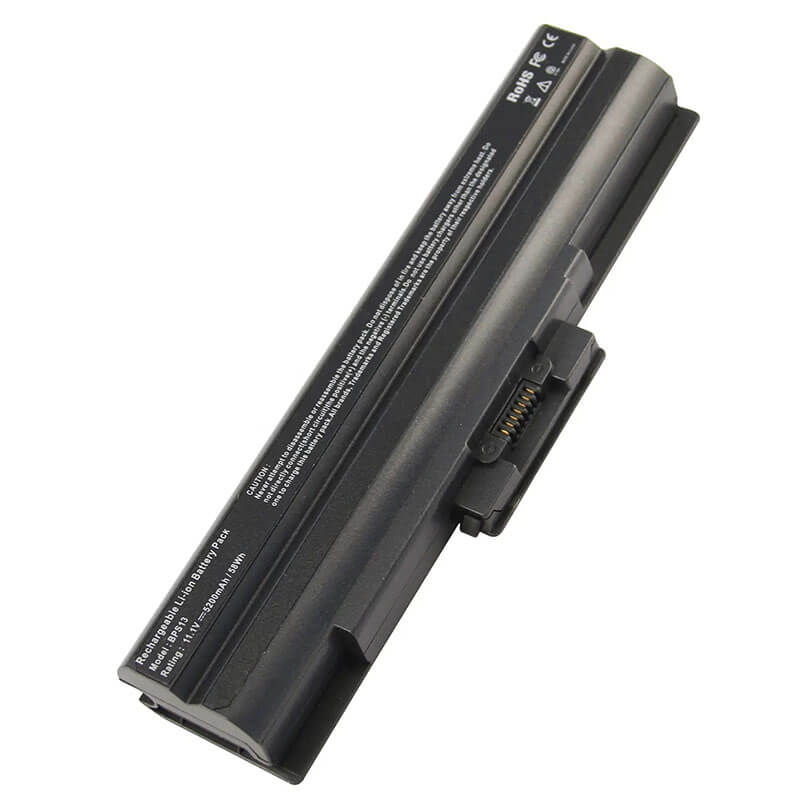
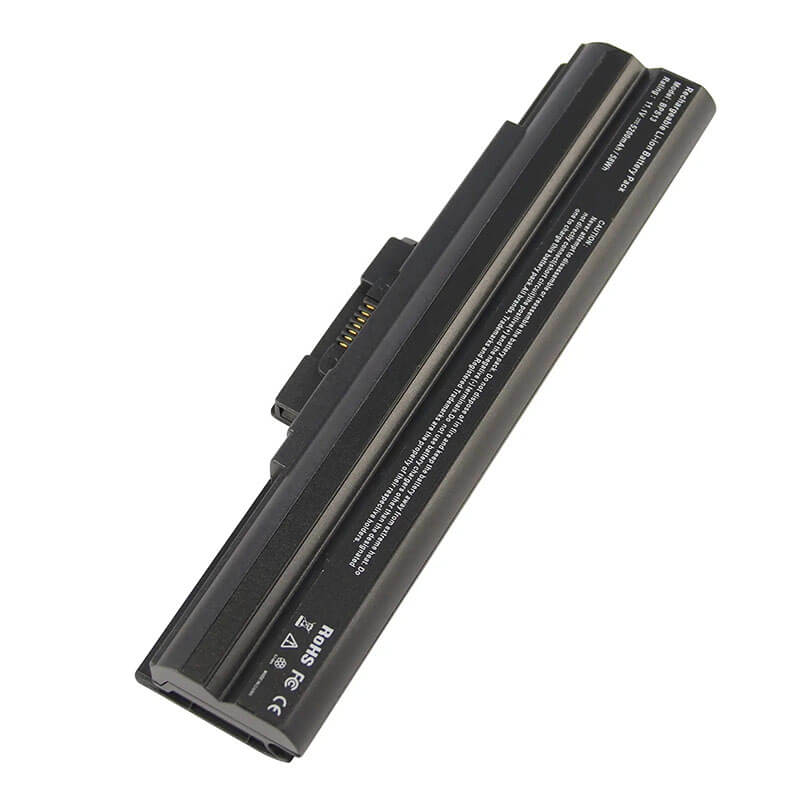
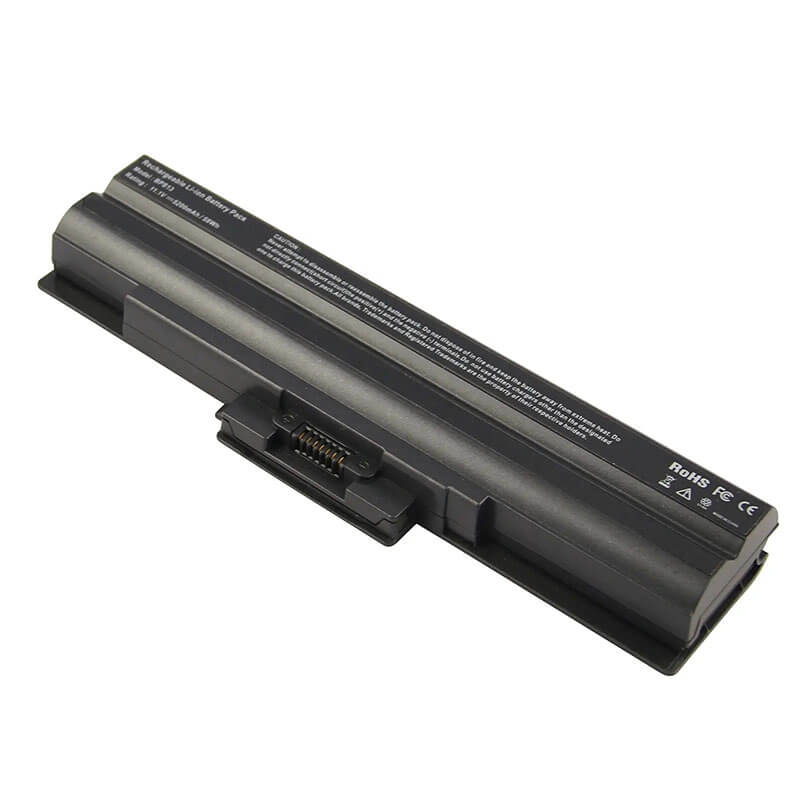
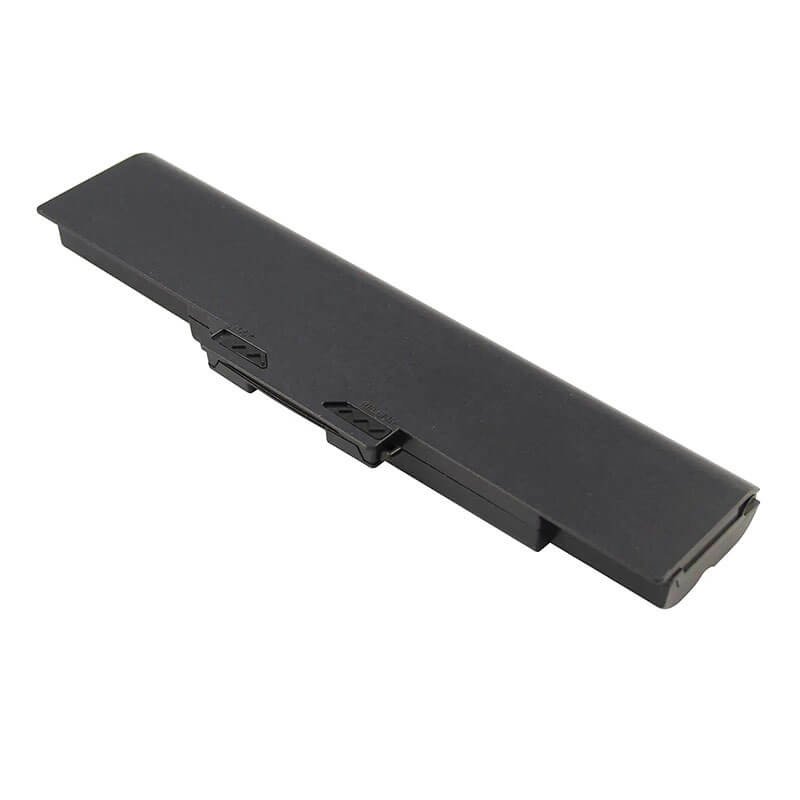
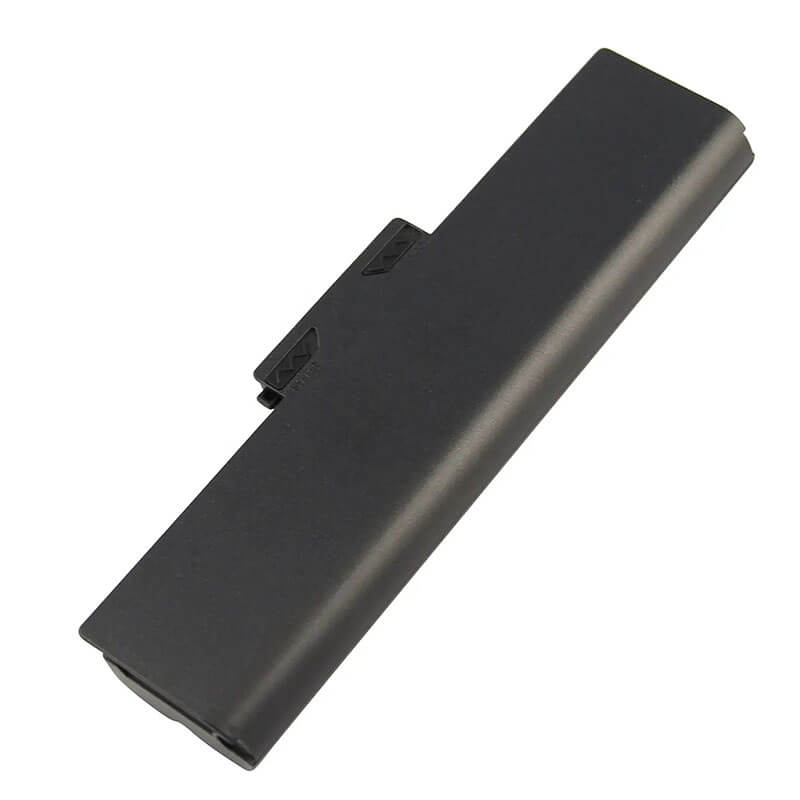
VGP-BPS13 Battery for Sony Vaio VGN-FW NW SR CS & VPC-CW M Y | 11.1V 5200mAh 58Wh 6-Cell – HT...
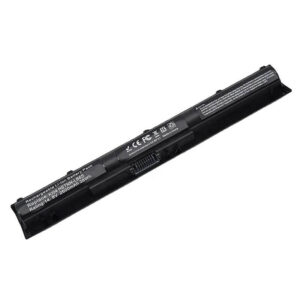
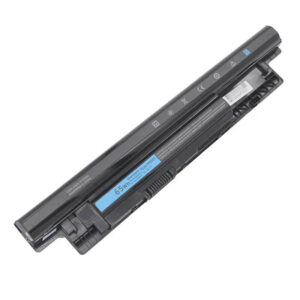
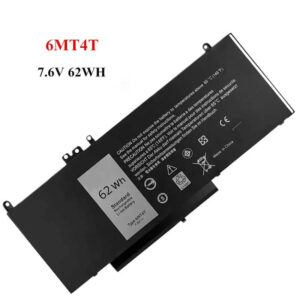
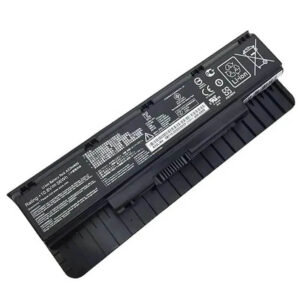
- Model Numbers: VGP-BPS13 Battery
- Battery Type: Lithium-ion (Grade A+ High-Density Cells)
- Voltage: 11.1V (Fully compatible with 10.8V)
- Capacity: 5200mAh / 58Wh
- Cells: 6-Cell
- Connector: External Snap-in Interface
- Condition: 100% Brand New from Factory
- Life Cycle: 600 – 1000 recharge cycles
- Multiple Protection: Over Current, Over Voltage, Over Charge & Discharge, Overheat, Short Circuit, ESD, EMI
- Color: Black
- Certifications: UL2054, CE, FCC, RoHS, UN38.3, MSDS, IEC62133
- OEM/ODM: Yes(Accepted)
- Warranty: 18 Months After Sales, 24/7 Email Support.
- Product Dimensions: 8 x 2 x 0.75 inches
- Item Weight: 10.6 ounces
VGP-BPS13 Battery for Sony Vaio VGN-FW NW SR CS & VPC-CW M Y | 11.1V 5200mAh 58Wh 6-Cell
Detailed Product Specifications and Features:
Core Technical Parameters:
| Property | Specification |
|---|---|
| Model Numbers | VGP-BPS13 Battery |
| Battery Type | Lithium-ion (Grade A+ High-Density Cells) |
| Voltage | 11.1V (Fully compatible with 10.8V) |
| Capacity | 5200mAh / 58Wh |
| Cells | 6-Cell |
| Connector | External Snap-in Interface |
| Condition | 100% Brand New from Factory |
| Life Cycle | 600 - 1000 recharge cycles |
| Multiple Protection | Over Current, Over Voltage, Over Charge & Discharge, Overheat, Short Circuit, ESD, EMI |
| Color | Black |
| Certifications | UL2054, CE, FCC, RoHS, UN38.3, MSDS, IEC62133 |
| OEM/ODM | Yes(Accepted) |
| Warranty | 18 Months After Sales, 24/7 Email Support. |
| Product Dimensions | 8 x 2 x 0.75 inches |
| Item Weight | 10. 6 ounces |
Technical Note:
Design Note: The VGP-BPS13 is a high-performance external 6-cell battery.
Upgrade Note: This 5200mAh version offers approximately 18% more runtime than standard 4400mAh packs without any change in physical size.
Compatibility Note: It is a universal Sony replacement functionally interchangeable with VGP-BPS13/B, VGP-BPS13A/B, and VGP-BPS13/S.
Firmware Note: Features a fully decoded “Handshake IC” to bypass Sony’s strict BIOS authentication.
Important: No tools required; designed for instant snap-in installation.
Product Features:
- Battery Newest Premium Grade Cells
- Best Circuit Board
- Multiple command chip control, keep the battery stable charge and discharge;
- Over-charger protection and discharger protection, short-circuit protection, ensure fast charges and low power consumption
- Easy & Quick Installation
- Our battery is 100% compatible with the original battery and meets
- CE/FCC/ROHS/UL-certified standards. It is 100% new from the manufacturer and can support up to 1000 recharge cycles over the life of the battery
- Power Interface: Gold-plated connector points to ensure excellent current transport and stable operation.
- Enclosure: The enclosure is made of ABS + PC high-quality material, which has a high-temperature-resistant function to protect your laptop from overheating
- Battery Buckle: The battery buckle is closely connected to the laptop, and the metal interface is stably powered
VGP-BPS13 Battery Battery Compatibility Laptop Model List:
1. Compatible Laptop Model List (Comprehensive)
| Sony Series | Specific Model Variants & PCG Chassis Codes |
|---|---|
| Vaio VGN-FW Series | VGN-FW11, VGN-FW21, VGN-FW31, VGN-FW41, VGN-FW511, VGN-FW190 Chassis: PCG-31111L, PCG-3B1L, PCG-3C2L, PCG-3D1L |
| Vaio VGN-NW Series | VGN-NW11, VGN-NW21, VGN-NW31, VGN-NW270, VGN-NW280 Chassis: PCG-7171L, PCG-7181L, PCG-7191L |
| Vaio VGN-SR Series | VGN-SR11, VGN-SR21, VGN-SR31, VGN-SR41, VGN-SR51 Chassis: PCG-5P1L, PCG-5R1L, PCG-5S1L |
| Vaio VGN-CS Series | CS11, CS21, CS31, CS190, CS290 Chassis: PCG-3C1L, PCG-3F1L, PCG-3G1L |
| Vaio VPC Series | VPC-CW, VPC-F, VPC-M, VPC-S, VPC-Y Series:(e.g., VPCCW1S, VPCF115, VPCY115, VPCCW1S1E, VPCF115FG, VPCY115FX) Chassis: PCG-61111L, PCG-61411L, PCG-81113L |
| ⚠️ Absolute Incompatibility | NOT FOR: Vaio VPC-EB, VPC-EA, VPC-EC (Uses VGP-BPS22). NOT FOR: Vaio VGN-NR or VGN-FZ (Uses VGP-BPS9). |
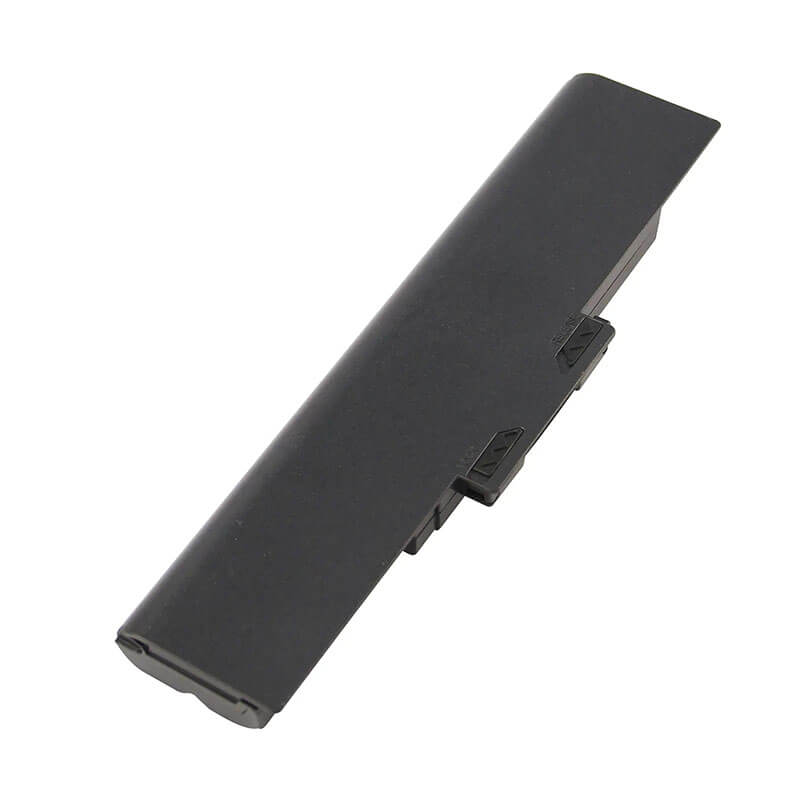
| Visual Check | Fits models where the battery is a long, straight bar with two slider latches. |
2. VGP-BPS13 Battery Compatible Part Numbers (P/N List)
-
- Primary Codes: VGP-BPS13, VGP-BPS13/B, VGP-BPS13/S, VGP-BPS13/Q
- Interchangeable Series: VGP-BPS21, VGP-BPS21A, VGP-BPS21B
- Engineering Codes: VGP-BPS13A/B, VGP-BPS13B/B, VGP-BPS13A/S
- High-Capacity Codes: VGP-BPL13, VGP-BPL21
Why Choose HTJ VGP-BPS13 5200mAh Battery?
- High-Density 58Wh Performance:
Vaio laptops of the FW and NW era were multimedia powerhouses with large, bright screens. By utilizing Grade A+ 2600mAh cells, our 5200mAh pack ensures you have the surplus energy required for movie playback and productivity without hunting for an outlet. - Decoded BIOS Communication:
Sony’s ISBM software frequently rejects generic batteries. HTJ units are engineered with a proprietary decoded chip that communicates perfectly with the Vaio BIOS, allowing for standard charging speeds and full integration with the “Battery Care Function.” - Precision Latch Engineering:
External Sony batteries must be securely locked to prevent intermittent power loss. Our housing is molded to 1:1 OEM specifications with high-impact ABS+PC plastic, ensuring the spring-loaded release and manual lock engagement remain crisp and reliable. - 18-Month Factory-Direct Warranty:
We don’t sell old stock. Every 5200mAh pack is freshly manufactured and tested. Our 18-month warranty covers both the electronic health of the BMS and the capacity retention of the cells.
How to Install Your New VGP-BPS13 Battery?
Replacing the external VGP-BPS13 is a tool-less process.
⚠️ Crucial Safety Preparation
- Shutdown: Power off the laptop and unplug the AC adapter.
- Surface: Place the laptop upside down on a soft, non-abrasive cloth.
- Latch Identification: Locate the “LOCK” slider and the “RELEASE” slider on the rear battery bay.
VGP-BPS13 Battery Step-by-Step Installation Guide:
- Unlock: Slide the manual lock switch to the “Unlocked” position.
- Release: Slide and hold the spring-loaded release lever.
- Remove: While holding the release lever, slide the old battery out of the slot horizontally.
- Insert: Align the new HTJ VGP-BPS13 with the guide rails and slide it in until you hear a “click.”
- Secure: Move the manual lock switch back to the “Locked” position. (Important for system stability).
- Calibrate: Charge to 100%, then discharge to 5% once to synchronize the Windows power meter with the new 5200mAh capacity.
💡 Pro Tip:
If the battery is not detected, perform a “Static Discharge”: Remove the battery and AC adapter, hold the power button for 60 seconds, then reinstall the battery.
FAQ (Frequently Asked Questions)
Q: Can I use this 5200mAh battery if my original was 4400mAh?
A: Yes! The 5200mAh rating indicates a higher energy density. It will provide roughly 15-20% more runtime but is the same physical size as the original 4400mAh battery.
Q: My original battery was 10.8V. Is this 11.1V version safe?
A: Yes. 10.8V and 11.1V are functionally interchangeable for Sony laptops. They use the same 3-cell serial architecture and are 100% safe.
Q: Does this fit the Sony Vaio VPC-EB or VPC-EA series?
A: No. Those models require the VGP-BPS22 battery. While they look similar, the locking tabs and connectors are in different locations.
Q: My laptop sticker says “PCG-7181L,” but my manual says “VGN-NW.” Which is correct?
A: Both are correct. PCG-7181L is the chassis identifier, while VGN-NW is the marketing name. Our VGP-BPS13 battery is the perfect match for both identifiers.
Q: My original battery is a VGP-BPS21. Can I use this VGP-BPS13?
A: Yes. The BPS13 and BPS21 are the same battery with different regional or production labels. They are 100% interchangeable.
Q: My old battery was Silver, but this one is Black. Will it fit?
A: Yes. The color suffixes (like /S for Silver or /B for Black) only refer to the plastic shell color. The electrical connectors and dimensions are identical across all VGP-BPS13 variants.
Q: Does this high-capacity 5200mAh version stick out of the bottom?
A: No. Unlike some “extended” batteries, our 5200mAh/58Wh pack uses high-density cells to fit inside the standard 6-cell housing. It will sit completely flush with your laptop’s casing.
Laptop Maintenance Tips:
- New battery: For using a new battery, you’d better try a few cycles of discharging to 5%. then charging up to 95%. So that it can be activated completely
- Overuse: Do not always run a battery to 0%, as this would shorten its usage life.
- Charging sequence: When charging, first install the battery, then turn on the power. When fully charged, first cut off the power, then pull the power plug.
- Long-term storage: Please store the unused battery fully charged. (Charge it once a month.) Do not store at low power to prevent reducing the lifespan of a battery
- Charger: Do not replace the laptop adapter casually. If the original adapter cannot be applied due to malfunction or damage, please replace the models so as not to reduce the service life of the battery due to incompatibility.
【IMPORTANT】: Press [ Ctrl+F ] to find the laptop models.
Need a legacy/unlisted charger? Send your Sony Laptop Battery specs or CONTACT US → We will source it for you!
We are a professional manufacturer in the field of laptop batteries, laptop adapters, and laptop keyboards. We are committed to providing high-quality, competitively priced, and superior performance batteries and the best service to customers.