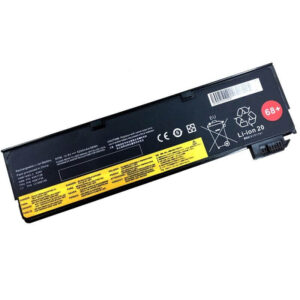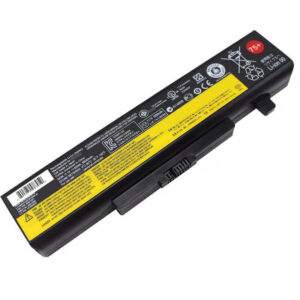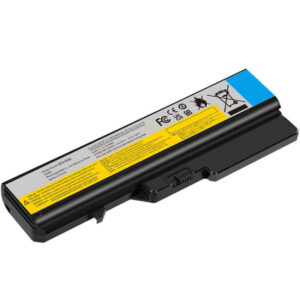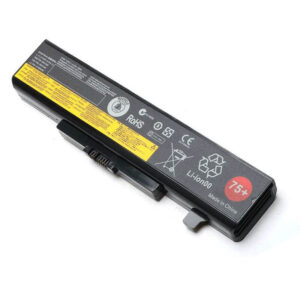
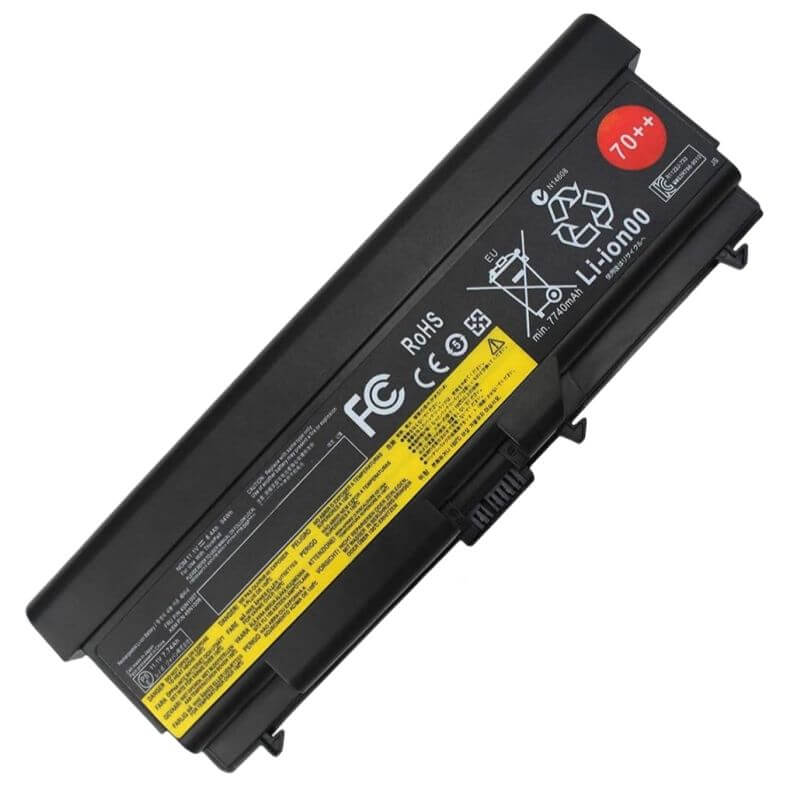
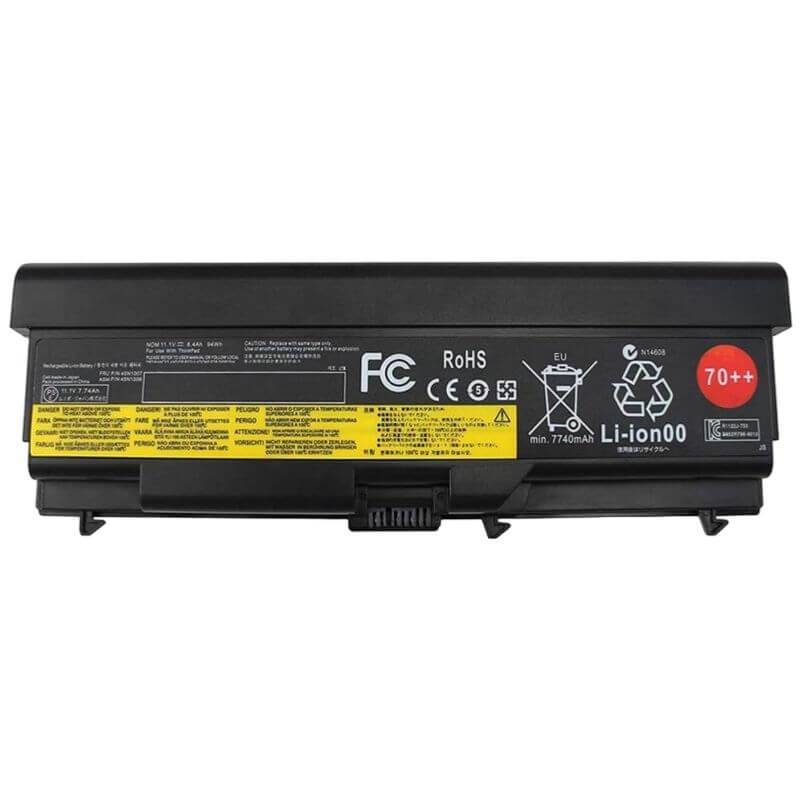
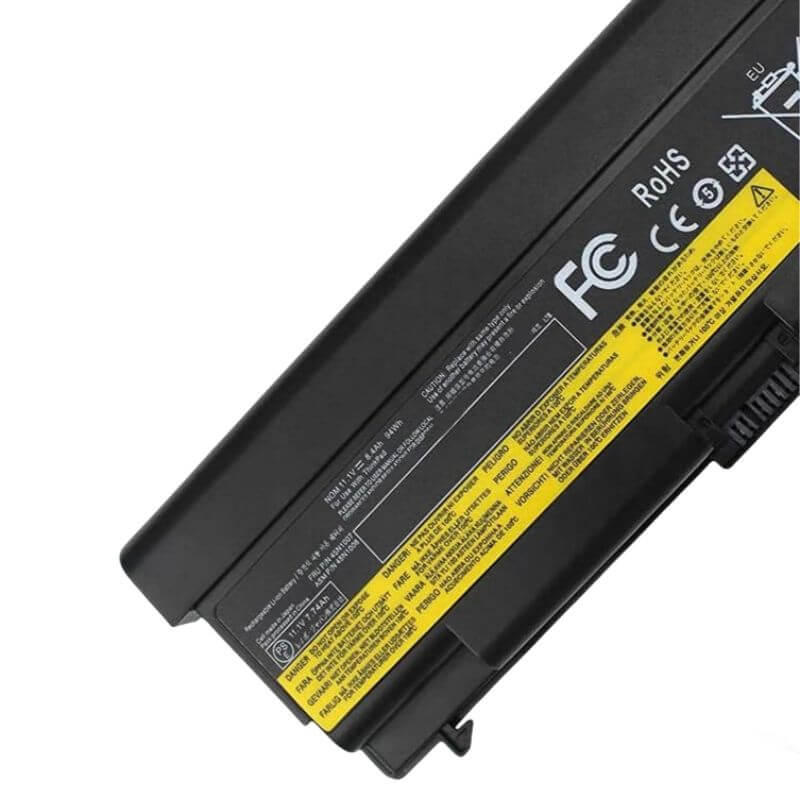
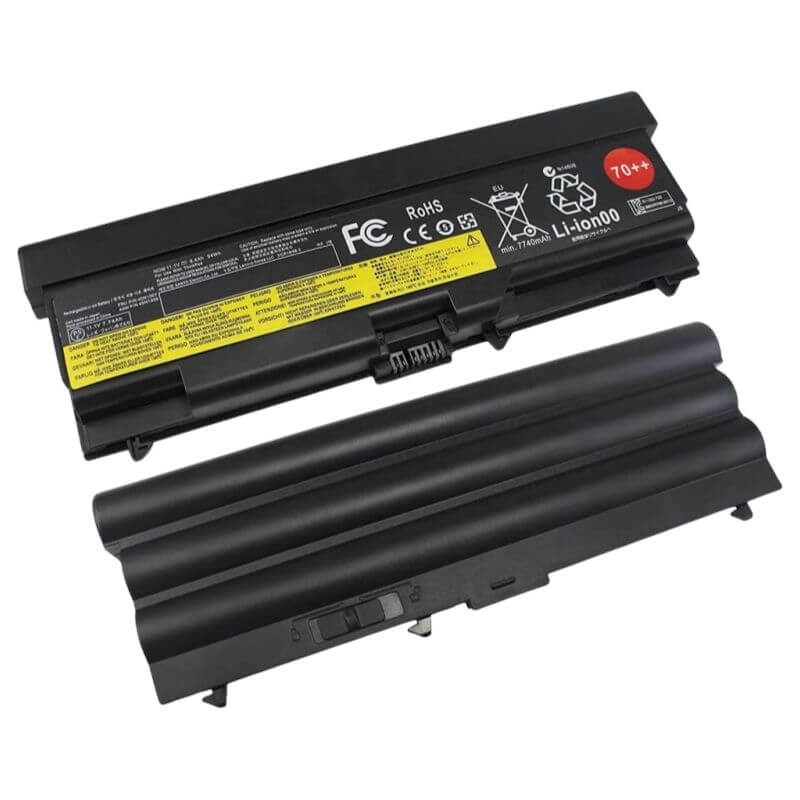
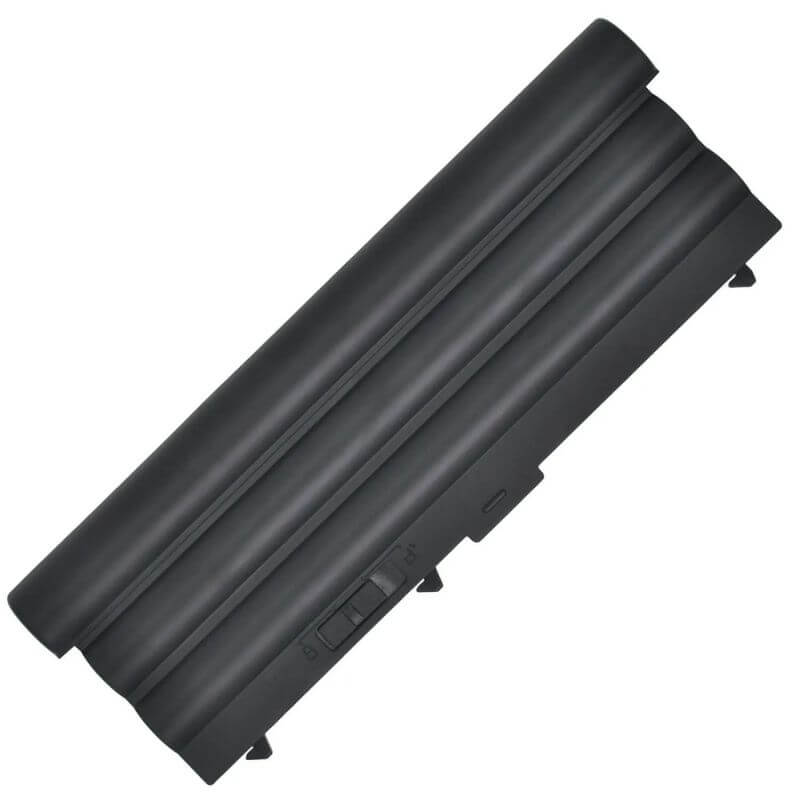
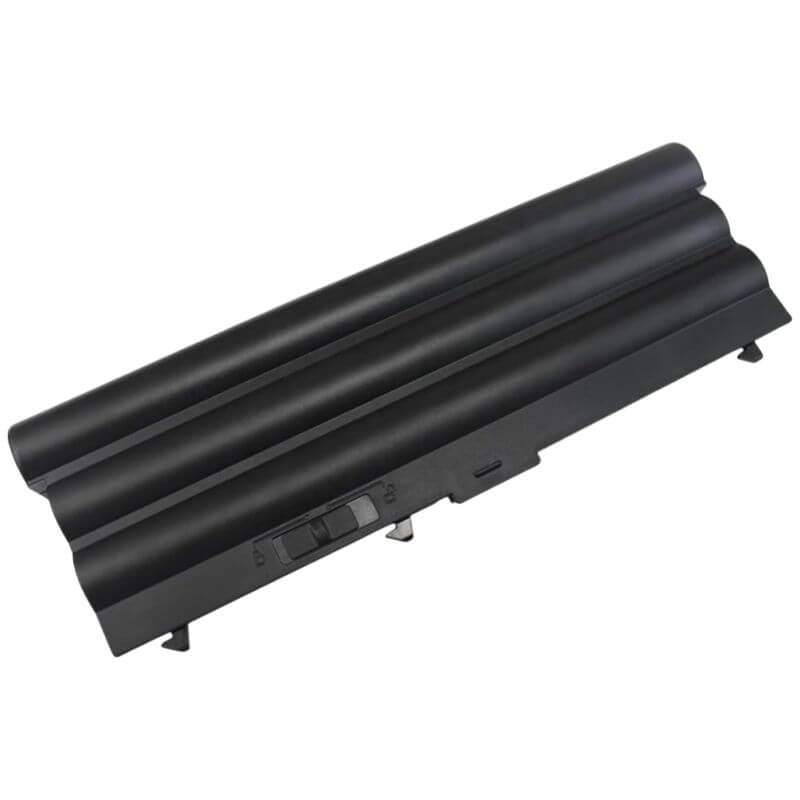
0A36303 9-Cell Battery for Lenovo ThinkPad T430 T530 W530 T420 T410 | 11.1V 94Wh 8700mAh – HTJ
- Model Numbers: 0A36303 (ThinkPad Battery 70++)
- Battery Type: Li-ion (Grade A+ High-Capacity Cells)
- Voltage: 11.1V
- Capacity: 8700mAh / 94Wh
- Cells: 9-Cell (Extended Runtime)
- Condition: 100% Brand New from Factory
- Life Cycle: 800 – 1000 recharge cycles
- Multiple Protection: Over Current, Over Voltage, Over Charge & Discharge, Overheat, Short Circuit, ESD, EMI
- Color: Black
- Certifications: UL2054, CE, FCC, RoHS, UN38.3, MSDS, IEC62133
- OEM/ODM: Yes(Accepted)
- Warranty: 18 Months After Sales, 24/7 Email Support.
- Product Dimensions: 10.6 x 1.6 x 0.8 inches
- Item Weight: 1.13 pounds
0A36303 9-Cell Battery for Lenovo ThinkPad T430 T530 W530 T420 T410 | 11.1V 94Wh 8700mAh
Detailed Product Specifications and Features:
Core Technical Parameters:
| Property | Specification |
|---|---|
| Model Numbers | 0A36303 (ThinkPad Battery 70++) |
| Battery Type | Li-ion (Grade A+ High-Capacity Cells) |
| Voltage | 11.1V |
| Capacity | 8700mAh / 94Wh |
| Cells | 9-Cell (Extended Runtime) |
| Condition | 100% Brand New from Factory |
| Life Cycle | Up to 1000 recharge cycles |
| Multiple Protection | Over Current, Over Voltage, Over Charge & Discharge, Overheat, Short Circuit, ESD, EMI |
| Color | Black |
| Certifications | UL2054, CE, FCC, RoHS, UN38.3, MSDS, IEC62133 |
| OEM/ODM | Yes(Accepted) |
| Warranty | 18 Months After Sales, 24/7 Email Support. |
| Product Dimensions | 10.6 x 1.6 x 0.8 inches |
| Item Weight | 1.13 pounds |
Technical Note:
Design Note: This is the Extended 9-Cell version (Battery 70++). Due to the high-capacity cell count, this battery is physically deeper than the standard 6-cell version and will protrude approximately 1 inch from the back of the laptop. This design provides a slight ergonomic tilt to the keyboard and significantly increases battery life for high-performance tasks.
Product Features:
- Battery Newest Premium Grade Cells
- Best Circuit Board
- Multiple command chip control, keep the battery stable charge and discharge;
- Over-charger protection and discharger protection, short-circuit protection, ensure fast charges and low power consumption
- Easy & Quick Installation
- Our battery is 100% compatible with the original battery and meets
- CE/FCC/ROHS/UL-certified standards. It is 100% new from the manufacturer and can support up to 1000 recharge cycles over the life of the battery
- Power Interface: Gold-plated connector points to ensure excellent current transport and stable operation.
- Enclosure: The enclosure is made of ABS + PC high-quality material, which has a high-temperature-resistant function to protect your laptop from overheating
- Battery Buckle: The battery buckle is closely connected to the laptop, and the metal interface is stably powered
0A36303 (ThinkPad Battery 70++) Battery Compatibility Laptop Model List:
| Main Series | Detailed Compatible Sub-Models |
|---|---|
| ThinkPad T Series | T430 / T430i: (Type 2342, 2344, 2345, 2347, 2349, 2350, 2351) T420 / T420i: (Type 4177, 4178, 4179, 4180, 4236, 4237, 4238) Excludes T420s T410 / T410i: (Type 2516, 2518, 2519, 2522, 2537, 2538, 2539) Excludes T410s T530 / T530i: (Type 2359, 2392, 2429, 2430, 2434) T520 / T520i: (Type 4239, 4240, 4241, 4242, 4243, 4244) T510 / T510i: (Type 4313, 4314, 4349, 4384, 4405, 4407, 4873) |
| ThinkPad W Series | W530 / W530i: (Type 2436, 2438, 2439, 2441, 2447, 2449) W520: (Type 4270, 4276, 4281, 4282, 4284) W510: (Type 4318, 4319, 4389, 4391, 4875, 4876) |
| ThinkPad L Series | L430: (Type 2464, 2465, 2466, 2468, 2469) L420 / L421: (Type 7826, 7827, 7829, 7853, 7854, 7856) L410 / L412: (Type 0530, 0539, 0553, 0585, 0591, 4403, 4404) L530: (Type 2475, 2478, 2479, 2481, 2485) L520: (Type 5015, 5016, 5017, 7859, 7860) L510 / L512: (Type 2597, 2598, 4406, 4407) |
| ThinkPad Edge/SL | ThinkPad Edge 14 / Edge 15 (Type 0578, 0579, 0301, 0302, 0319) ThinkPad SL410 / SL510 (Type 2842, 2874) ThinkPad E420 / E425 / E520 / E525 |
| Regional Suffixes | -CTO, -23U, -G4U, -G5U, -AMU, -27U, -36U (e.g., T430-2342-36U) |
0A36303 (ThinkPad Battery 70++) Battery Compatible P/N (Part Numbers) List
- 0A36303 (ThinkPad 70++) | 0A36302 (ThinkPad 70+)
- 5N1007 | 45N1011 | 45N1001 | 45N1003 | 45N1005
- 45N1000 | 45N1006 | 45N1008 | 45N1009 | 45N1010
- 42T4733 | 42T4737 | 42T4751 | 42T4752 | 42T4753 | 42T4755
- 42T4756 | 42T4757 | 42T4791 | 42T4793 | 42T4795 | 42T4797
- 42T4799 | 42T4801 | 42T4803 | 42T4817 | 42T4819
- 51J0499 | 57Y4185 | 57Y4186
Why Choose HTJ 0A36303 94Wh Battery?
- Ultimate 94Wh Performance:
Designed for power users, the HTJ 0A36303 utilizes high-density Grade A+ cells to achieve a massive 8700mAh capacity. This 94Wh power pack is the highest capacity available for the T430/W530 series, providing enough energy for a full day of productivity without an AC adapter. - Optimized for Workstations:
For high-drain models like the ThinkPad W530, stable voltage is critical. Our battery ensures a consistent 11.1V output, preventing system throttling and protecting your professional-grade components during heavy rendering or compiling tasks. - Dual-Lock Secure Fit:
We use precision-engineered latches that match ThinkPad’s rigorous industrial standards. Even with the extra weight and size of a 9-cell pack, the HTJ 0A36303 remains securely locked in place, providing a solid foundation for your laptop. - Advanced Safety & Longevity:
Every battery features an intelligent BMS (Battery Management System) that communicates seamlessly with ThinkPad power firmware. This prevents the “Non-Genuine” errors common in low-quality replacements and provides over-charge and thermal protection.
How to Install Your New 0A36303 Battery?
Replacing the external 9-cell battery on your ThinkPad is a simple, tool-free process.
⚠️ Crucial Safety Preparation
- Shutdown: Power off the laptop and unplug the charger.
- Surface: Place the laptop upside down on a soft, clean surface to protect the chassis.
0A36303 Battery Step-by-Step Installation Guide
- Unlock the Latches: Slide the “Lock” latch to the open position (indicated by the unlocked icon).
- Release the Old Battery: Slide and hold the spring-loaded “Release” latch. Pull the old battery away from the laptop body.
- Insert the 9-Cell HTJ Battery: Align the wide connector pins. Because this is a 9-cell battery, ensure it is aligned straight before sliding it in until it clicks.
- Engage the Lock: Slide the “Lock” latch back to the secure position. The battery should now be immovable.
- Initial Charge: Plug in the AC adapter. Allow the battery to charge to 100% and keep it charging for an additional hour to calibrate the high-capacity cells.
💡 Pro Tip:
Because the 94Wh 9-cell battery is heavier, always ensure the manual “Lock” switch is engaged. When carrying the laptop in a bag, the lock prevents the battery from sliding and putting stress on the motherboard’s power pins.
FAQ
Q: Will this battery make my laptop bigger?
A: Yes. The 9-cell (70++) version sticks out about an inch from the back. If you need a flush-fit battery, you should choose the 6-cell (70+) version, but it will have shorter runtime.
Q: Can I use this 11.1V battery if my original was 10.8V?
A: Yes. 10.8V and 11.1V are fully compatible for this series. They both represent the standard voltage range for a 3-series cell configuration.
Q: Is this battery compatible with T430s or T420s?
A: No. The “s” models (Slim) use a completely different internal-style battery. This 0A36303 battery is only for the standard T and W series workstation chassis.
Laptop Maintenance Tips:
- New battery: For using a new battery, you’d better try a few cycles of discharging to 5%. then charging up to 95%. So that it can be activated completely
- Overuse: Do not always run a battery to 0%, as this would shorten its usage life.
- Charging sequence: When charging, first install the battery, then turn on the power. When fully charged, first cut off the power, then pull the power plug.
- Long-term storage: Please store the unused battery fully charged. (Charge it once a month.) Do not store at low power to prevent reducing the lifespan of a battery
- Charger: Do not replace the laptop adapter casually. If the original adapter cannot be applied due to malfunction or damage, please replace the models so as not to reduce the service life of the battery due to incompatibility.
【IMPORTANT】: Press [ Ctrl+F ] to find the laptop models.
Need a legacy/unlisted charger? Send your Lenovo Laptop Battery specs or CONTACT US → We will source it for you!
We are a professional manufacturer in the field of laptop batteries, laptop adapters, and laptop keyboards. We are committed to providing high-quality, competitively priced, and superior performance batteries and the best service to customers.
Need Expert Help or Legacy Charger Sourcing? Contact Our Professional Technical Team Now!