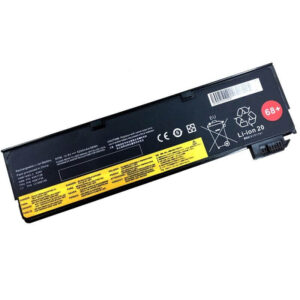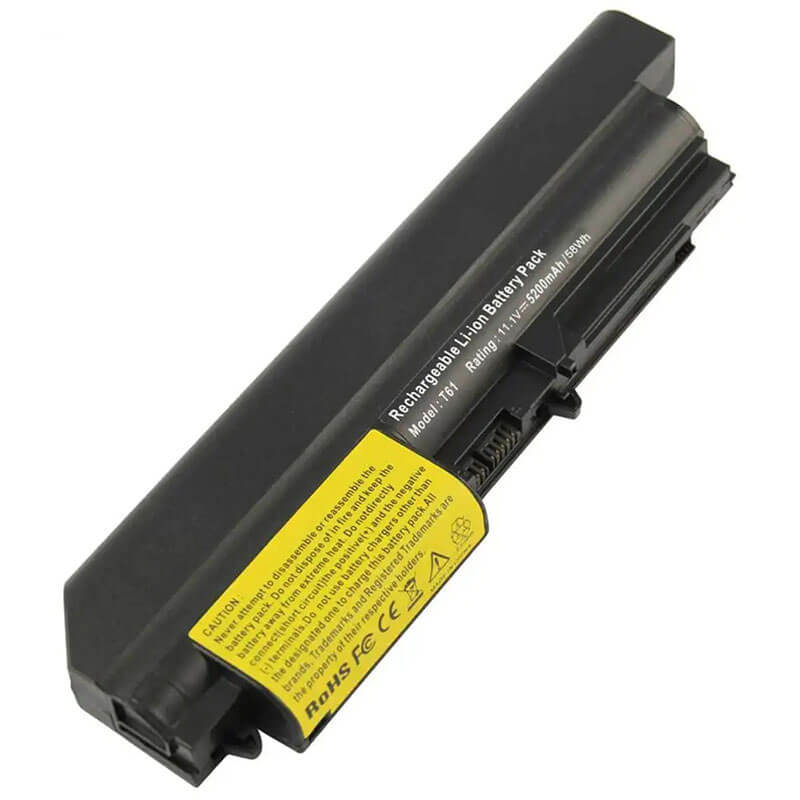
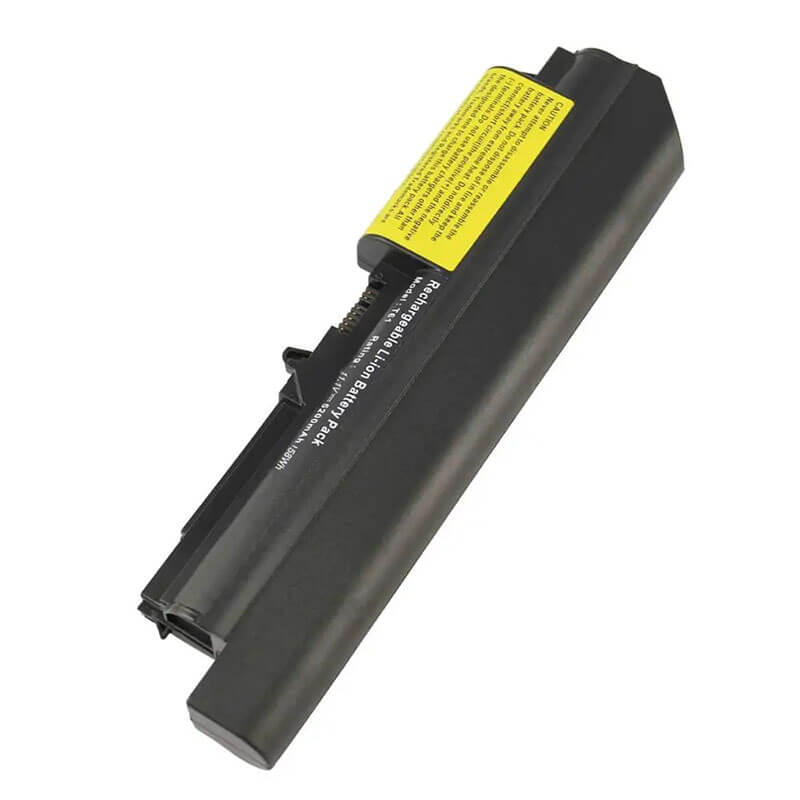
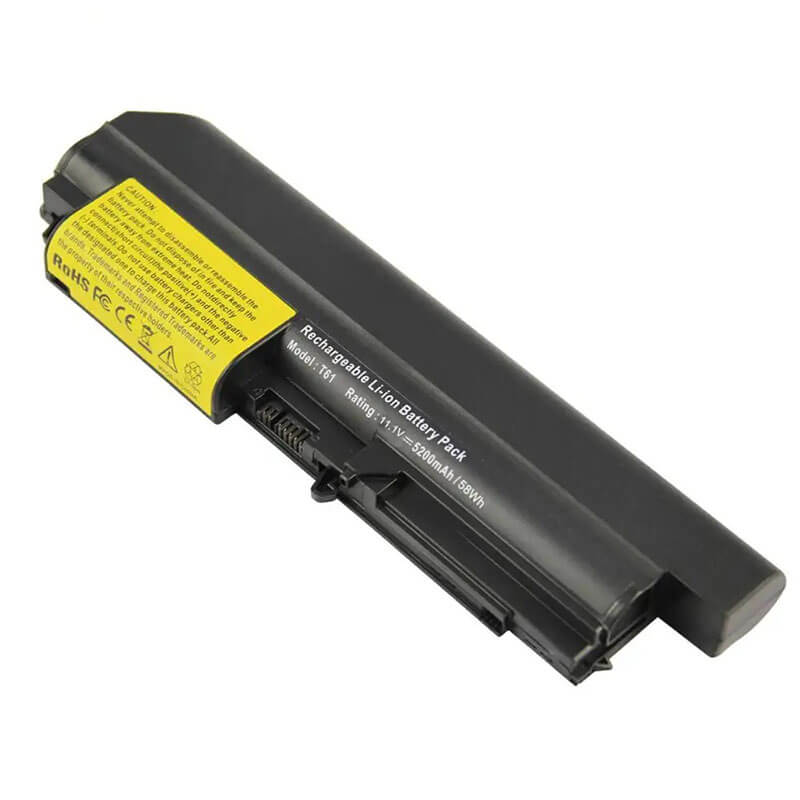
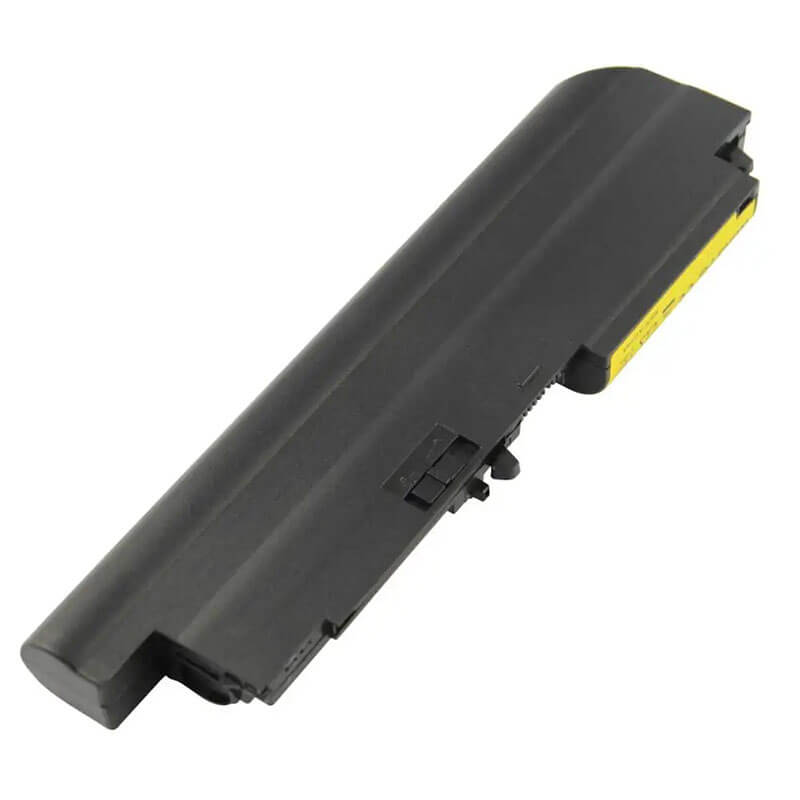
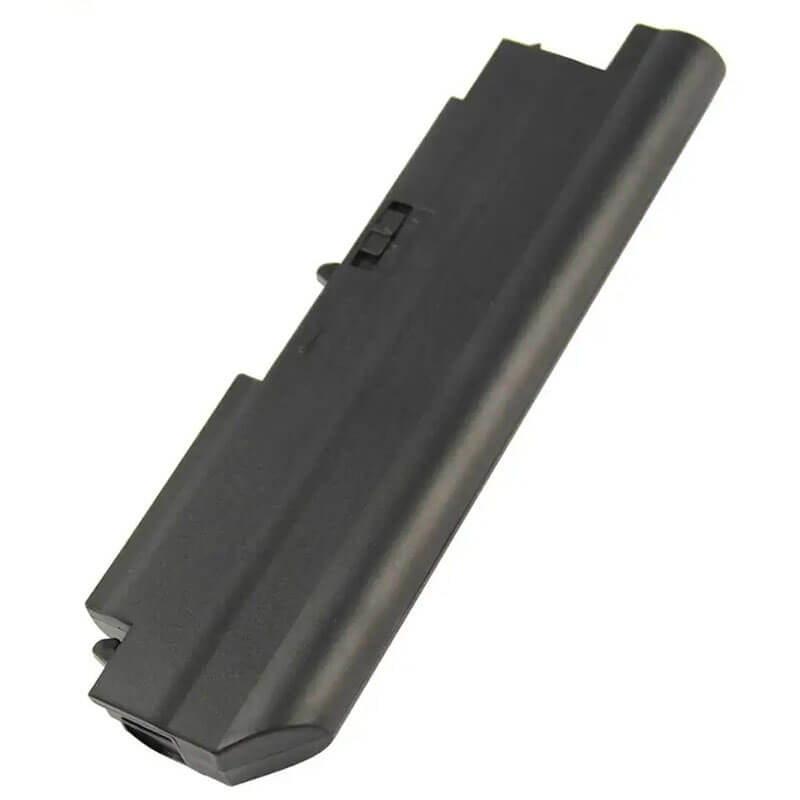
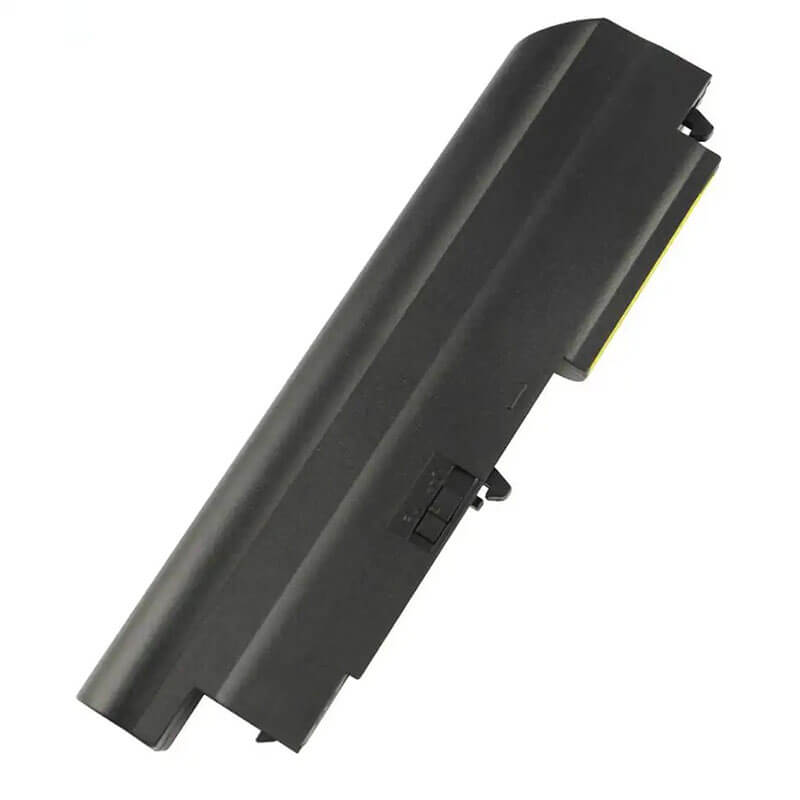
41U3198 Battery for Lenovo ThinkPad T61 R61 14.1″ Standard Screen | 11.1V 58Wh 5200mAh 6-Cell ...
- Model Numbers: 41U3198 (ThinkPad 33+) / 41U3197 / 42T4548
- Battery Type: Li-ion (High-Density Grade A+ Cells)
- Voltage: 11.1V (Fully compatible with 10.8V)
- Capacity: 5200mAh / 58Wh (Standard 6-Cell)
- Cells: 6-Cell
- Condition: 100% Brand New from Factory
- Life Cycle: 600 – 1000 recharge cycles
- Multiple Protection: Over Current, Over Voltage, Over Charge & Discharge, Overheat, Short Circuit, ESD, EMI
- Color: Black
- Certifications: UL2054, CE, FCC, RoHS, UN38.3, MSDS, IEC62133
- OEM/ODM: Yes(Accepted)
- Warranty: 18 Months After Sales, 24/7 Email Support.
- Product Dimensions: 8 x 2 x 0.75 inches
- Item Weight: 10.6 ounces s
41U3198 Battery for Lenovo ThinkPad T61 R61 14.1″ Standard Screen | 11.1V 58Wh 5200mAh 6-Cell 33+
Detailed Product Specifications and Features:
Core Technical Parameters:
| Property | Specification |
|---|---|
| Model Numbers | 41U3198 (ThinkPad 33+) / 41U3197 / 42T4548 |
| Battery Type | Li-ion (High-Density Grade A+ Cells) |
| Voltage | 11.1V (Fully compatible with 10.8V) |
| Capacity | 5200mAh / 58Wh (Standard 6-Cell) |
| Cells | 6-Cell |
| Condition | 100% Brand New from Factory |
| Life Cycle | 600 - 1000 recharge cycles |
| Multiple Protection | Over Current, Over Voltage, Over Charge & Discharge, Overheat, Short Circuit, ESD, EMI |
| Color | Black |
| Certifications | UL2054, CE, FCC, RoHS, UN38.3, MSDS, IEC62133 |
| OEM/ODM | Yes(Accepted) |
| Warranty | 18 Months After Sales, 24/7 Email Support. |
| Product Dimensions | 8 x 2 x 0.75 inches |
| Item Weight | 10.6 ounces |
Technical Note:
Design Note: The 41U3198 (ThinkPad 33+) is the standard external rear 6-cell battery for the classic square-format T61.
Physical Note: This 58Wh version is designed to fit flush with the rear of the 14.1-inch Standard (4:3) chassis. It provides the ideal balance of power and portability, preserving the original factory dimensions of your ThinkPad without the added weight or protrusion of the 9-cell extended versions.
Product Features:
- Battery Newest Premium Grade Cells
- Best Circuit Board
- Multiple command chip control, keep the battery stable charge and discharge;
- Over-charger protection and discharger protection, short-circuit protection, ensure fast charges and low power consumption
- Easy & Quick Installation
- Our battery is 100% compatible with the original battery and meets
- CE/FCC/ROHS/UL-certified standards. It is 100% new from the manufacturer and can support up to 1000 recharge cycles over the life of the battery
- Power Interface: Gold-plated connector points to ensure current transport excellently and serve stably.
- Enclosure: The enclosure is made of ABS + PC high-quality material, which has a high-temperature-resistant function to protect your laptop from overheating
- Battery Buckle: The battery buckle is closely connected to the laptop, and the metal interface is stably powered
41U3198 (ThinkPad 33+) / 41U3197 / 42T4548 Battery Compatibility Laptop Model List:
| Series | Specific Laptop Models & Machine Types (MT / MTM) |
|---|---|
| ThinkPad T Series | T61 / T61p (14.1-inch Standard 4:3 Screen ONLY): Type: 8889, 8890, 8891, 8892, 8893, 8894, 8895, 8896, 8897, 8898, 8899, 8900, 8938, 8939 |
| ThinkPad R Series | R61 / R61i (14.1-inch Standard 4:3 Screen ONLY): Type: 7658, 7659, 7660, 7661, 8943 |
| ⚠️ Absolute Incompatibility | DOES NOT FIT: T61 Widescreen (14.1" Wide or 15.4" Wide). DOES NOT FIT: T60, T60p, R60, R60e (All versions). |
| Visual Check | Your screen must be a Square (4:3) shape, not a wide rectangle. |
41U3198 (ThinkPad 33+) / 41U3197 / 42T4548 Battery Compatible P/N (Part Numbers) List:
FRU (Field Replaceable Unit) Numbers:
-
- 41U3198 (Main 58Wh 33+ FRU)
- 41U3197, 42T4548, 42T4552, 42T4664
- 42T4530, 42T4532, 42T4546, 42T4547
- 42T5225, 42T5227, 42T5262, 42T5264
ASM (Assembly) Numbers:
-
- 42T4531, 42T4533, 42T4549, 42T5226, 42T5263
- 41U3196 (Marketing Number)
Why Choose HTJ 41U3198 5200mAh Battery?
- Precision Fit for Rare 4:3 Chassis:
The 14.1″ Standard T61 is a specialized chassis. HTJ 41U3198 batteries are engineered to the exact mechanical specifications of this specific frame, ensuring a perfect lock-in and a flush rear finish that matches the original OEM aesthetic. - Optimized Legacy Power Delivery:
Classic ThinkPad motherboards are built to last. We use Grade A+ cells with a stable 11.1V discharge curve to ensure your vintage T61 receives clean, reliable power, reducing stress on internal capacitors and the charging circuit. - High-Consistency Cycle Performance:
Our 5200mAh cells are tested for high-cycle longevity. Whether you are using your T61 for daily tasks or as a dedicated retro-workstation, this 58Wh pack maintains its capacity longer than low-grade generic alternatives. - 18-Month Factory-Direct Warranty:
As a direct manufacturer, HTJ stands by our specifications. Every 41U3198 unit is tested for capacity verification and structural integrity, backed by our 18-month warranty and technical support.
How to Install Your New 41U3198 Battery?
Replacing the external 41U3198 (33+) battery is a tool-free process using the classic ThinkPad sliding latch system.
⚠️ Crucial Safety Preparation
- Shutdown: Power off your ThinkPad and disconnect the AC power adapter.
- Surface: Flip the laptop onto a soft, static-free surface to protect the classic “Rubberized” finish.
41U3198 Battery Step-by-Step Installation Guide:
- Locate the Dual Latches: Find the two sliding latches on the rear underside of the laptop.
- Unlock the Manual Latch: Slide the right-side latch to the “Unlocked” position.
- Release the Spring Latch: Slide and hold the left-side spring-loaded release latch.
- Remove the Old Battery: While holding the release latch, slide the old battery straight out towards the rear.
- Insert the HTJ Battery: Align the guide rails of the new HTJ 41U3198 and slide it in until it clicks firmly.
- Secure the Lock: Important: Slide the manual lock latch back to the “Locked” position.
- Calibration: Charge to 100%, then discharge to 5% once to calibrate the Windows power manager gauge.
💡 Pro Tip:
To maximize the life of your 58Wh battery, avoid exposing the laptop to high heat. Retro-computing tasks (like long compilation or gaming) can get hot; ensure your fan is clear of dust to keep both the CPU and battery cool.
FAQ (Frequently Asked Questions)
Q: Can I use this battery on an IBM T43?
A: No. While they look similar, the T61 series uses a different battery connector and voltage protocol than the older IBM-branded T4x series.
Q: How do I know if I have the “Square” screen T61?
A: Measure your screen. If the aspect ratio is 4:3 (like an old TV), this is the correct battery. If it is 16:10 (Widescreen), this battery will be physically too short to fit.
Q: Is 11.1V compatible with my original 10.8V battery?
A: Yes. 11.1V and 10.8V are functionally identical in this laptop architecture. The 11.1V rating reflects modern high-quality cell grading and is 100% safe for your T61.
Q: Is this battery compatible with my original IBM ThinkPad T40 or T43? A: No. This 41U3198 battery is designed specifically for the Lenovo-era T61 and R61 series. The connector shape and physical dimensions differ from those of the older IBM T4x series.
Q: How can I tell if I have the 14.1″ Standard or Widescreen T61?
A: The easiest way is to look at the screen. If it looks like a “Square” (similar to an old TV), it is a 4:3 Standard model, and this is the correct battery. If it is a “Wide Rectangle,” this battery will be physically too short to reach the latches in your laptop.
Q: Why doesn’t this battery fit my T60? It looks identical.
A: Although they look similar, Lenovo changed the guide rails and the internal battery controller between the T60 and T61. This battery is electrically and physically keyed to only fit the T61/R61 14.1″ Standard chassis.
Laptop Maintenance Tips:
- New battery: For using a new battery, you’d better try a few cycles of discharging to 5%. then charging up to 95%. So that it can be activated completely
- Overuse: Do not always run a battery down to 0%. This would shorten its usage life.
- Charging sequence: When charging, first install the battery, then turn on the power. When fully charged, first cut off the power, then pull the power plug.
- Long-term storage: Please store the unused battery fully charged. (Charge it once a month.) Do not store at low power to prevent reducing the lifespan of a battery
- Charger: Do not replace the laptop adapter casually. If the original adapter cannot be used due to malfunction or damage, please replace it to avoid reducing the battery’s service life due to incompatibility.
【IMPORTANT】: Press [ Ctrl+F ] to find the laptop models.
Need a legacy/unlisted charger? Send your Lenovo Laptop Battery specs or CONTACT US → We will source it for you!
We are a professional manufacturer of laptop batteries, laptop adapters, and laptop keyboards. We are committed to providing high-quality, competitively priced, and superior performance batteries and the best service to customers.