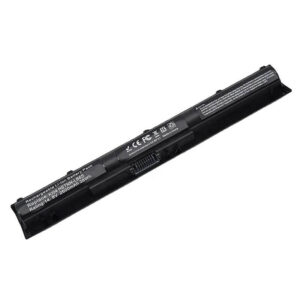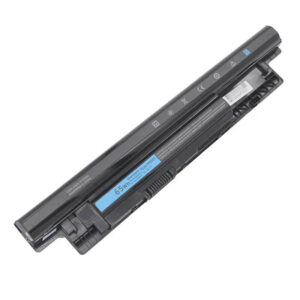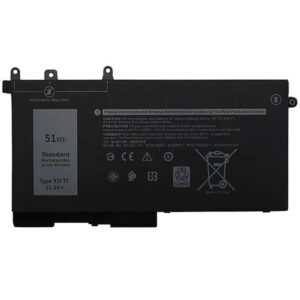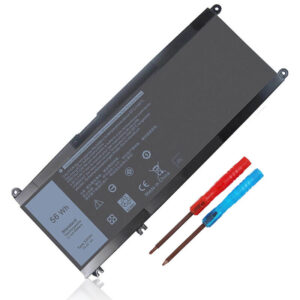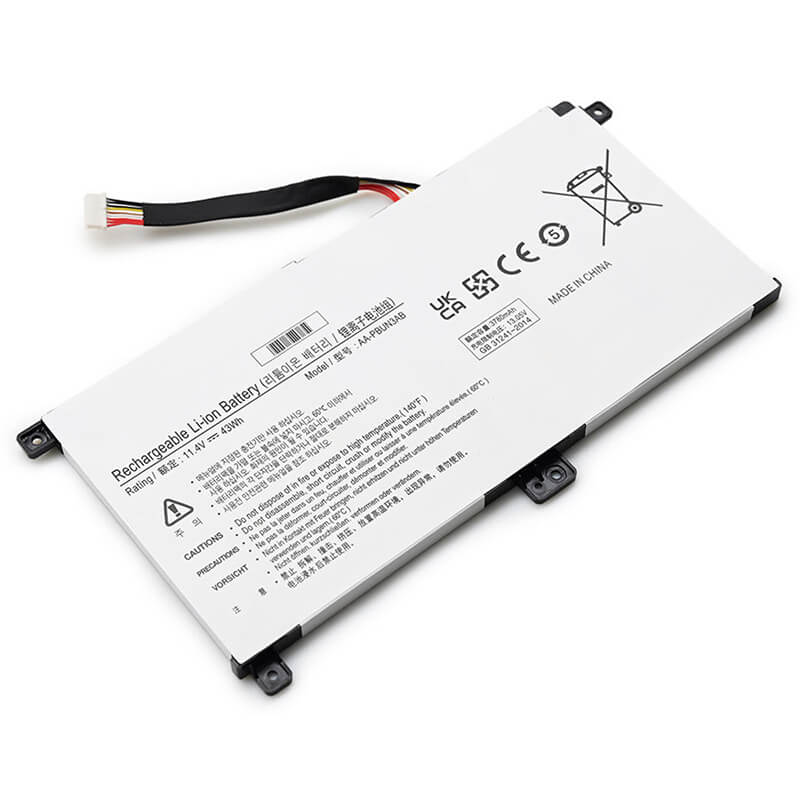
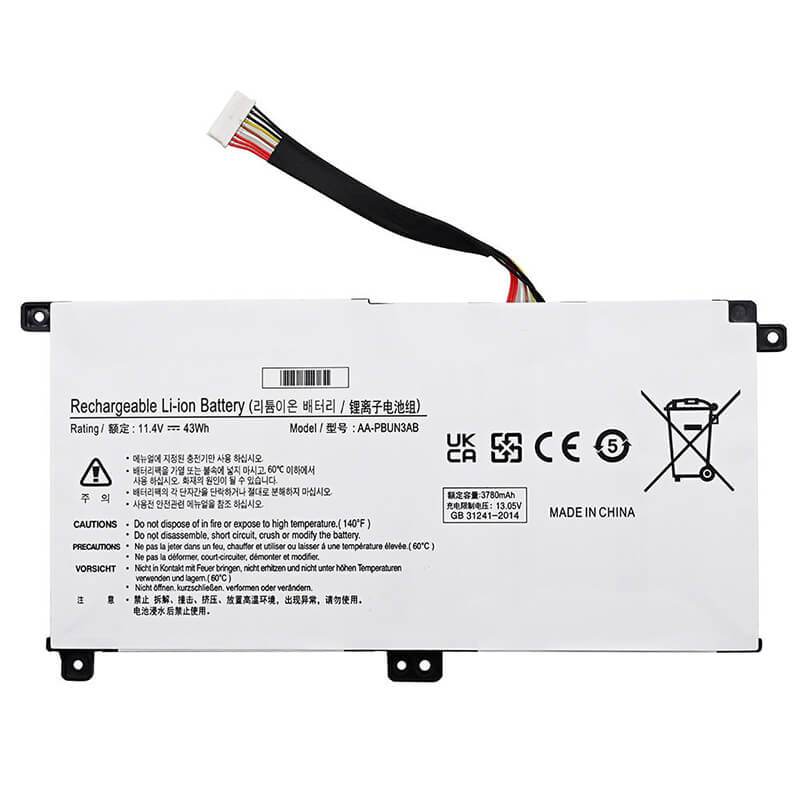
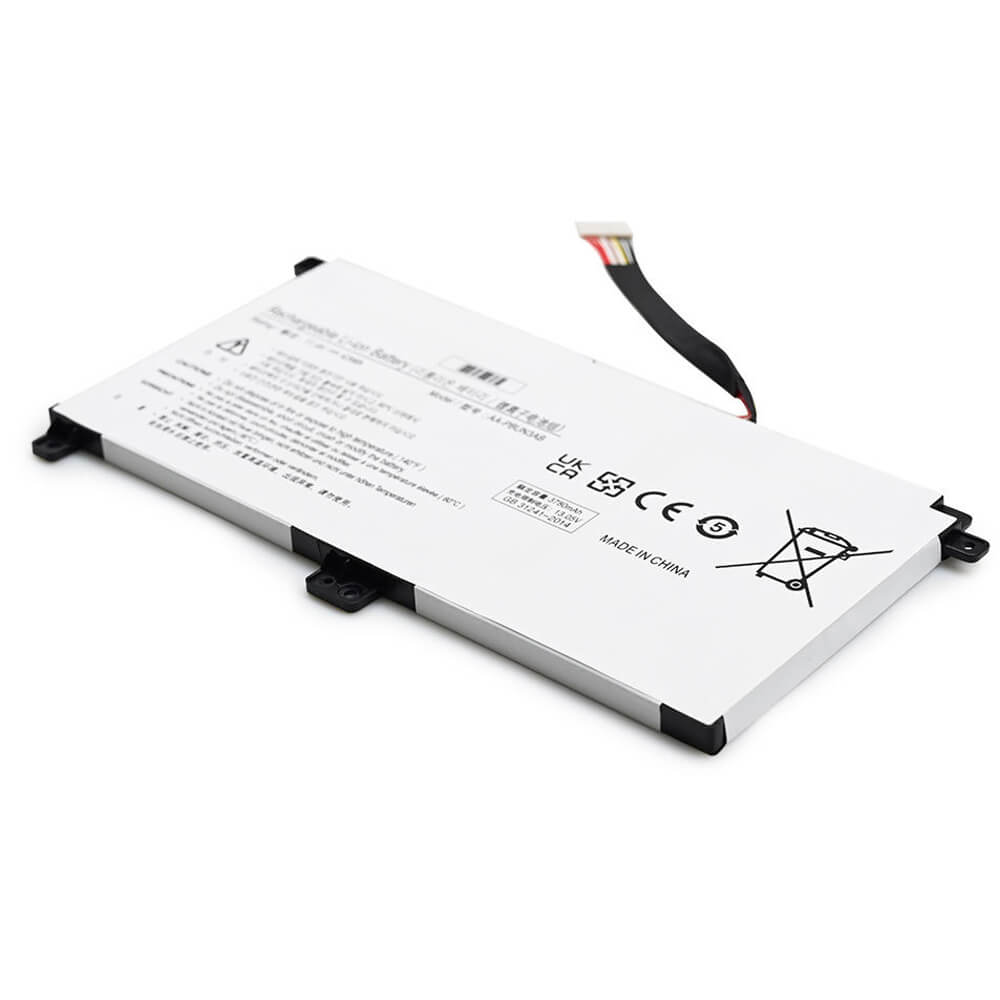
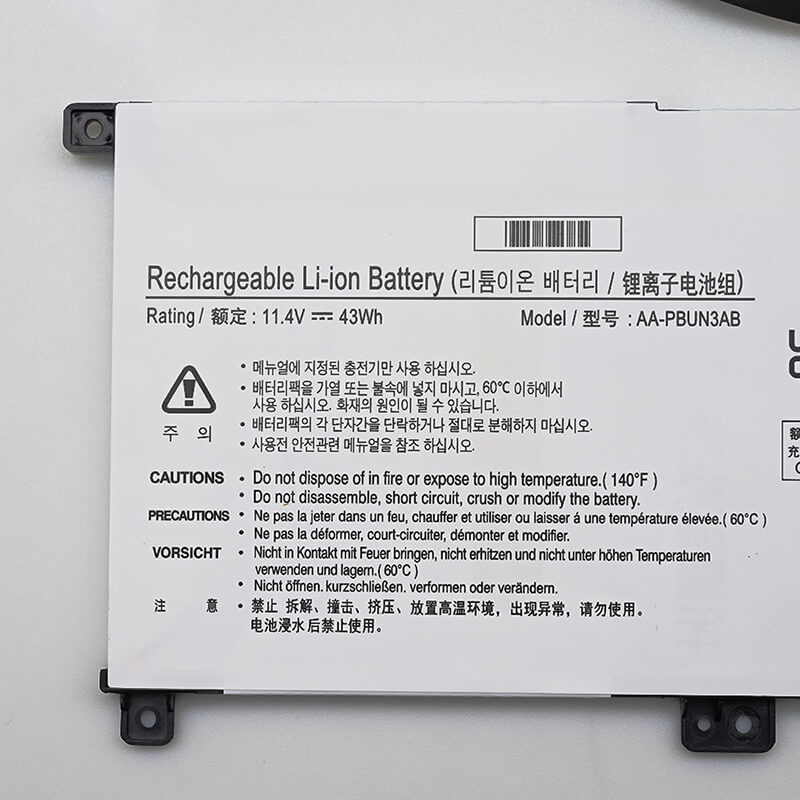
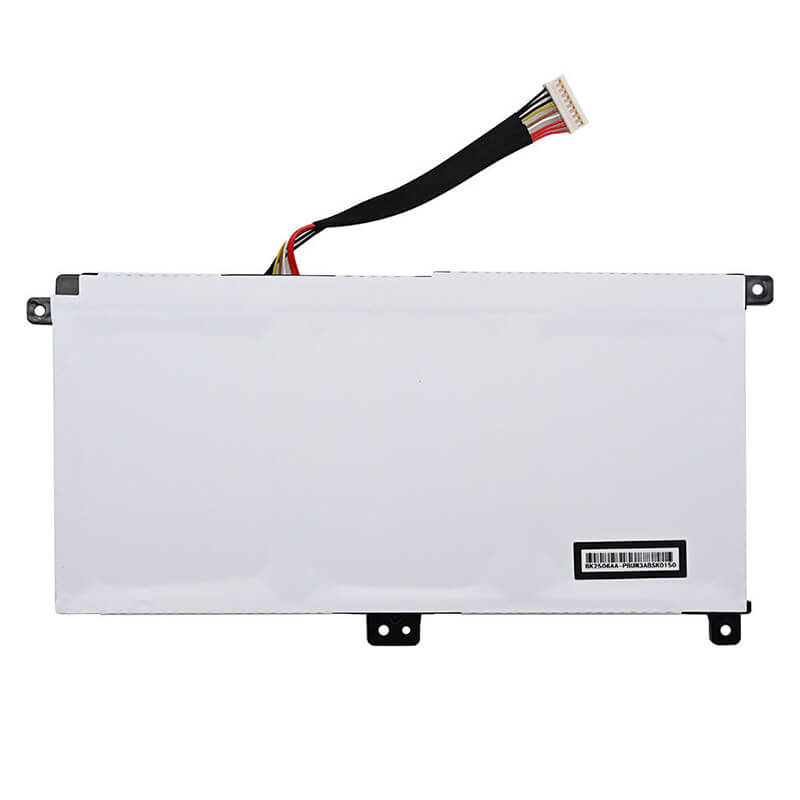
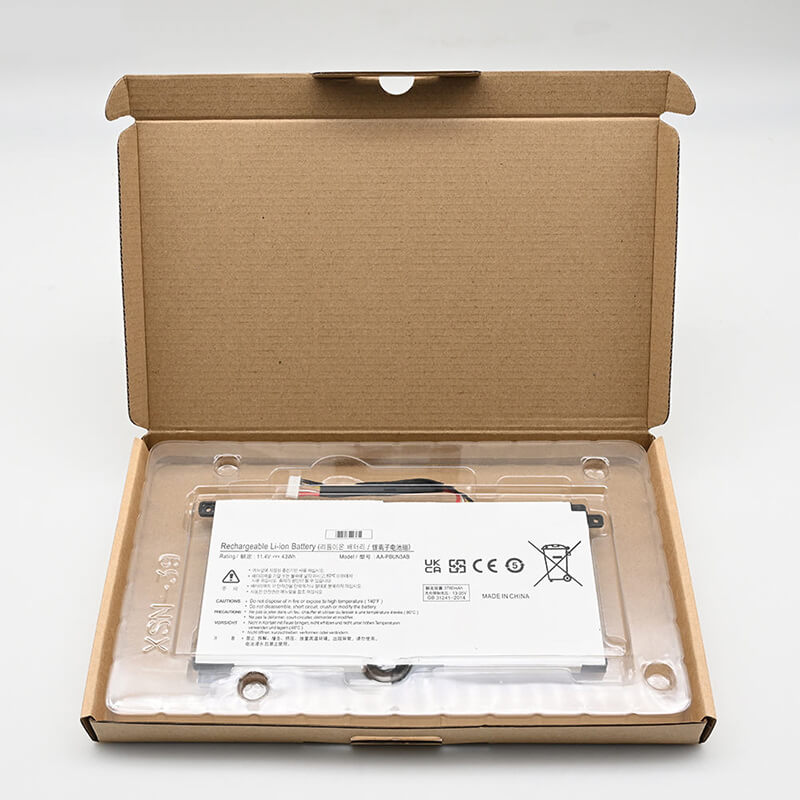
AA-PBUN3AB Battery for Samsung Notebook 7 Spin NP730QAA NP730QAA-K01US | 11.4V 43Wh 3780mAh 3-Cell
- Model Numbers: AA-PBUN3AB Battery
- Battery Type: Li-ion Polymer (High-Density Grade A+ Cells)
- Voltage: 11.4V (Fully compatible with 11.55V)
- Capacity: 3780mAh / 43Wh
- Cells: 3-Cell
- Connector: 9-Pin Precision Interface (Plug-and-Play)
- Condition: 100% Brand New from Factory
- Life Cycle: 600 – 1000 recharge cycles
- Multiple Protection: Over Current, Over Voltage, Over Charge & Discharge, Overheat, Short Circuit, ESD, EMI
- Color: Black
- Certifications: UL2054, CE, FCC, RoHS, UN38.3, MSDS, IEC62133
- OEM/ODM: Yes(Accepted)
- Warranty: 18 Months After Sales, 24/7 Email Support.
- Product Dimensions: 8.86 x 4.96 x 1.14 inches
- Item Weight: 8.4 ounces
AA-PBUN3AB Battery for Samsung Notebook 7 Spin NP730QAA NP730QAA-K01US | 11.4V 43Wh 3780mAh 3-Cell
Detailed Product Specifications and Features:
Core Technical Parameters:
| Property | Specification |
|---|---|
| Model Numbers | AA-PBUN3AB Battery |
| Battery Type | Li-ion Polymer (High-Density Grade A+ Cells) |
| Voltage | 11.4V (Fully compatible with 11.55V) |
| Capacity | 3780mAh / 43Wh |
| Cells | 3-Cell |
| Connector | 9-Pin Precision Interface (Plug-and-Play) |
| Condition | 100% Brand New from Factory |
| Life Cycle | 600 - 1000 recharge cycles |
| Multiple Protection | Over Current, Over Voltage, Over Charge & Discharge, Overheat, Short Circuit, ESD, EMI |
| Color | Black |
| Certifications | UL2054, CE, FCC, RoHS, UN38.3, MSDS, IEC62133 |
| OEM/ODM | Yes(Accepted) |
| Warranty | 18 Months After Sales, 24/7 Email Support. |
| Product Dimensions | 8.86 x 4.96 x 1.14 inches |
| Item Weight | 8.4 ounces |
Technical Note:
Design Note: The AA-PBUN3AB is a specialized internal battery designed for ultra-slim 2-in-1 convertible laptops.
Connector Note: This specific version features the high-precision 9-pin connector, ensuring full compatibility with the Samsung NP730QAA’s advanced power management system.
Physical Note: The battery includes four integrated screw-mount tabs for a secure, rattle-free fit within the aluminum chassis.
Important: Internal installation is required; Phillips #0/00 screwdriver needed.
Product Features:
- Battery Newest Premium Grade Cells
- Best Circuit Board
- Multiple command chip control, keep the battery stable charge and discharge;
- Over-charger protection and discharger protection, short-circuit protection, ensure fast charges and low power consumption
- Easy & Quick Installation
- Our battery is 100% compatible with the original battery and meets
- CE/FCC/ROHS/UL-certified standards. It is 100% new from the manufacturer and can support up to 1000 recharge cycles over the life of the battery
- Power Interface: Gold-plated connector points to ensure current transport excellently and serve stably.
- Enclosure: The enclosure is made of ABS + PC high-quality material, which has a high-temperature-resistant function to protect your laptop from overheating
- Battery Buckle: The battery buckle is closely connected to the laptop, and the metal interface is stably powered
AA-PBUN3AB Battery Compatibility Laptop Model List:
| Series | Specific Laptop Models & Machine Suffixes |
|---|---|
| Samsung Notebook 7 Spin (13.3") | NP730QAA Series:NP730QAA-K01US, NP730QAA-K02US, NP730QAA-K01HK, NP730QAA-K01UK |
| Samsung Notebook 7 (13.3") | 730QAA / NT730QAA (2-in-1 Convertible) |
| ⚠️ Absolute Incompatibility | NOT FOR: NP740U3L, NP740U3M (Older 7 Spin generations). NOT FOR: NP750QAA (15.6" version—uses different battery). |
| Visual Check | Fits 2018 Edition with 360-degree hinge and 9-pin motherboard header. |
AA-PBUN3AB Battery Compatible P/N (Part Numbers) List:
Replacement Part Numbers:
· AA-PBUN3AB (9-Pin Version)
· BA43-00386A (Samsung Factory Part Number)
· AA-PBUN3AB-01
Why Choose HTJ AA-PBUN3AB 43Wh Battery?
- Precision 9-Pin Digital Interface:
Internal Samsung batteries rely on complex data communication for fast charging and safety. Our 9-pin connector is engineered for a perfect mechanical fit and 100% signal accuracy with the NP730QAA motherboard. - High-Performance Li-ion Polymer Cells:
Modern 2-in-1 laptops require thin, stable power. HTJ uses high-density polymer cells that offer 43Wh of energy in a slim profile, ensuring your Notebook 7 Spin maintains its long-lasting “all-day” battery life. - No-Swelling Guarantee:
Internal batteries must maintain a strict physical thickness. HTJ Grade A+ cells are vacuum-sealed to prevent the common “swelling” issue, protecting your laptop’s trackpad and keyboard from internal pressure. - 18-Month Factory-Direct Warranty:
As the manufacturer, we guarantee the 3780mAh capacity and the integrity of the 9-pin connector. Each unit is tested for voltage stability before shipping, backed by our 18-month warranty.
How to Install Your New AA-PBUN3AB Battery?
Replacing the internal AA-PBUN3AB (9-pin) battery is a straightforward process for the Samsung NP730QAA series.
⚠️ Crucial Safety Preparation
- Shutdown: Power off your laptop and disconnect the power adapter.
- ESD Warning: Touch a grounded metal object to discharge static electricity before touching internal parts.
- Tools: Phillips #0 screwdriver and a plastic prying tool (spudger).
AA-PBUN3AB Battery Step-by-Step Installation Guide:
- Remove the Bottom Cover: Remove the screws on the underside of the laptop. Use a plastic prying tool to gently pop the clips around the edges.
- Disconnect the Battery: Carefully lift the 9-pin battery connector out of the motherboard socket. Do not pull by the wires; use a plastic tool to pry the connector head upward.
- Unscrew the Battery: Remove the Phillips screws securing the battery to the internal frame.
- Remove the Old Battery: Lift the old AA-PBUN3AB out of the chassis.
- Insert the HTJ Battery: Align the new battery with the screw holes and the connector. Secure it with the original screws.
- Reconnect: Firmly press the 9-pin connector back into the motherboard socket until it is fully seated.
- Reassemble: Snap the bottom cover back into place and tighten the screws.
- Calibration: Charge to 100%, then discharge to 5% once to calibrate the internal power controller.
💡 Pro Tip:
Before closing the laptop, ensure the 9-pin cable is tucked into its designated channel so it isn’t pinched when you reinstall the bottom cover.
FAQ (Frequently Asked Questions)
Q: How do I verify my battery has a 9-pin connector?
A: You can verify by looking at the white plastic connector on your original battery. It will have 9 small metal contact slots. This HTJ version is specifically designed to match that 9-pin configuration.
Q: Is 11.4V safe for my Samsung NP730QAA?
A: Yes. 11.4V is the standard operating voltage for this series. It is 100% compatible with your original Samsung charger and motherboard.
Q: Does this fit the 15-inch Notebook 7 Spin?
A: No. The 15-inch model uses a much larger battery. This 43Wh 9-pin model is strictly for the 13.3-inch NP730QAA model.
Q: How can I be sure this fits my Notebook 7 Spin?
A: Check your laptop’s bottom cover for the model code NP730QAA. Also, verify that your screen size is 13.3 inches. If you have the 15.6-inch model, this battery will be physically too small.
Q: My original battery says 11.55V, but this is 11.4V. Is that okay?
A: Yes. These voltages are within the same operating range for Samsung’s 3-cell Li-ion Polymer architecture. The 11.4V rating is a standard high-stability rating that is 100% compatible with your NP730QAA motherboard.
Q: Does this battery include the installation screws?
A: No, you should reuse the original factory screws from your Samsung chassis. The battery includes reinforced plastic mounting tabs to ensure it sits securely in the original frame.
Laptop Maintenance Tip:
- New battery: For using a new battery, you’d better try a few cycles of discharging to 5%. then charging up to 95%. So that it can be activated completely
- Overuse: Do not always run a battery to 0%, as this would shorten its usage life.
- Charging sequence: When charging, first install the battery, then turn on the power. When fully charged, first cut off the power, then pull the power plug.
- Long-term storage: Please store the unused battery fully charged. (Charge it once a month.) Do not store at low power to prevent reducing the lifespan of a battery
- Charger: Do not replace the laptop adapter casually. If the original adapter cannot be applied due to malfunction or damage, please replace the models so as not to reduce the service life of the battery due to incompatibility.
【IMPORTANT】: Press [ Ctrl+F ] to find the laptop models.
Need a legacy/unlisted charger? Send your Samsung Laptop Battery specs or CONTACT US → We will source it for you!
We are a professional manufacturer in the field of laptop batteries, laptop adapters, and laptop keyboards. We are committed to providing high-quality, competitively priced, and superior performance batteries and the best service to customers.
Need Expert Help or Legacy Charger Sourcing? Contact Our Professional Technical Team Now!