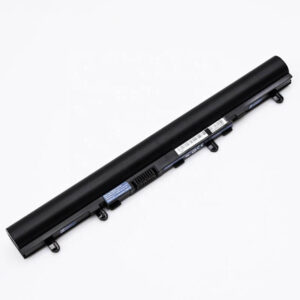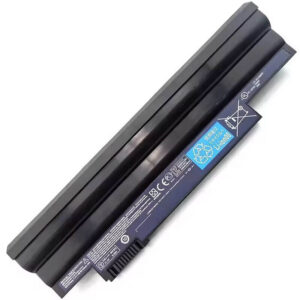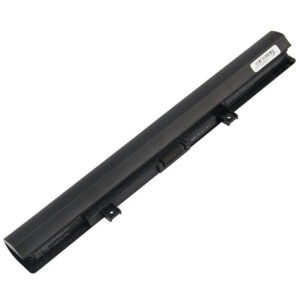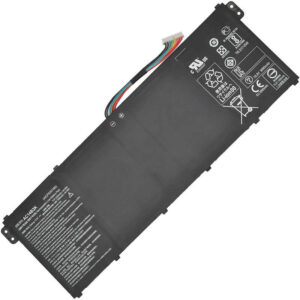
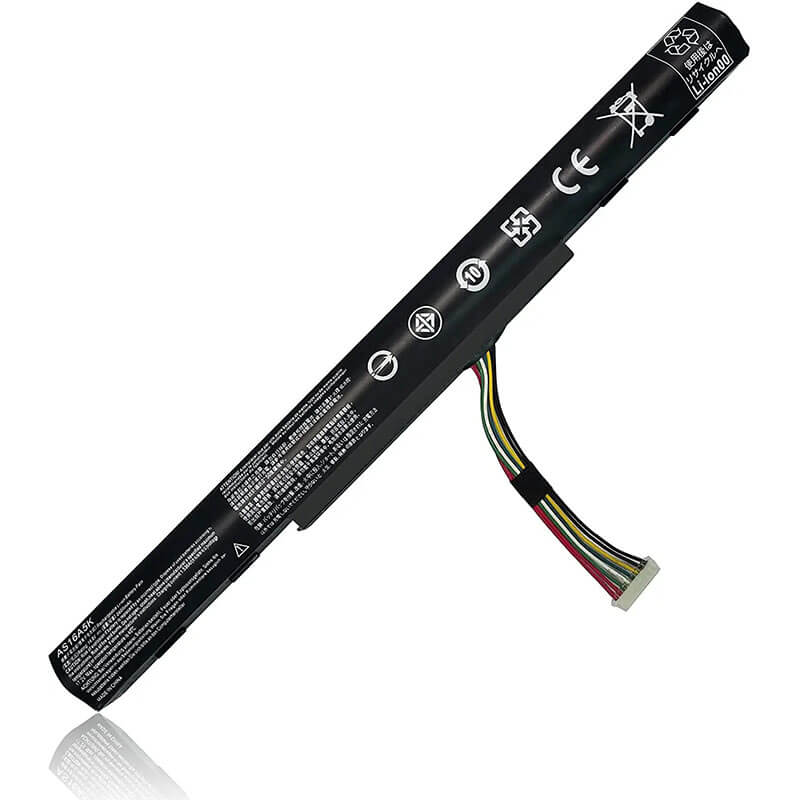
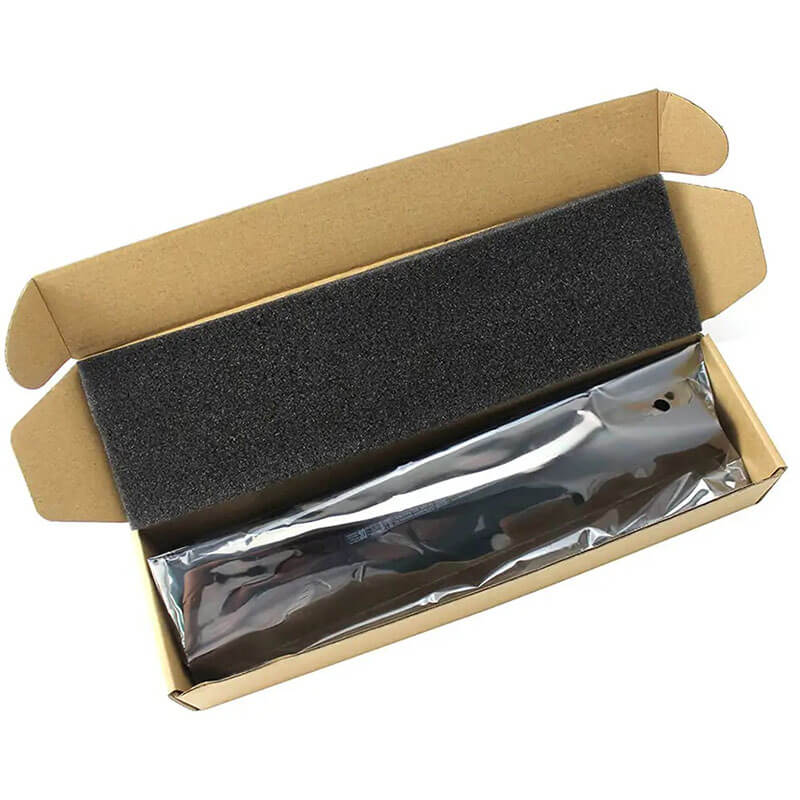
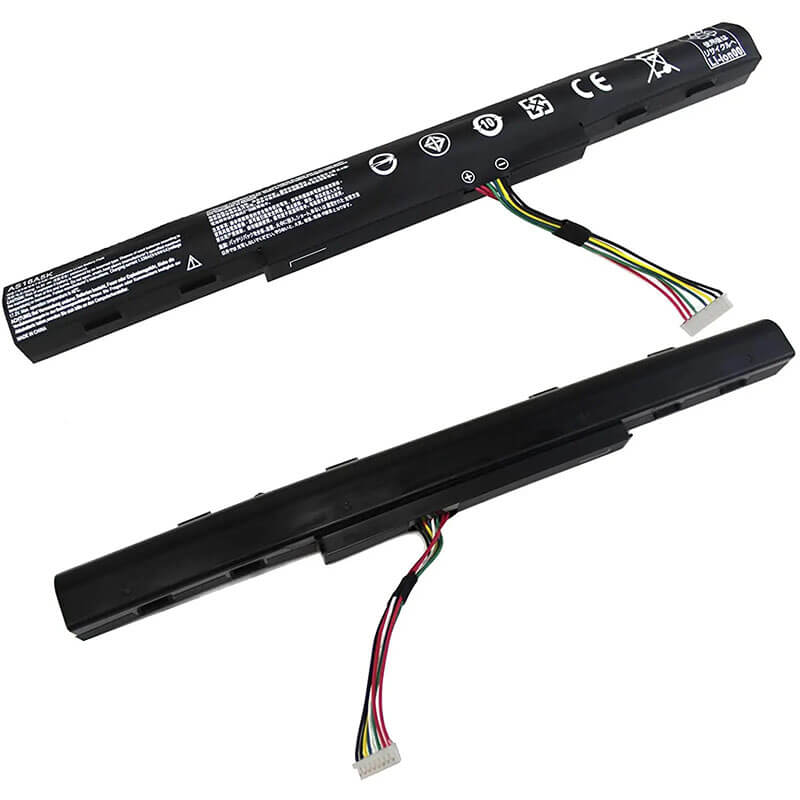
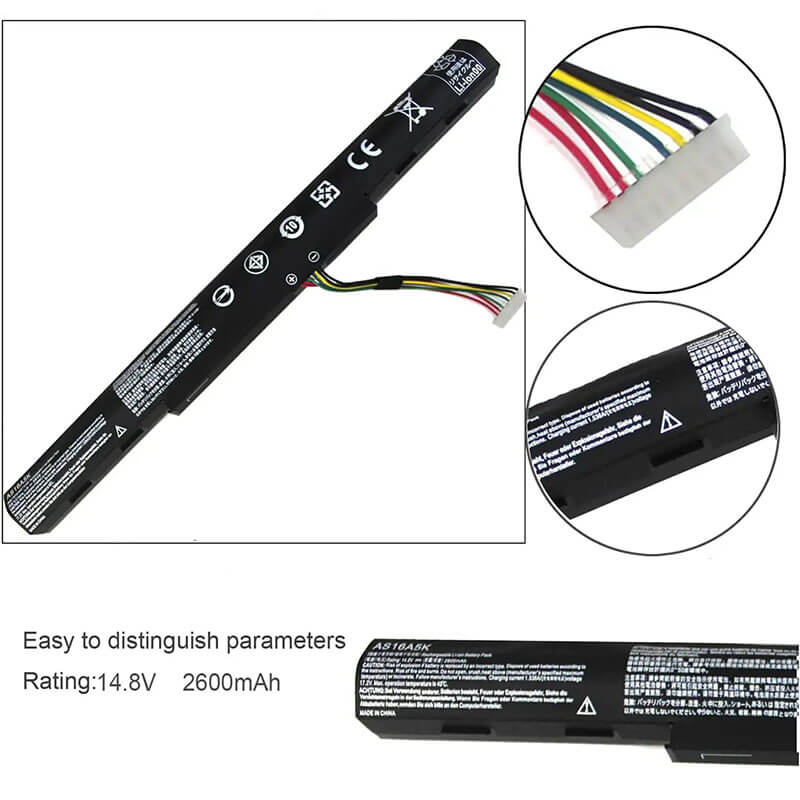
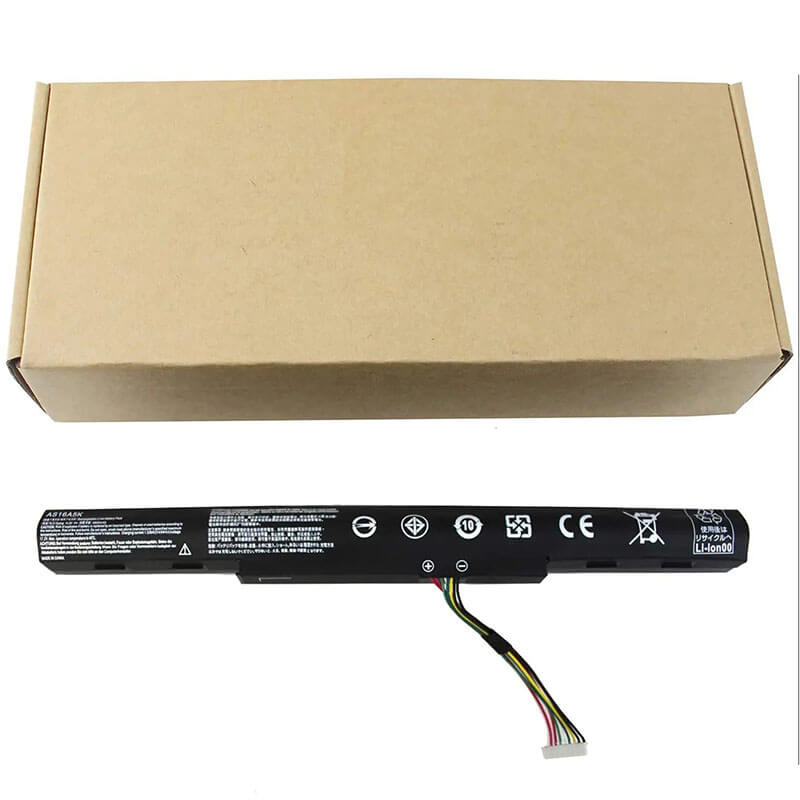
AS16A5K Battery Replacement for Acer Aspire E15 E5-575 E5-575G E5-475G | 14.8V 41.4Wh – HTJ
- Model Numbers: AS16A8K / AS16A7K / AS16A5K Battery
- Battery Type: Li-polymer (Grade A+ Cells)
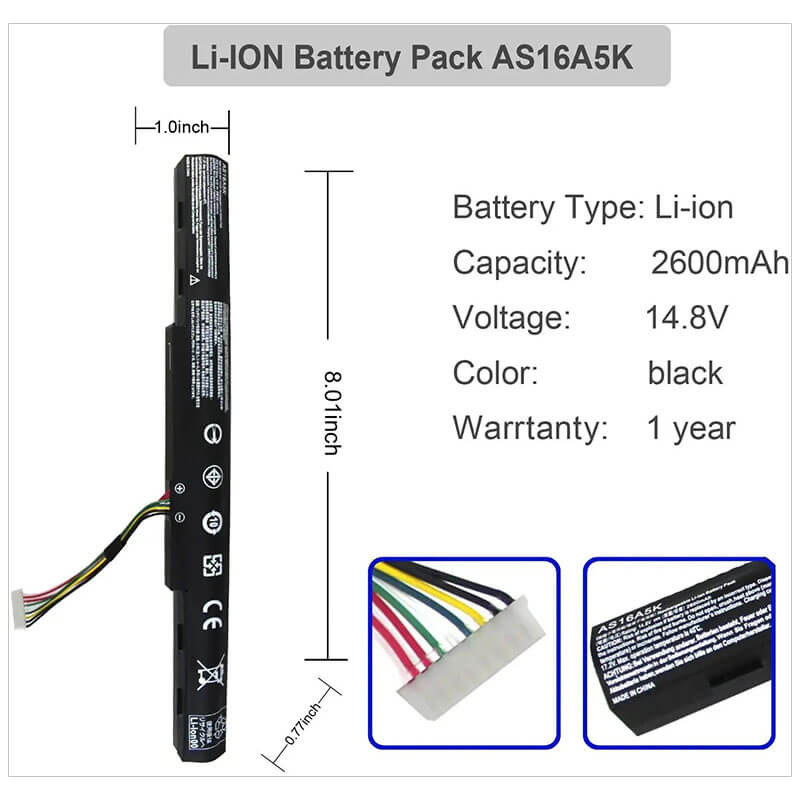
- Voltage: 14.8V (Compatible with 14.4V)
- Capacity: 41.4Wh / 2600mAh
- Cells: 4-Cell
- Condition: 100% Brand New from Factory
- Life Cycle: Up to 1000 recharge cycles
- Multiple Protection: Over Current, Over Voltage, Over Charge & Discharge, Overheat, Short Circuit, ESD, EMI
- Color: Black
- Certifications: UL2054, CE, FCC, RoHS, UN38.3, MSDS, IEC62133
- OEM/ODM: Yes(Accepted)
- Warranty: 18 Months After Sales, 24/7 Email Support.
- Product Dimensions: 8.01 x 1 x 0.77 inches
- Item Weight: 9.6 ounces
AP18E7M Battery AS16A5K Battery Replacement for Acer Aspire E15 E5-575 E5-575G E5-475G | 14.8V 41.4Wh
Detailed Product Specifications and Features:
Core Technical Parameters:
| Property | Specification |
|---|---|
| Model Numbers | AS16A8K / AS16A7K / AS16A5K Battery |
| Battery Type | Li-polymer (Grade A+ Cells) |
| Voltage | 14.8V (Compatible with 14.4V) |
| Capacity | 41.4Wh / 2600mAh |
| Cells | 4-Cell |
| Condition | 100% Brand New from Factory |
| Life Cycle | Up to 1000 recharge cycles |
| Multiple Protection | Over Current, Over Voltage, Over Charge & Discharge, Overheat, Short Circuit, ESD, EMI |
| Color | Black |
| Certifications | UL2054, CE, FCC, RoHS, UN38.3, MSDS, IEC62133 |
| OEM/ODM | Yes(Accepted) |
| Warranty | 18 Months After Sales, 24/7 Email Support. |
| Product Dimensions | 8.01 x 1 x 0.77 inches |
| Item Weight | 9.6 ounces |
Technical Note:
This is an Internal battery. The Acer Aspire E15 (E5-575/E5-576) series uses an internal battery design that requires opening the laptop’s base cover for installation. Please ensure your original battery model is AS16A5K or AS16A8K before ordering.
Product Features:
- Battery Newest Premium Grade Cells
- Best Circuit Board
- Multiple command chip control, keep the battery stable charge and discharge;
- Over-charger protection and discharger protection, short-circuit protection, ensure fast charges and low power consumption
- Easy & Quick Installation
- Our battery is 100% compatible with the original battery and meets
- CE/FCC/ROHS/UL-certified standards. It is 100% new from the manufacturer and can support up to 1000 recharge cycles over the life of the battery
- Power Interface: Gold-plated connector points to ensure current transport excellently and serve stably.
- Enclosure: The enclosure is made of ABS + PC high-quality material, it has high temperature-resistant function to protect your laptop from overheating
- Battery Buckle: The battery buckle is closely connected to the laptop, and the metal interface is stably powered
AS16A8K / AS16A7K / AS16A5K Battery Compatibility Laptop Model List
| Series | Detailed Compatible Laptop Models |
|---|---|
| Acer Aspire E15 | E15 Series, E15 E5-575, E15 E5-575G, E15 E5-576, E15 E5-576G |
| Aspire E5-575G | E5-575G-53VG, E5-575G-57D4, E5-575G-527J, E5-575G-55AD, E5-575G-58W2, E5-575G-55KK, E5-575G-59GV, E5-575G-56KS, E5-575G-75MD, E5-575G-76YK, E5-575G-5341, E5-575G-30ZJ, E5-575G-52NP |
| Aspire E5-575 | E5-575-33BM, E5-575-59GV, E5-575-53EJ, E5-575-72L3, E5-575-52JF, E5-575-54E8, E5-575-54SM, E5-575-74RC |
| Aspire E5-576G | E5-576G-5762, E5-576G-81GD, E5-576G-58VM, E5-576G-54ZH, E5-576G-563C, E5-576G-52N1 |
| Aspire E5-475G | E5-475G-30KY, E5-475G-51SV, E5-475G-52MT, E5-475G-53W2, E5-475G-5562, E5-475G-57S2, E5-475-31A7, E5-475-32X8, E5-475-35CL |
| Aspire F5-573G | F5-573G-510L, F5-573G-56CG, F5-573G-58X5, F5-573G-749W, F5-573G-74X5, F5-573G-59V1, F5-573T, F5-573G-53V1 |
| Aspire E5-523G | E5-523G-90QW, E5-523G-9504, E5-523-96P0, E5-523-979H, E5-523-98K0 |
| Aspire E5-553G | E5-553G-109A, E5-553G-14AS, E5-553G-198G, E5-553G-128Y, E5-553-T2XN |
| Aspire E5-774G | E5-774G-50W0, E5-774G-546G, E5-774G-70AB, E5-774G-78JN, E5-774-50Z5, E5-774-54HJ |
| TravelMate | P249 Series (P249-G2-M, P249-M, P249-MG), P259 Series (P259-G2-MG, P259-M, P259-MG) |
AS16A8K / AS16A7K / AS16A5K Battery Compatible P/N (Part Numbers) List
- AS16A5K
- AS16A7K
- AS16A8K
- 0040G.007
- 00405.001
- 00605.002
- 4ICR19/66
Why Choose HTJ AS16A8K / AS16A7K / AS16A5K Battery?
- Universal Compatibility & Precision Fit:
Our AS16A5K is engineered to 1:1 original factory specifications, ensuring a seamless fit within the Acer Aspire E15 and E5-575 chassis. The precision-molded casing prevents any mounting alignment issues common with generic replacements. - Enhanced Performance & Stability:
Utilizing premium Grade A+ Lithium-ion cells, this battery provides a stable 14.8V output. It is designed to handle over 1000 recharge cycles while maintaining superior energy density for consistent daily use. - Intelligent Safety BMS:
Equipped with a sophisticated Battery Management System (BMS), the HTJ AS16A5K offers multi-layer protection against over-voltage, short-circuits, and thermal runaway. This ensures your Acer laptop stays safe even under heavy processing loads. - Factory-Direct Reliability:
Eliminate the middleman with HTJ. Our batteries are factory-tested for peak performance and are backed by an industry-leading 18-month warranty and dedicated technical support.
How to Install Your New AS16A8K / AS16A7K / AS16A5K Battery?
Replacing the internal AS16A5K battery on Acer Aspire E5-575 series laptops is a straightforward internal upgrade that takes about 15 minutes.
⚠️ Crucial Safety Preparation
- Discharge First: Discharge the current battery below 25% before starting to minimize safety risks.
- Required Tools: A Phillips #0 screwdriver and a plastic pry tool.
AS16A5K Battery Step-by-Step Installation Guide
- Remove Bottom Screws:
Power off the laptop and unplug the charger. Flip it over and remove all visible Phillips screws from the bottom casing. - Pry Open the Case:
Use a plastic pry tool to gently release the clips around the edges of the palm rest or the bottom cover (depending on your specific E15 sub-model). - Disconnect the Old Battery:
Locate the battery connector cable leading to the motherboard. Carefully pull the connector horizontally away from the socket. - Unscrew and Lift:
Remove the screws securing the AS16A5K battery to the laptop frame. Gently lift the old battery out. - Install the New Battery:
Position the HTJ AS16A5K battery into the bay. Secure it with the screws and plug the battery connector firmly back into the motherboard. - Reassemble and Test:
Snap the cover back on and tighten the screws. Power on the laptop to ensure the battery is recognized. - Calibration:
Charge to 100%, leave on charger for 2 hours, then discharge to 5%, and recharge to 100% to sync the system’s power meter.
💡 Pro Tip: While the laptop is open, use a can of compressed air to clean the cooling fan—this helps maintain battery health by keeping the system cool.
Q: How to identify if your battery is an AS16A5K?
A: Check the label on your original battery. It will explicitly list “AS16A5K” or “AS16A8K”. These models are physically identical and interchangeable.
Laptop Maintenance Tips:
- New battery: For using a new battery, you’d better try a few cycles of discharging to 5%. then charging up to 95%. So that it can be activated completely
- Overuse: Do not always run out of a battery to 0%, as this would make its usage life.
- Charging sequence: When charging, first install the battery, then turn on the power. When fully charged, first cut off the power, then pull the power plug.
- Long-term storage: Please store the unused battery fully charged. (Charge it once a month.) Do not store at low power to prevent reducing the lifespan of a battery
- Charger: Do not replace the laptop adapter casually. If the original adapter cannot be applied due to malfunction or damage, please replace the models so as not to reduce the service life of the battery due to incompatibility.
【IMPORTANT】: Press [ Ctrl+F ] to find the laptop models.
Need a legacy/unlisted charger? Send your Acer Laptop Battery specs or CONTACT US → We will source it for you!
We are a professional manufacturer in this field of laptop batteries, laptop adapters laptop keyboards. We are committed to providing high quality, competitive cost, and superior performance battery and best service to customers.
Need Expert Help or Legacy Charger Sourcing? Contact Our Professional Technical Team Now!