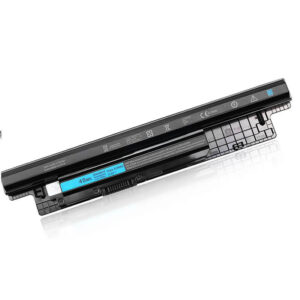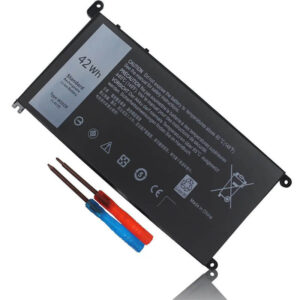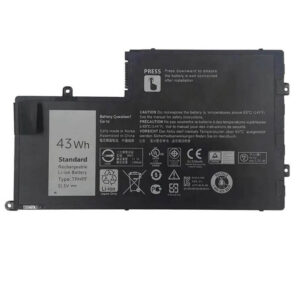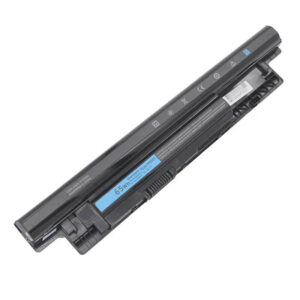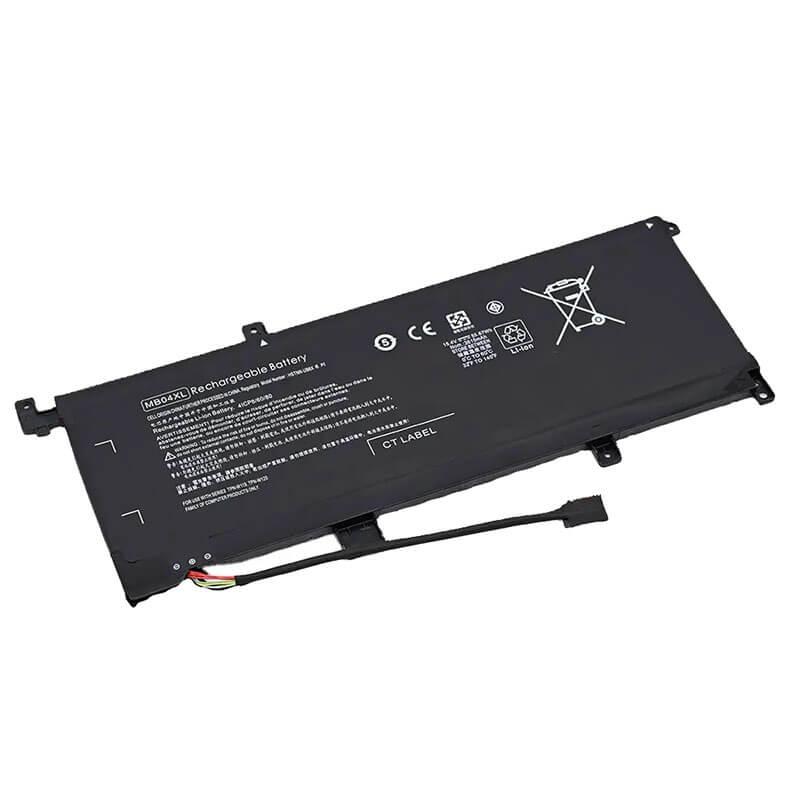
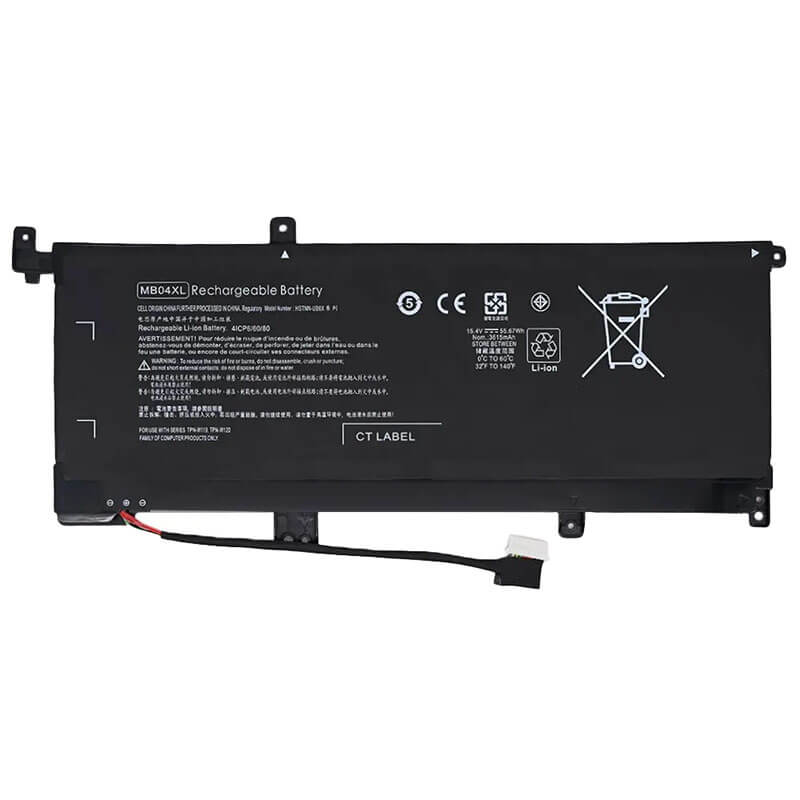
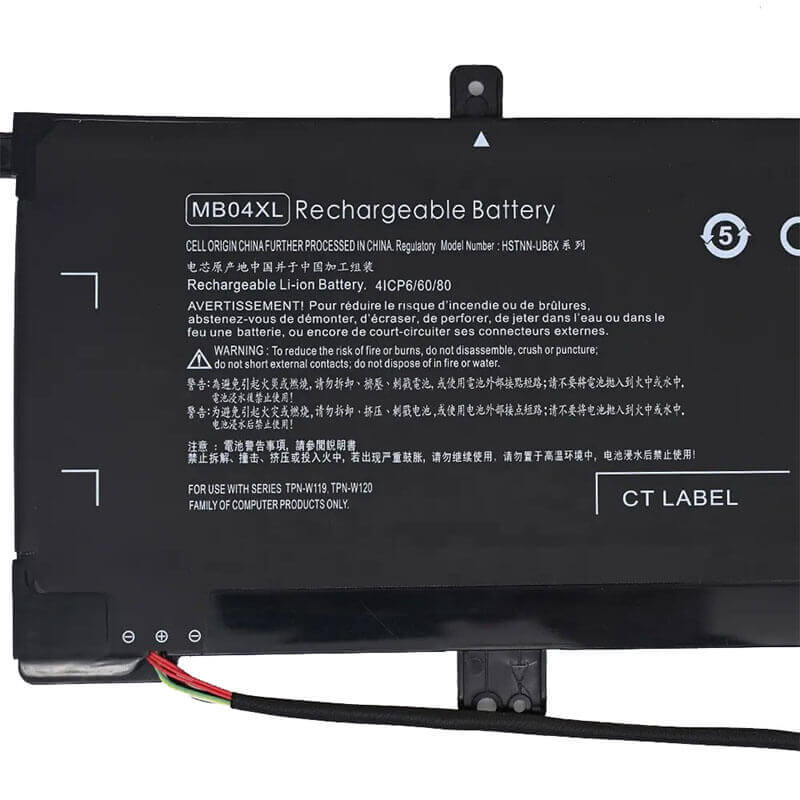
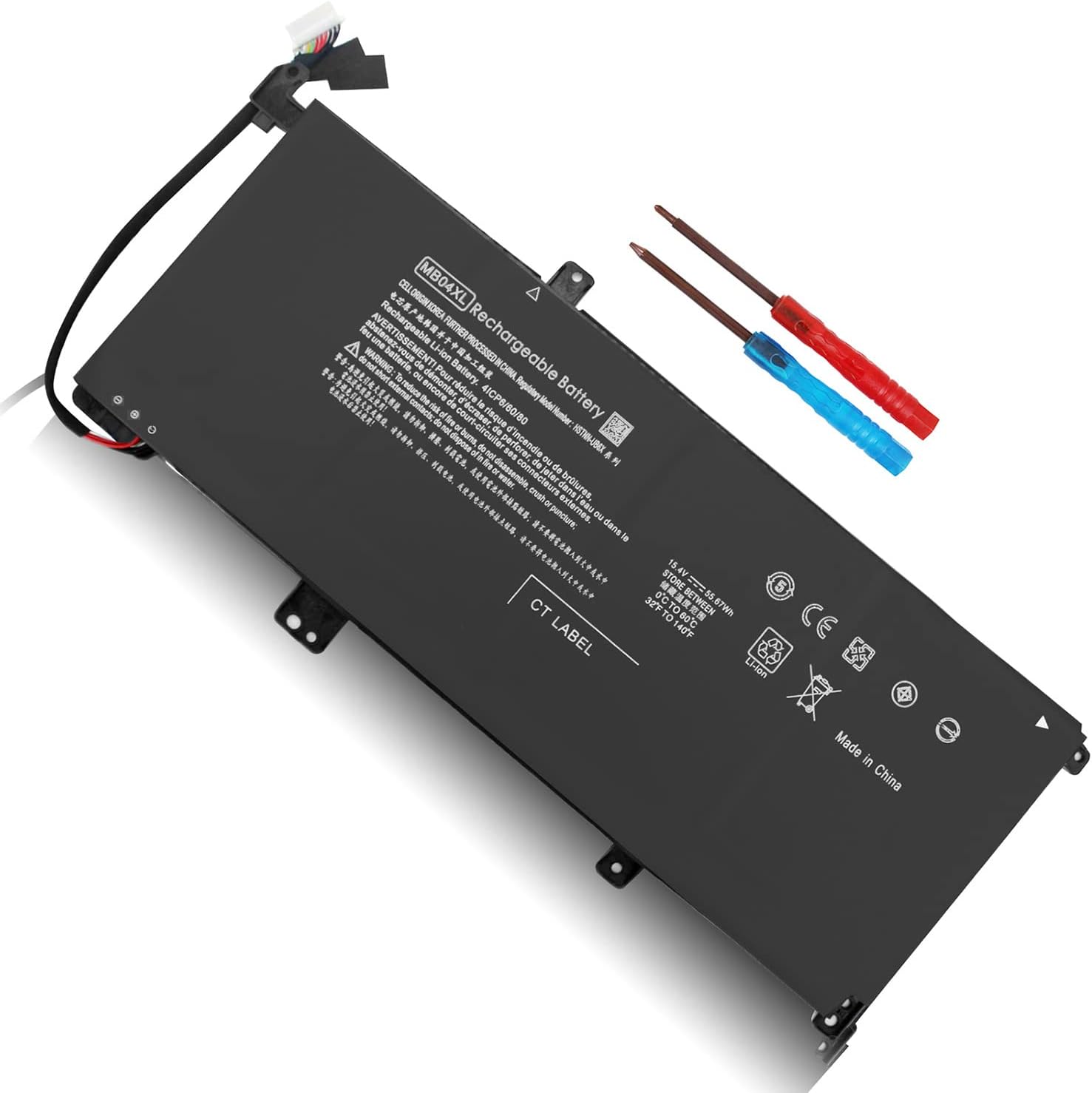

MB04XL Battery for HP Envy x360 15-aq 15-ar Series | 15.4V 3615mAh 55.67Wh 4-Cell – HTJ
- Model Numbers: MB04XL Battery
- Battery Type: Lithium-ion Polymer (Grade A+ Cells)
- Voltage: 15.4V
- Capacity: 3615mAh / 55.67Wh
- Cells: 4-Cell
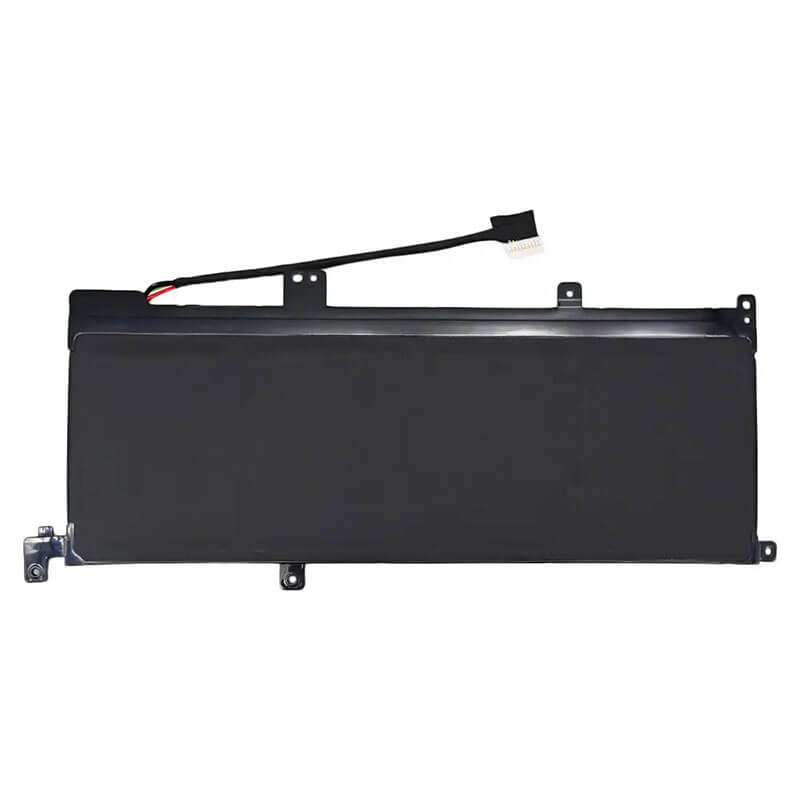
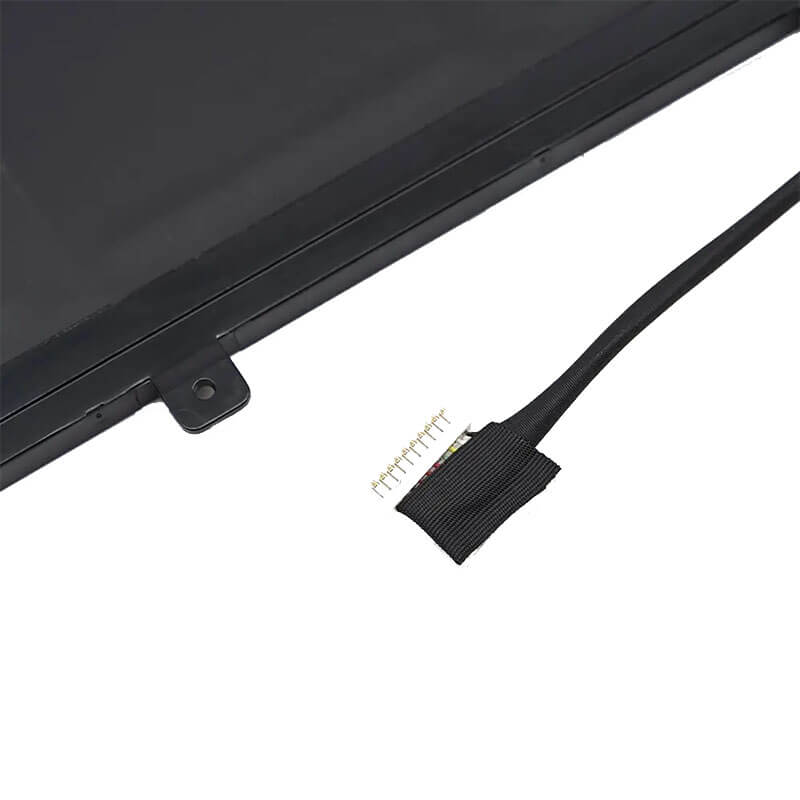
- Connector: Internal Integrated Multi-Pin Plug
- Condition: 100% Brand New from Factory
- Life Cycle: 600 – 1000 recharge cycles
- Multiple Protection: Over Current, Over Voltage, Over Charge & Discharge, Overheat, Short Circuit, ESD, EMI
- Color: Black
- Certifications: UL2054, CE, FCC, RoHS, UN38.3, MSDS, IEC62133
- OEM/ODM: Yes(Accepted)
- Warranty: 18 Months After Sales, 24/7 Email Support.
- Product Dimensions: 9.53 x 3.58 x 0.28 inches
- Item Weight: 12 ounces
MB04XL Battery for HP Envy x360 15-aq 15-ar Series | 15.4V 3615mAh 55.67Wh 4-Cell
Detailed Product Specifications and Features:
Core Technical Parameters:
| Property | Specification |
|---|---|
| Model Numbers | MB04XL Battery |
| Battery Type | Lithium-ion Polymer (Grade A+ Cells) |
| Voltage | 15.4V |
| Capacity | 3615mAh / 55.67Wh |
| Cells | 4-Cell |
| Connector | Internal Integrated Multi-Pin Plug |
| Condition | 100% Brand New from Factory |
| Life Cycle | 600 - 1000 recharge cycles |
| Multiple Protection | Over Current, Over Voltage, Over Charge & Discharge, Overheat, Short Circuit, ESD, EMI |
| Color | Black |
| Certifications | UL2054, CE, FCC, RoHS, UN38.3, MSDS, IEC62133 |
| OEM/ODM | Yes(Accepted) |
| Warranty | 18 Months After Sales, 24/7 Email Support. |
| Product Dimensions | 9.53 x 3.58 x 0.28 inches |
| Item Weight | 12 ounces |
Technical Note:
Design Note: The MB04XL is an internal ultra-slim polymer battery.
Fitment Warning: This battery only fits the 15-aq and 15-ar generations of the Envy x360.
Voltage Precision: This is a high-voltage 15.4V system; do not attempt to use lower-voltage batteries.
Safety Note: Every HTJ unit is equipped with expanded “Cold-Press” aluminum foil shielding to prevent cell swelling (bloating), a common issue in slim HP convertibles.
Important: Requires a Torx T5 and Phillips #00 screwdriver for installation.
Product Features:
- Battery Newest Premium Grade Cells
- Best Circuit Board
- Multiple command chip control, keep the battery stable charge and discharge;
- Over-charger protection and discharger protection, short-circuit protection, ensure fast charges and low power consumption
- Easy & Quick Installation
- Our battery is 100% compatible with the original battery and meets
- CE/FCC/ROHS/UL-certified standards. It is 100% new from the manufacturer and can support up to 1000 recharge cycles over the life of the battery
- Power Interface: Gold-plated connector points to ensure current transport excellently and serve stably.
- Enclosure: The enclosure is made of ABS + PC high-quality material, which has a high-temperature-resistant function to protect your laptop from overheating
- Battery Buckle: The battery buckle is closely connected to the laptop, and the metal interface is stably powered
MB04XL Battery Battery Compatibility Laptop Model List:
1. Compatible Laptop Model List (Comprehensive)
| Series | Specific Model Suffixes (High-Volume Searchable Variants) |
|---|---|
| HP Envy x360 15-aq | 15-aq000 to 15-aq299: 15-aq005na, 15-aq100, 15-aq101ng, 15-aq102ng, 15-aq103ng, 15-aq104ng, 15-aq105ng, 15-aq106ng, 15-aq110nd, 15-aq118ca, 15-aq123cl, 15-aq150nz, 15-aq155nr, 15-aq160nz, 15-aq165nr, 15-aq166nr, 15-aq173cl, 15-aq193ms, 15-aq210nr, 15-aq267cl, 15-aq273cl, 15-aq292cl, 15-aq293ms, 15-aq294cl |
| HP Envy x360 15-ar | 15-ar000 to 15-ar099: 15-ar000nb, 15-ar001nb, 15-ar002na, 15-ar002nb, 15-ar003nb, 15-ar004nb, 15-ar052na, 15-ar081no |
| HP Envy x360 m6-aq | m6-aq000 to m6-aq199: m6-aq003dx, m6-aq005dx, m6-aq103dx, m6-aq105dx |
| HP Envy x360 m6-ar | m6-ar000 to m6-ar099: m6-ar004dx |
| ⚠️ Absolute Incompatibility | NOT FOR: Envy x360 15-bp, 15-cn, 15-ds, 15-ee (Uses BK04XL or LK03XL). NOT FOR: Envy x360 13-inch models. |
| Visual Check | This battery is an Internal Polymer Plate. It has three distinct mounting "fingers" at the bottom. Dimensions are approx. 28cm x 10cm. |
2. MB04XL Battery Compatible Part Numbers (P/N List)
-
- HP Spare Numbers: 844204-850, 844204-855, 843538-541, 843537-421, 843537-541
- Model Designation: MB04XL, MB04055XL, MBO4XL (Common misspelling)
- Regulatory Codes: HSTNN-UB6X, HSTNN-UB6V, TPN-W119, TPN-W120
- Engineering Code: G6B98AA
Why Choose HTJ MB04XL Battery?
- Precision-Matched 15.4V Logic:
HP Envy x360 displays use high-voltage digitizers for touch and pen support. HTJ’s MB04XL maintains a rock-solid 15.4V output even under heavy load, preventing ghost-touch issues or screen flickering that often occur with low-quality generic batteries. - Anti-Swelling Polymer Technology:
Internal batteries in slim convertibles are prone to swelling, which can damage the trackpad or crack the chassis. HTJ utilizes high-density Cobalt-oxide polymer cells with reinforced structural casing to ensure thermal stability and prevent cell expansion over its entire lifecycle. - Texas Instruments (TI) Fuel Gauge:
Equipped with a genuine TI chipset, our MB04XL provides 100% accurate percentage reporting. Your Envy will no longer shut down unexpectedly at 20%; the communication between the HTJ BMS and HP BIOS is seamless. - Cycle Freshness for 4K Performance:
Large-screen Envy models are power-hungry. We manufacture in small, fresh batches to ensure you get the full 67Wh capacity, restoring the original 7-9 hour battery life your premium convertible had on day one.
How to Install Your New MB04XL Battery?
The HP MB04XL is an internal battery. You will need a Torx T5 and a small Phillips screwdriver.
⚠️ Crucial Safety Preparation
- Shutdown: Perform a full Windows shutdown and disconnect the AC adapter.
- Static Safety: Touch a metal object to ground yourself before touching internal components.
- Caution: Do not puncture or bend the Lithium-polymer cells.
MB04XL Battery Step-by-Step Installation Guide:
- Remove Base Screws: Remove the screws from the bottom cover. Note that some may be hidden under the rubber feet strips.
- Pry the Case: Use a plastic prying tool to gently pop the clips around the edges. Lift the bottom cover off.
- Removing the Old Battery: Unscrew the internal screws securing the MB04XL. Gently lift the battery connector vertically out of the motherboard socket. Do not pull the wires.
- Align & Replacing: Place the new HTJ MB04XL into the chassis. Ensure the mounting holes align perfectly.
- Reconnect: Press the battery connector firmly down into the motherboard socket.
- Secure & Close: Reinstall the internal screws, snap the bottom cover back on, and secure the external screws.
- Final Calibration: Charge to 100%. Use the laptop until it reaches 5%, then recharge to 100% to calibrate the new cells with the HP Power Manager.
💡 Pro Tip:
If the laptop does not turn on after installation, plug in the AC adapter. Premium HP Envy models require a “Jumpstart” from the charger to wake the motherboard after the battery has been disconnected.
FAQ (Frequently Asked Questions)
Q: My Envy x360 is model 15-aq173cl. Is this battery compatible?
A: Yes! The 15-aq series (including 15-aq173cl) is the primary model for the MB04XL.
Q: Can I use this for an Envy 15-bp model?
A: No. The 15-bp series uses the BK04XL battery. While they look similar, the connectors and screw holes will not align.
Q: Why is my old battery bulging/swollen?
A: Overheating or age causes polymer cells to release gas. Replace it immediately to avoid damaging your trackpad. HTJ batteries use anti-swelling technology to prevent this.
Q: My laptop says “Envy x360 m6 Convertible.” Is this the right battery?
A: Yes, provided your model starts with m6-aq or m6-ar. If your model is m6-w or m6-aq, check your battery label for the MB04XL code to be 100% certain.
Q: What is the difference between MB04XL and BK04XL?
A: They are not interchangeable. The MB04XL (55.67Wh) fits the 2016-2017 Envy x360 (15-aq/ar). The BK04XL is for the 2018 models (15-bp). Always check the “TPN” code on your laptop’s base: MB04XL fits TPN-W120.
Q: Can I install this myself?
A: Yes, but it requires opening the laptop. You will need a Torx T5 screwdriver for the base and a Phillips #00 for the internal screws. Follow our 7-step guide above for a safe installation.
Q: My original battery is swollen. Is this HTJ battery safer?
A: Yes. Original polymer cells can swell due to heat. HTJ uses high-density Cobalt-oxide cells with reinforced aluminum foil shielding designed to dissipate heat better and resist gas buildup (swelling).
Laptop Maintenance Tips:
- New battery: For using a new battery, you’d better try a few cycles of discharging to 5%. then charging up to 95%. So that it can be activated completely
- Overuse: Do not always run a battery to 0%, as this would shorten its usage life.
- Charging sequence: When charging, first install the battery, then turn on the power. When fully charged, first cut off the power, then pull the power plug.
- Long-term storage: Please store the unused battery fully charged. (Charge it once a month.) Do not store at low power to prevent reducing the lifespan of a battery
- Charger: Do not replace the laptop adapter casually. If the original adapter cannot be applied due to malfunction or damage, please replace the models so as not to reduce the service life of the battery due to incompatibility.
【IMPORTANT】: Press [ Ctrl+F ] to find the laptop models.
Need a legacy/unlisted charger? Send your HP Laptop Battery specs or CONTACT US → We will source it for you!
We are a professional manufacturer of laptop batteries, laptop adapters, and laptop keyboards. We are committed to providing high-quality, competitively priced, and superior performance batteries and the best service to customers.