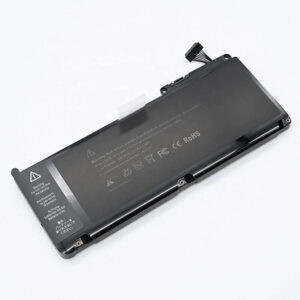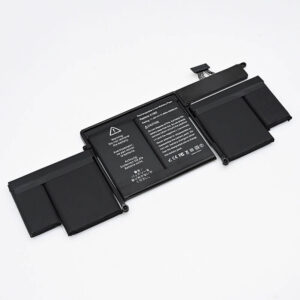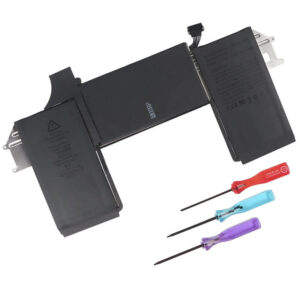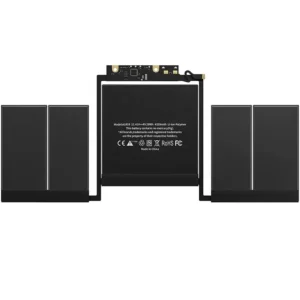
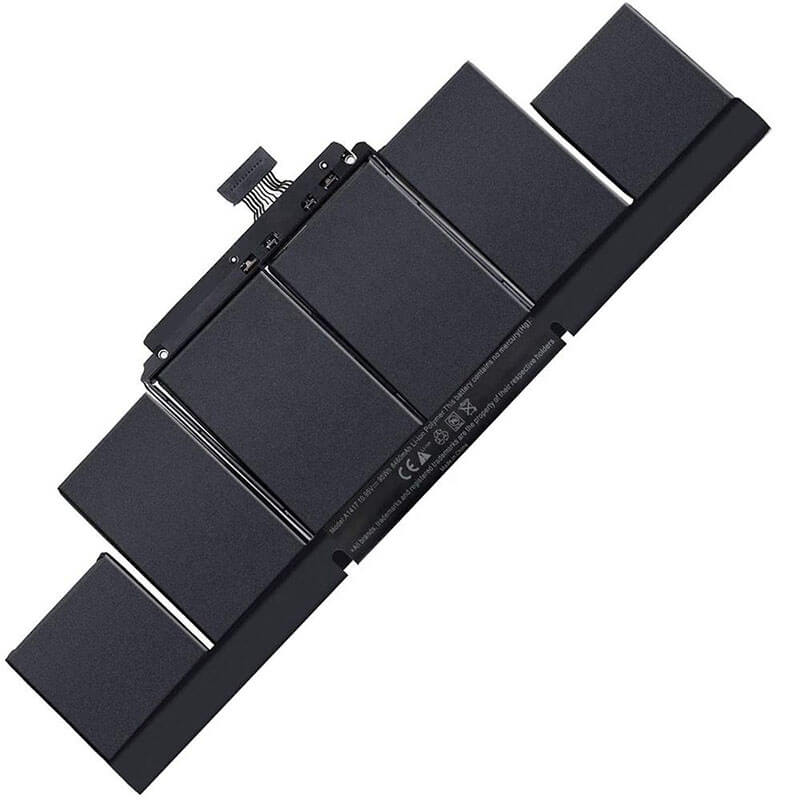
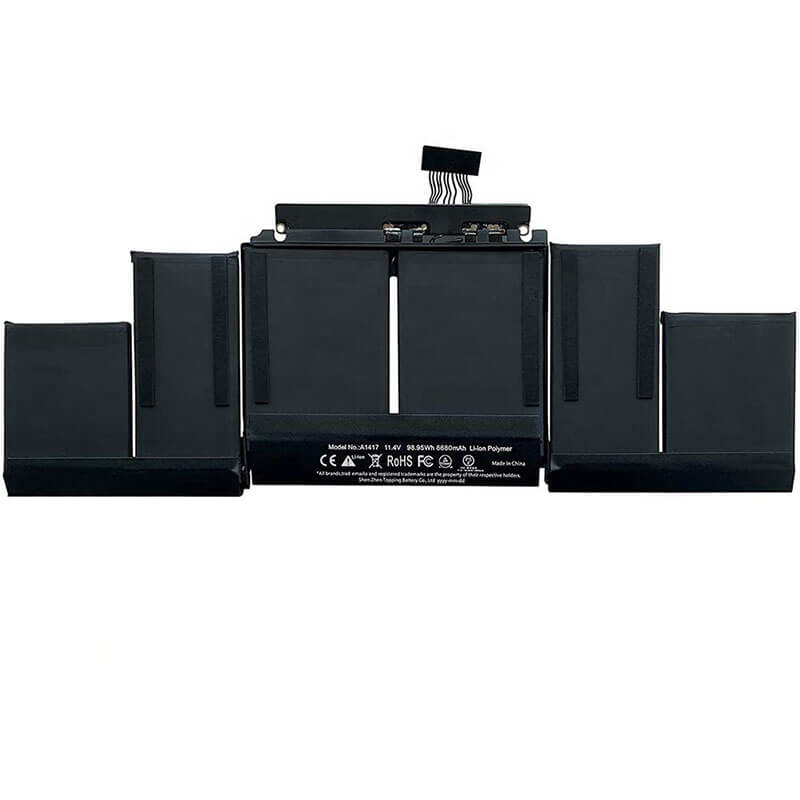
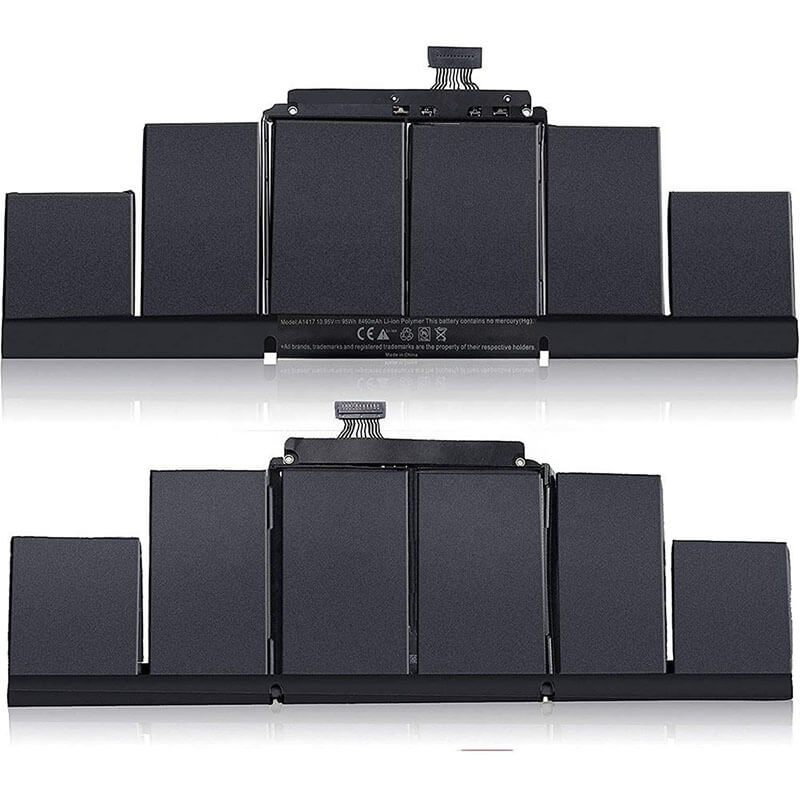
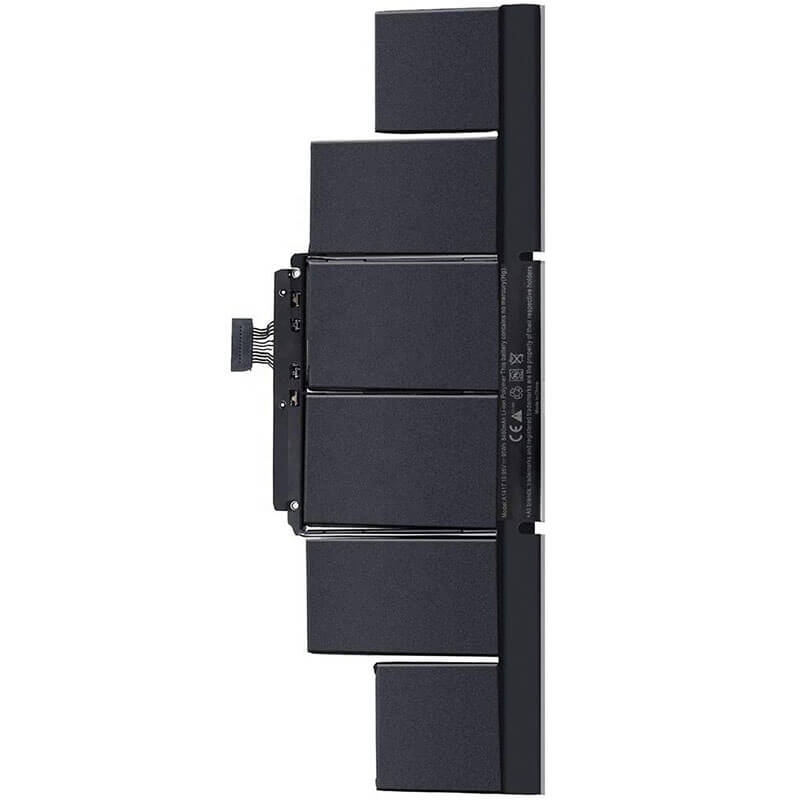
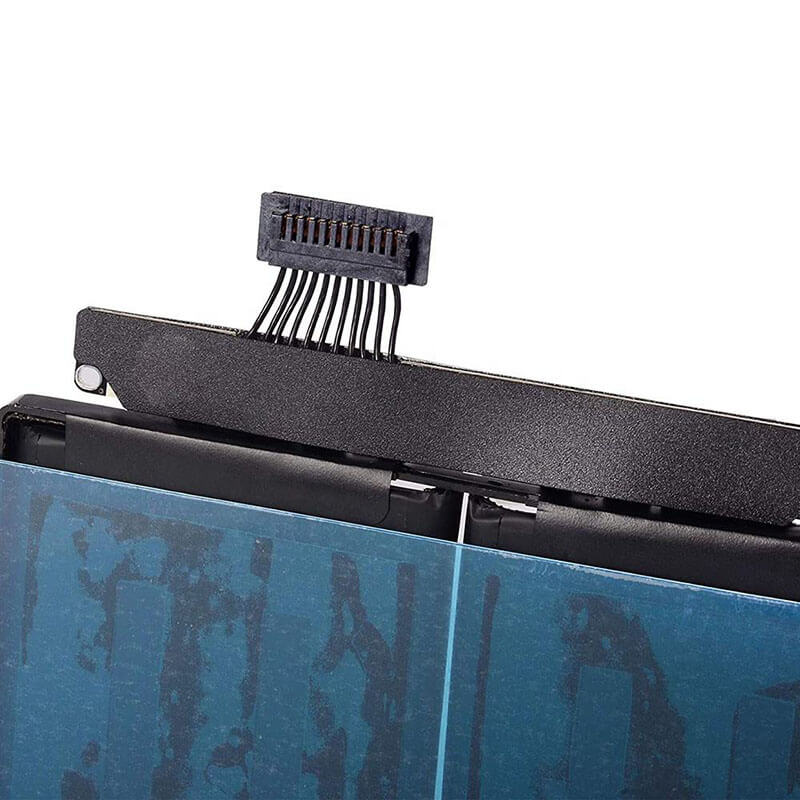
A1417 Battery Replacement for MacBook Pro 15″ Retina A1398 (Mid 2012-Early 2013) | 95Wh – HT...
- Model Numbers: A1417
- Compatible Laptop Model: A1398 (15-inch Retina)
- Battery Type: Li-polymer (Grade A+ Cells)
- Voltage: 10.95V
- Capacity: 95Wh (8800mAh)
- Cells: 6 Cell
- Condition: 100% Brand New from Factory
- Multiple Protection: Over Current, Over Voltage, Over Charge & Discharge, Overheat, Short Circuit, ESD, EMI
- Color: Black
- Certifications: CE / FCC / ROHS / UL-certified
- Life Cycle: Up to 1000 recharge cycles
- Condition: 100% Compatible Brand
- OEM/ODM: Yes(Accepted)
- Warranty: 18 Months After Sales, 24/7 Email Support.
- Package Includes: 1* A1417 Battery, P5 and T5 screwdrivers
- Product Dimensions: 12.99 x 4.65 x 0.39 inches
- Item Weight: 1.41 pounds
A1417 Battery Replacement for MacBook Pro 15″ Retina A1398 (Mid 2012-Early 2013) | 95Wh
Detailed Product Specifications and Features:
Core Technical Parameters:
- Model Numbers: A1417
- Compatible Laptop Model: A1398 (15-inch Retina)
- Battery Type: Li-polymer (Grade A+ Cells)
- Voltage: 10.95V
- Capacity: 95Wh (8800mAh)
- Cells: 6 Cell
- Condition: 100% Brand New from Factory
- Multiple Protection: Over Current, Over Voltage, Over Charge & Discharge, Overheat, Short Circuit, ESD, EMI
- Color: Black
- Certifications: CE / FCC / ROHS / UL-certified
- Life Cycle: Up to 1000 recharge cycles
- Condition: 100% Compatible Brand
- OEM/ODM: Yes(Accepted)
- Warranty: 18 Months After Sales, 24/7 Email Support.
- Package Includes: 1* A1417 Battery, P5 and T5 screwdrivers
- Product Dimensions: 12.99 x 4.65 x 0.39 inches
- Item Weight: 1.41 pounds
Technical Note:
- Model Confusion Warning:
The A1417 battery is only compatible with the Mid 2012 and Early 2013 batches of the A1398, and is not compatible with the Late 2013 and later batches (which use the A1494 or A1618). -
Adhesive Risk Warning:
Please be sure to warn users again near the top of the page that a solvent or alcohol must be used when removing the old battery to avoid using excessive force.
Product Features:
- Battery Newest Premium Grade Cells
- Best Circuit Board
- Multiple command chip control, keep the battery stable charge and discharge;
- Over-charger protection and discharger protection, short-circuit protection, ensure fast charges and low power consumption
- Easy & Quick Installation
- Our battery is 100% compatible with the original battery and meets
- CE/FCC/ROHS/UL-certified standards. It is 100% new from the manufacturer and can support up to 1000 recharge cycles over the life of the battery
- Power Interface: Gold-plated connector points to ensure current transport excellently and serve stably.
- Enclosure: The enclosure is made of ABS + PC high-quality material, which has a high-temperature-resistant function to protect your laptop from overheating
- Battery Buckle: The battery buckle is closely connected to the laptop, and the metal interface is stably powered
Full Compatibility List: A1417 battery replacement:
| Apple Device Name | Laptop Model | EMC | Year | Order Part No. (SKU) |
|---|---|---|---|---|
| MacBook Pro 15" Retina | A1398 | 2512 | Mid 2012 | MC975LL/A, MC976LL/A, MD831LL/A |
| MacBook Pro 15" Retina | A1398 | 2673 | Early 2013 | ME664LL/A, ME665LL/A |
Compatible Part Numbers (P/N)
- A1417
- 661-7362
- 661-7363
Why Choose HTJ A1417 Battery?
- A1417 Battery 95Wh High-Density Performance:
Engineered with premium, high-density cells (8460mAh minimum) to meet or exceed the original 95Wh capacity, providing maximum runtime for demanding 15-inch Retina workflows. - Smart Thermal Protection:
Features an advanced circuit board with multiple sensors to effectively manage heat distribution, a critical feature given the A1398’s tight internal structure and high CPU temperatures. - Pre-Drilled Alignment Holes:
Precision-manufactured housing includes all necessary screw-alignment holes to ensure a perfect, stress-free fit into the A1398 chassis, guaranteeing stability and electrical connection. - Quality Assurance:
HTJ’s commitment to using Grade A+ cells ensures a reliable service life of up to 1000 recharge cycles, backed by our comprehensive 18-month factory warranty.
How to Install Your New A1417 Battery (A1398)
Replacing the A1417 battery is considered a High-Difficulty repair due to the adhesive used by Apple. We recommend patience and appropriate tools.
⚠️ Crucial Safety Preparation
- Discharge First (ABSOLUTELY NECESSARY!): Discharge your old battery to below 25%. Puncturing a highly charged Li-ion cell risks fire or explosion.
- Required Tools: P5 Pentalobe screwdriver (for case), T5 Torx screwdriver (for internal components), and Adhesive Remover (or high-concentration Isopropyl Alcohol) with a plastic spudger.
Step-by-Step Installation Guide
- Remove the Bottom Case:
Flip your MacBook Pro over. Use the P5 Pentalobe screwdriver to remove the 10 screws securing the bottom case. Carefully lift the cover off.
- Disconnect The Original A1417 Battery Power (First Priority!):
Locate the original A1417 battery flex cable connector on the logic board.
Use a plastic spudger to gently disconnect the cable. This is the most crucial step to prevent short circuits.
- Clear the Path (Speaker Removal):
The A1417 battery assembly is complex. You must remove the two stereo speaker assemblies located on either side of the chassis to gain full access to all battery cells. Use the T5 Torx screwdriver for speaker screws.
- Remove the Old Battery (The Hard Part):
Adhesive Removal: Apply a few drops of Adhesive Remover or Isopropyl Alcohol under the edges of each of the six battery cells. Wait 5-10 minutes for the solvent to dissolve the glue.
Removal: Gently use a plastic card or spudger to slowly pry the battery cells free. NEVER use metal tools or excessive force, as this can puncture the cells.
- Install the New A1417 Battery:
Clean all residual adhesive from the chassis.
Align the new battery precisely, ensuring its connector is aligned with the logic board socket before pressing the cells down onto the chassis.
Apply gentle, even pressure to secure the new battery’s adhesive strips.
- Reassemble and Calibrate:
Reconnect the speakers and secure the screws. Reconnect the battery cable. Close the bottom case.
Calibration: Perform a full charge to 100%, keep it plugged in for 2 hours, then discharge to 0% until shutdown, and finally, recharge uninterrupted to 100%.
💡 Pro Tip:
- Model Confusion Warning:
The A1417 battery is only compatible with the Mid 2012 and Early 2013 batches of the A1398, and is not compatible with the Late 2013 and later batches (which use the A1494 or A1618). - Adhesive Risk Warning:
Please be sure to warn users again near the top of the page that a solvent or alcohol must be used when removing the old battery to avoid using excessive force.
Laptop Maintenance Tips:
- New battery: For using a new battery, you’d better try a few cycles of discharging to 5%. then charging up to 95%. So that it can be activated completely
- Overuse: Do not always run a battery down to 0%, as this would shorten its usage life.
- Charging sequence: When charging, first install the battery, then turn on the power. When fully charged, first cut off the power, then pull the power plug.
- Long-term storage: Please store the unused battery fully charged. (Charge it once a month.) Do not store at low power to prevent reducing the lifespan of a battery
- Charger: Do not replace the laptop adapter casually. If the original adapter cannot be applied due to malfunction or damage, please replace the models so as not to reduce the service life of the battery due to incompatibility.
【IMPORTANT】: Press [ Ctrl+F ] to find the laptop models.
Need a legacy/unlisted charger? Send your Apple Laptop Battery specs or CONTACT US → We will source it for you!
We are a professional manufacturer in the field of laptop batteries, laptop adapters, and laptop keyboards. We are committed to providing high-quality, competitively priced, and superior performance batteries and the best service to customers.
Need Expert Help or Legacy Charger Sourcing? Contact Our Professional Technical Team Now!