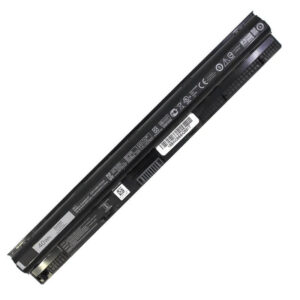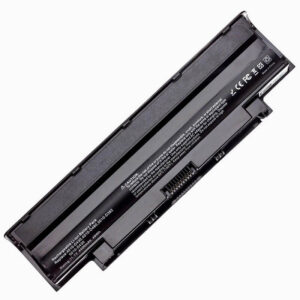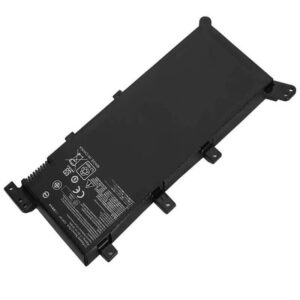
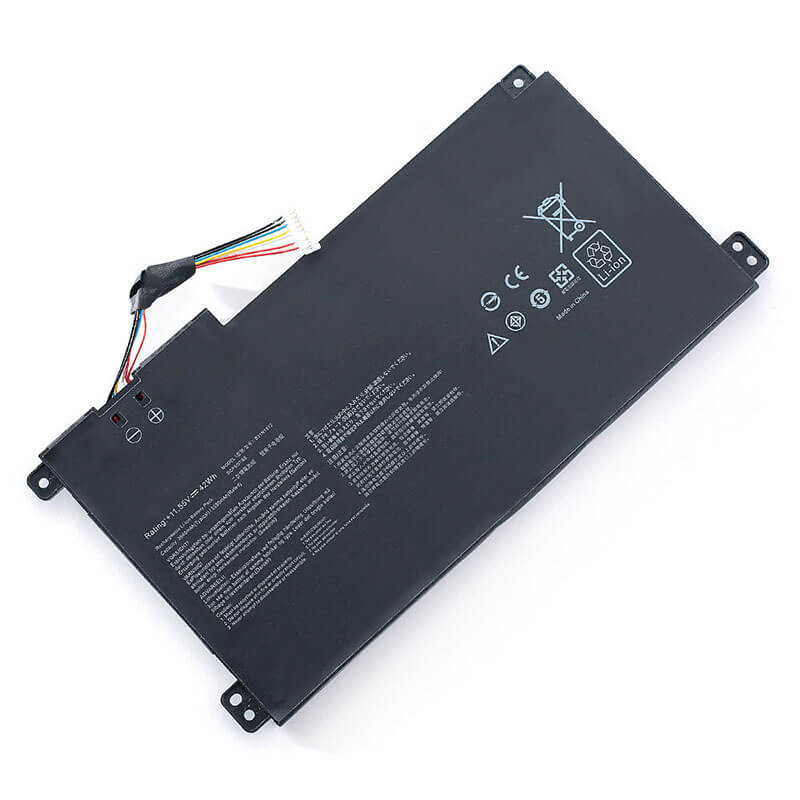
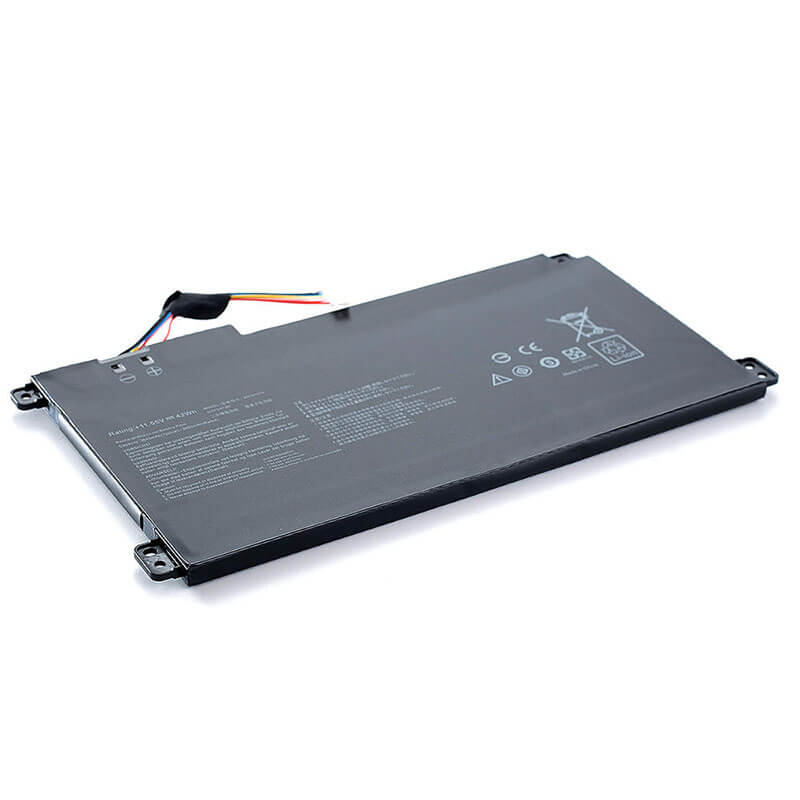
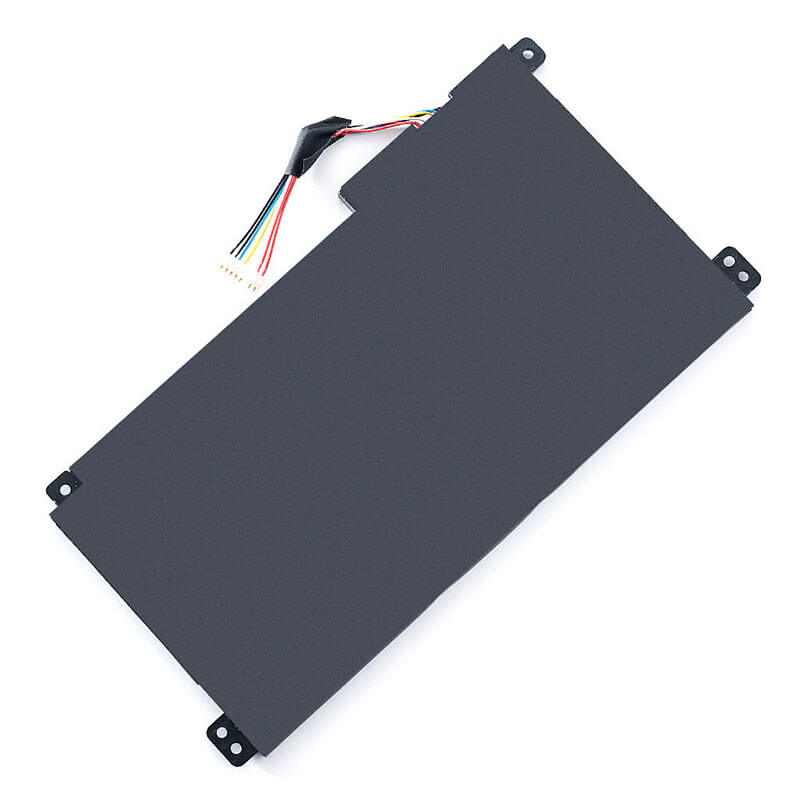
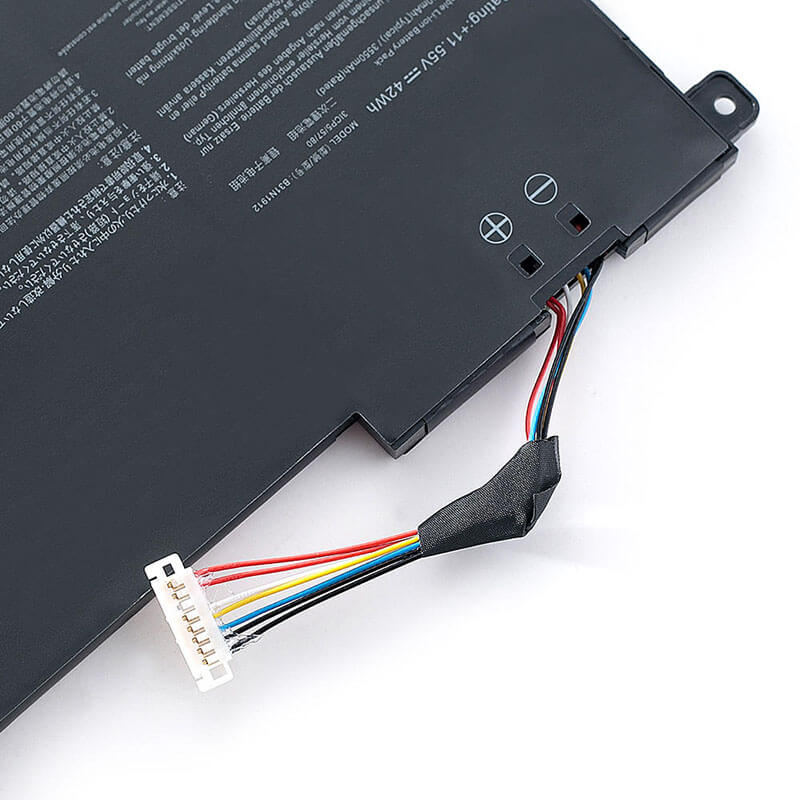
B31N1912 Battery Replacement for ASUS VivoBook 14 E410MA E410KA L410MA VivoBook 15 E510MA | 11.55V 4...
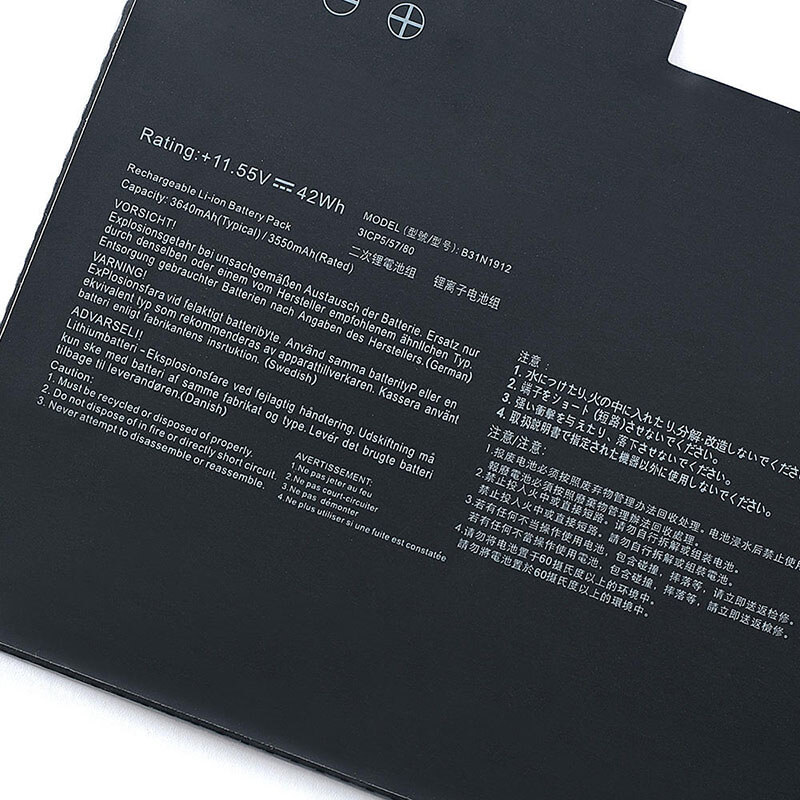
- Model Numbers: B31N1912 / B31N1912-1 / 0B200-03680000
- Battery Type: Li-ion (Grade A+ Cells)
- Voltage: 11.55V (Compatible with 11.4V)
- Capacity: 42Wh / 3640mAh
- Cells: 3-Cell
- Condition: 100% Brand New from Factory
- Life Cycle: Up to 1000 recharge cycles
- Multiple Protection: Over Current, Over Voltage, Over Charge & Discharge, Overheat, Short Circuit, ESD, EMI
- Color: Black
- Certifications: UL2054, CE, FCC, RoHS, UN38.3, MSDS, IEC62133
- OEM/ODM: Yes(Accepted)
- Warranty: 18 Months After Sales, 24/7 Email Support.
- Product Dimensions: 7.48 x 3.86 x 0.2 inches
- Item Weight: 7.8 ounces
B31N1912 Battery Replacement for ASUS VivoBook 14 E410MA E410KA L410MA VivoBook 15 E510MA | 11.55V 42Wh
Detailed Product Specifications and Features:
Core Technical Parameters:
| Property | Specification |
|---|---|
| Model Numbers | B31N1912 / B31N1912-1 / 0B200-03680000 |
| Battery Type | Li-ion (Grade A+ Cells) |
| Voltage | 11.55V (Compatible with 11.4V) |
| Capacity | 42Wh / 3640mAh |
| Cells | 3-Cell |
| Condition | 100% Brand New from Factory |
| Life Cycle | Up to 1000 recharge cycles |
| Multiple Protection | Over Current, Over Voltage, Over Charge & Discharge, Overheat, Short Circuit, ESD, EMI |
| Color | Black |
| Certifications | UL2054, CE, FCC, RoHS, UN38.3, MSDS, IEC62133 |
| OEM/ODM | Yes(Accepted) |
| Warranty | 18 Months After Sales, 24/7 Email Support. |
| Product Dimensions | 7.48 x 3.86 x 0.2 inches |
| Item Weight | 7.8 ounces |
Technical Note:
This is an Internal battery. The ASUS VivoBook E410/E510 series features a very thin chassis; please handle the internal ribbon cable with care during installation. B31N1912 and B31N1912-1 are identical in fit and function. Before purchasing, please open your laptop to confirm your original battery is 11.55V 42Wh, as some regional variants may use different configurations.
Product Features:
- Battery Newest Premium Grade Cells
- Best Circuit Board
- Multiple command chip control, keep the battery stable charge and discharge;
- Over-charger protection and discharger protection, short-circuit protection, ensure fast charges and low power consumption
- Easy & Quick Installation
- Our battery is 100% compatible with the original battery and meets
- CE/FCC/ROHS/UL-certified standards. It is 100% new from the manufacturer and can support up to 1000 recharge cycles over the life of the battery
- Power Interface: Gold-plated connector points to ensure current transport excellently and serve stably.
- Enclosure: The enclosure is made of ABS + PC high-quality material, it has high temperature-resistant function to protect your laptop from overheating
- Battery Buckle: The battery buckle is closely connected to the laptop, and the metal interface is stably powered
B31N1912 / B31N1912-1 / 0B200-03680000 Battery Compatibility Laptop Model List:
| Series | Detailed Compatible Laptop Models |
|---|---|
| ASUS VivoBook 14 E410 | E410MA, E410MA-EK007T, E410MA-EK017T, E410MA-EK018T, E410MA-EK026T, E410MA-BV1181W, E410MA-202.BLUE, E410KA, E410KA-EK139W |
| ASUS VivoBook 15 E510 | E510MA, E510MA-EJ001T, E510MA-EJ291T, E510MA-EJ402W, E510MA-EJ594W, E510MA-BR583, E510KA, E510KA-EJ033W |
| ASUS VivoBook L410 | L410MA, L410MA-DB02, L410MA-BV037T, L410MA-BV053T, L410MA-BV058T, L410KA |
| ASUS VivoBook L510 | L510MA, L510MA-DB02, L510MA-DS04, L510MA-EJ134T |
| ASUS VivoBook F410/F510 | F410MA, F410MA-EK185T, F510MA, F510MA-EJ209T |
| ASUS VivoBook R429/R522 | R429MA, R429MA-BV148T, R522MA, R522MA-EJ205T |
| Other Series | BR1100C, BR1100CKA, BR1100F, BR1100FKA, VivoBook 14 F414MA, VivoBook 15 F514G |
B31N1912 / B31N1912-1 / 0B200-03680000 Battery Compatible P/N (Part Numbers) List
- B31N1912
- B31N1912-1
- 0B200-03680000
- 0B200-03680200
- B31Bi9H
Why Choose HTJ B31N1912 Battery?
- Precision Ultra-Thin Design:
Specifically engineered for the ASUS VivoBook E410 and E510’s slim profile, our B31N1912 battery features a 1:1 original mold design. This ensures a perfect fit without adding pressure to the trackpad or chassis. - Long-Lasting Grade A+ Cells:
Equipped with high-energy density Li-ion cells, this battery provides a true 42Wh capacity. Rated for over 1000 charge cycles, it offers reliable mobile power for students and professionals on the go. - Advanced Safety Protection:
Our integrated Battery Management System (BMS) provides multiple layers of security, including over-charge, over-discharge, and short-circuit protection, meeting strict international safety standards (CE/FCC/RoHS). - Factory-Direct Value & Support:
By sourcing directly from HTJ, you receive premium quality without the retail markup. Each battery is backed by our industry-leading 18-month warranty and expert technical assistance.
How to Install Your New B31N1912 Battery?
Replacing the internal battery in the VivoBook E410/E510 series is a simple DIY task that takes about 10–15 minutes.
⚠️ Crucial Safety Preparation
- Power Off: Ensure the laptop is completely off and disconnected from the power adapter.
- Tools Needed: A small Phillips #0 screwdriver and a plastic prying tool.
B31N1912 Battery Step-by-Step Installation Guide:
- Remove Bottom Screws:
Flip the laptop over. Remove the 10 Phillips screws securing the bottom cover. Note: Some screws might be different lengths; keep them organized. - Pry the Cover:
Use a plastic tool to gently pop the clips around the edges and lift the bottom cover off. - Unplug the Battery Connector:
The B31N1912 uses a delicate multi-pin connector. Use your nails or a plastic tool to gently slide the connector out of its socket horizontally. - Unscrew the Old Battery:
Remove the Phillips screws holding the battery in place. Carefully lift the old battery out of the chassis. - Install the New HTJ Battery:
Align the new battery with the screw holes and set it in place. Reinstall the screws and firmly plug the battery connector back into the motherboard. - Close and Calibrate:
Snap the bottom cover back on and tighten the screws. Charge to 100%, keep it plugged in for 2 hours, then discharge to 5% to calibrate the new battery.
💡 Pro Tip:
Because these laptops are extremely light, ensure the battery cable is tucked neatly in its designated groove to avoid it being pinched by the bottom cover.
FAQ:
Q: How to identify if your battery is a B31N1912?
A: Open your laptop’s bottom case and look at the model name printed directly on the battery. It should explicitly say “Model: B31N1912”. Also, check the voltage (11.55V) and the shape—it is a long, narrow rectangle that spans almost the entire width of the laptop’s palm rest area.
Q: Is the B31N1912-1 compatible with the B31N1912?
A: Yes. The B31N1912-1 is simply a minor version update or a different factory code for the same battery. They are identical in physical dimensions, connector type, and electrical specifications, making them 100% interchangeable.
Q: My original battery is only 11.4V. Is this 11.55V version safe?
A: Absolutely. 11.4V and 11.55V are standard nominal voltages for this 3-cell Li-ion architecture. Your laptop’s power management system is designed to handle this slight variation without any risk or performance loss.
Laptop Maintenance Tips:
- New battery: For using a new battery, you’d better try a few cycles of discharging to 5%. then charging up to 95%. So that it can be activated completely
- Overuse: Do not always run a battery to 0%, as this would shorten its usage life.
- Charging sequence: When charging, first install the battery, then turn on the power. When fully charged, first cut off the power, then pull the power plug.
- Long-term storage: Please store the unused battery fully charged. (Charge it once a month.) Do not store at low power to prevent reducing the lifespan of a battery
- Charger: Do not replace the laptop adapter without proper care. If the original adapter cannot be used due to malfunction or damage, please replace it with a compatible model to prevent reducing the battery’s service life.
【IMPORTANT】: Press [ Ctrl+F ] to find the laptop models.
Need a legacy/unlisted charger? Send your Asus Laptop Battery specs or CONTACT US → We will source it for you!
We are a professional manufacturer in the field of laptop batteries, laptop adapters, and laptop keyboards. We are committed to providing high-quality, competitively priced, and superior performance batteries and best service to customers.
Need Expert Help or Legacy Charger Sourcing? Contact Our Professional Technical Team Now!