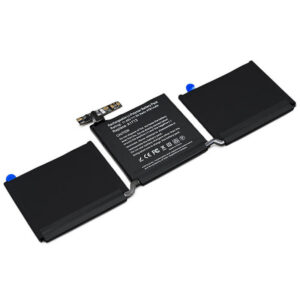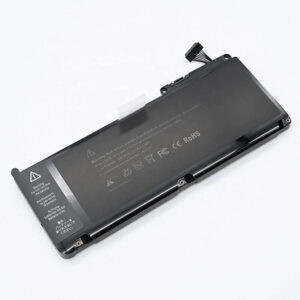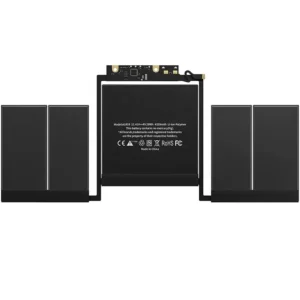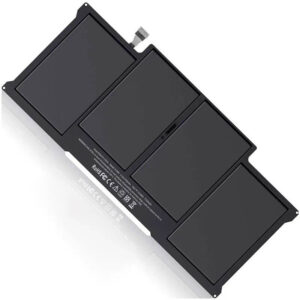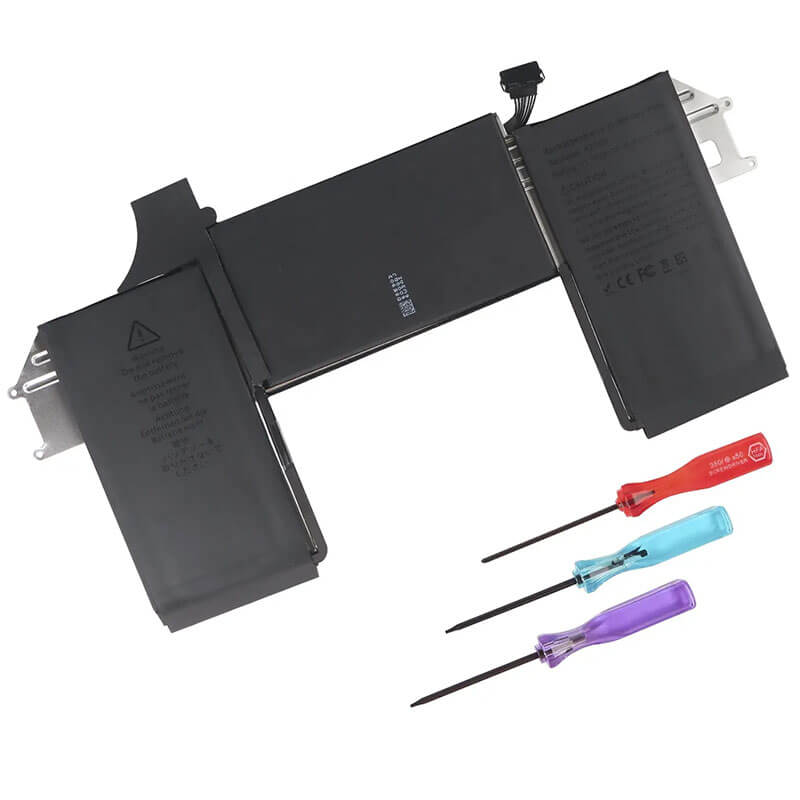
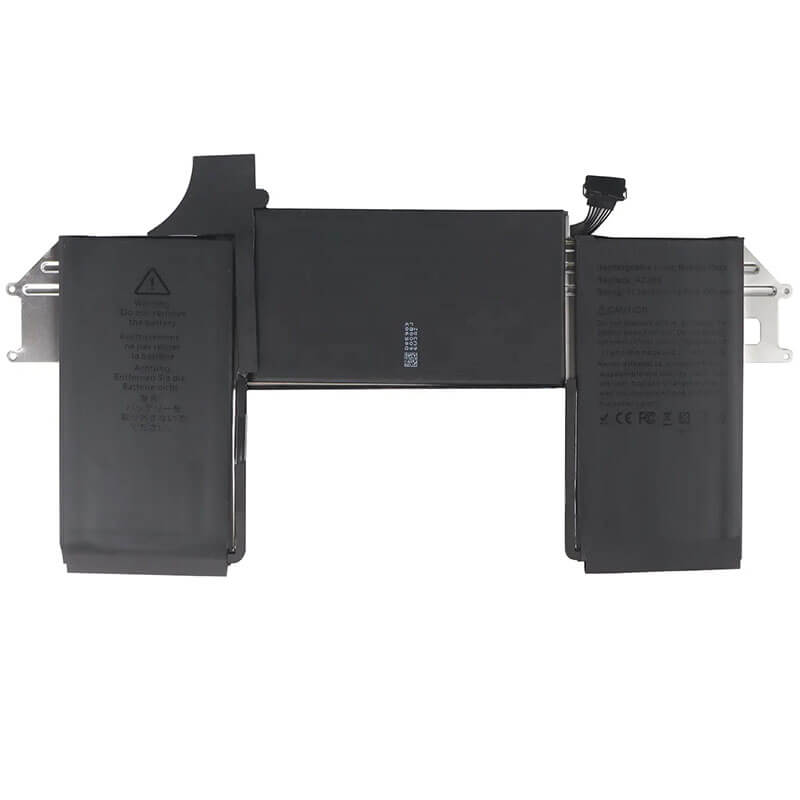

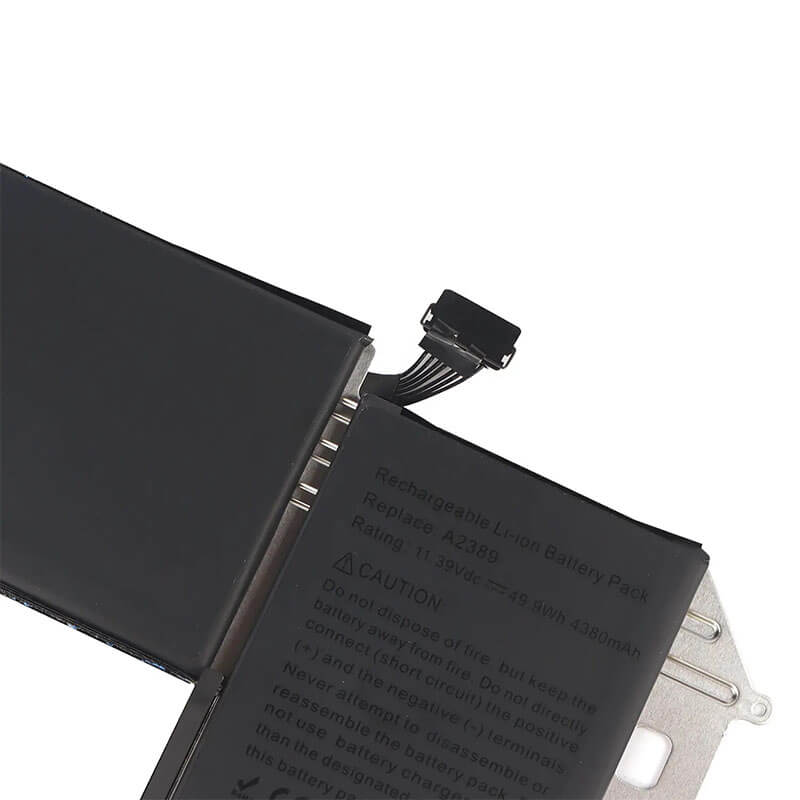

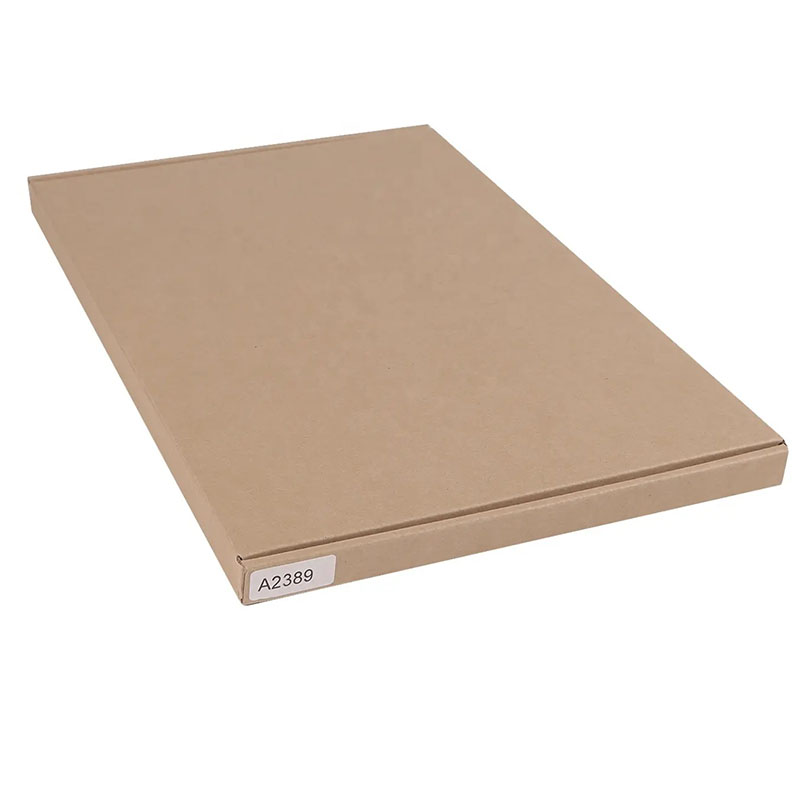
A2389 Battery Replacement for MacBook Air 13″ M1 A2337 (Late 2020) | 55Wh – HTJ
- Model Numbers: A2389 Battery (Compatible with A2337 laptops)
- Compatible Laptop Model: MacBook Air 13″ M1 A2337 (Late 2020)
- Battery Type: Li-polymer (Grade A+ Cells)
- Voltage: 11.4V
- Capacity: 55Wh / 4800mAh
- Cells: 3 Cell
- Condition: 100% Brand New from Factory
- Multiple Protection: Over Current, Over Voltage, Over Charge & Discharge, Overheat, Short Circuit, ESD, EMI
- Color: Black
- Certifications: CE / FCC / ROHS / UL2054 / UN38.3 -certified
- Life Cycle: Up to 1000 recharge cycles
- Condition: 100% Compatible Brand
- OEM/ODM: Yes(Accepted)
- Warranty: 18 Months After Sales, 24/7 Email Support.
- Package Includes: 1* A2389 Battery, screwdrivers
- Product Dimensions: 14.09 x 7.72 x 0.94 inches
- Item Weight: 14.9 ounces
A2389 Battery Replacement for MacBook Air 13″ M1 A2337 (Late 2020) | 55Wh
Detailed Product Specifications and Features:
Core Technical Parameters:
- Model Numbers: A2389 Battery (Compatible with A2337 laptops)
- Compatible Laptop Model: MacBook Air 13″ M1 A2337 (Late 2020)
- Battery Type: Li-polymer (Grade A+ Cells)
- Voltage: 11.4V
- Capacity: 55Wh / 4800mAh
- Cells: 3 Cell
- Condition: 100% Brand New from Factory
- Multiple Protection: Over Current, Over Voltage, Over Charge & Discharge, Overheat, Short Circuit, ESD, EMI
- Color: Black
- Certifications: CE / FCC / ROHS / UL2054 / UN38.3 -certified
- Life Cycle: Up to 1000 recharge cycles
- Condition: 100% Compatible Brand
- OEM/ODM: Yes(Accepted)
- Warranty: 18 Months After Sales, 24/7 Email Support.
- Package Includes: 1* A2389 Battery, screwdrivers
- Product Dimensions: 14.09 x 7.72 x 0.94 inches
- Item Weight: 14.9 ounces
Technical Note:
- Model Uniqueness: The A2389 is only compatible with the A2337 model with the M1 chip. It is not compatible with the earlier A1932 or A2179 models.
- Professional Recommendation: Due to the complexity of disassembling the A2337 and the high risk of damaging the touchpad ribbon cable, as well as the strong adhesive, professional installation is highly recommended to avoid damaging the internal components.
Product Features:
- Battery Newest Premium Grade Cells
- Best Circuit Board
- Multiple command chip control, keep the battery stable charge and discharge;
- Over-charger protection and discharger protection, short-circuit protection, ensure fast charges and low power consumption
- Easy & Quick Installation
- Our battery is 100% compatible with the original battery and meets
- CE/FCC/ROHS/UL-certified standards. It is 100% new from the manufacturer and can support up to 1000 recharge cycles over the life of the battery
- Power Interface: Gold-plated connector points to ensure current transport excellently and serve stably.
- Enclosure: The enclosure is made of ABS + PC high-quality material, which has a high-temperature-resistant function to protect your laptop from overheating
- Battery Buckle: The battery buckle is closely connected to the laptop, and the metal interface is stably powered
A2389 Battery Battery Full Compatibility Model & Year List:
The A2337 model has only one production year batch, but different Order Part Numbers depend on the color and configuration:
| Apple Device Name | Laptop Model | EMC | Year | Order Part No. (SKU) | Processor / Specs |
|---|---|---|---|---|---|
| MacBook Air 13" (M1) | A2337 | 3598 | Late 2020 | MGN63LL/A | M1 Chip (8-Core CPU/7-Core GPU) - Space Gray |
| MacBook Air 13" (M1) | A2337 | 3598 | Late 2020 | MGN93LL/A | M1 Chip (8-Core CPU/7-Core GPU) - Silver |
| MacBook Air 13" (M1) | A2337 | 3598 | Late 2020 | MGND3LL/A | M1 Chip (8-Core CPU/7-Core GPU) - Gold |
| MacBook Air 13" (M1) | A2337 | 3598 | Late 2020 | MGN73LL/A | M1 Chip (8-Core CPU/8-Core GPU) - Space Gray |
| MacBook Air 13" (M1) | A2337 | 3598 | Late 2020 | MGNA3LL/A | M1 Chip (8-Core CPU/8-Core GPU) - Silver |
| MacBook Air 13" (M1) | A2337 | 3598 | Late 2020 | MGNE3LL/A | M1 Chip (8-Core CPU/8-Core GPU) - Gold |
Compatible P/N (Part Numbers) List
- A2389
- 020-04082
- 661-16842
Why Choose HTJ A2389 Battery?
- M1 Chip Optimized Power Management:
Specifically designed to work with the Apple Silicon M1 power architecture, ensuring accurate health reporting and peak performance for MacBook Air’s fanless design. - Genuine 49.9Wh Capacity:
We use high-density Grade A+ cobalt-lithium cells that provide a true 49.9Wh/4380mAh capacity, matching the original endurance for all-day battery life. - 1000+ Industrial Grade Cycles:
Our batteries are engineered to retain over 80% of their original capacity after 1000 full charge cycles, significantly outlasting standard aftermarket alternatives. - Advanced Multi-Safety Protection:
Features a premium TI (Texas Instruments) decoding chipset that protects against over-charging, short-circuits, and thermal issues, fully certified by CE, FCC, and RoHS.
How to Install Your New A2389 Battery (A2337)
Because the battery is heavily glued to the casing and surrounded by delicate ribbon cables, replacing the battery in the A2337 is very difficult. Replacing the battery in a MacBook Air M1 (A2337) is a complex procedure. It requires professional tools and careful handling of the adhesive and trackpad flex cables.
⚠️ Crucial Safety Preparation
- Discharge First: Ensure the battery is below 25% before disassembly to prevent fire risks if a cell is punctured.
- Required Tools: P5 Pentalobe, T3 Torx, T5 Torx, and a Battery Adhesive Remover (or 99% Isopropyl Alcohol).
Step-by-Step Installation Guide
- Remove the Bottom Case:
Use the P5 Pentalobe screwdriver to remove the 10 screws. Carefully lift the bottom case off. - Disconnect the Battery Board (Critical):
Locate the battery data connector. Use a T3 Torx to remove the cover screw, then lift the connector. This isolates the power to protect the logic board and M1 chip. - Clear the Path:
You must remove the logic board and speakers to safely access all the battery’s adhesive pull tabs. This is a delicate process involving several small flex cables. - Dissolve and Remove Adhesive:
Apply Adhesive Remover under the edges of each battery cell. Let it sit for 5-10 minutes.
Warning: The trackpad flex cable is located directly under the battery. Use a thin plastic card to slide under the cells very slowly to avoid slicing the cable. - Clean and Install:
Wipe away all remaining adhesive from the chassis. Remove the backing from the new A2389 battery’s adhesive strips.
Align the battery connector with the motherboard BEFORE pressing the cells down into place to ensure a perfect fit. - Reassemble and Calibrate:
Secure all screws, reconnect all flex cables, and close the case.
Calibration: Charge to 100%, keep it on the charger for 2 hours, then discharge to 5%, and charge it back to 100% uninterrupted.
💡 Pro Tip:
Professional Recommendation: Due to the complexity of disassembling the A2337 and the high risk of damaging the touchpad ribbon cable, as well as the strong adhesive, professional installation is highly recommended to avoid damaging the internal components.
Laptop Maintenance Tips:
- New battery: For using a new battery, you’d better try a few cycles of discharging to 5%. then charging up to 95%. So that it can be activated completely
- Overuse: Do not always run a battery to 0%, as this would shorten its usage life.
- Charging sequence: When charging, first install the battery, then turn on the power. When fully charged, first cut off the power, then pull the power plug.
- Long-term storage: Please store the unused battery fully charged. (Charge it once a month.) Do not store at low power to prevent reducing the lifespan of a battery
- Charger: Do not replace the laptop adapter casually. If the original adapter cannot be applied due to malfunction or damage, please replace the models so as not to reduce the service life of the battery due to incompatibility.
【IMPORTANT】: Press [ Ctrl+F ] to find the laptop models.
Need a legacy/unlisted charger? Send your Apple Laptop Battery specs or CONTACT US → We will source it for you!
We are a professional manufacturer in the field of laptop batteries, laptop adapters, and laptop keyboards. We are committed to providing high-quality, competitively priced, and superior performance batteries and the best service to customers.
Need Expert Help or Legacy Charger Sourcing? Contact Our Professional Technical Team Now!